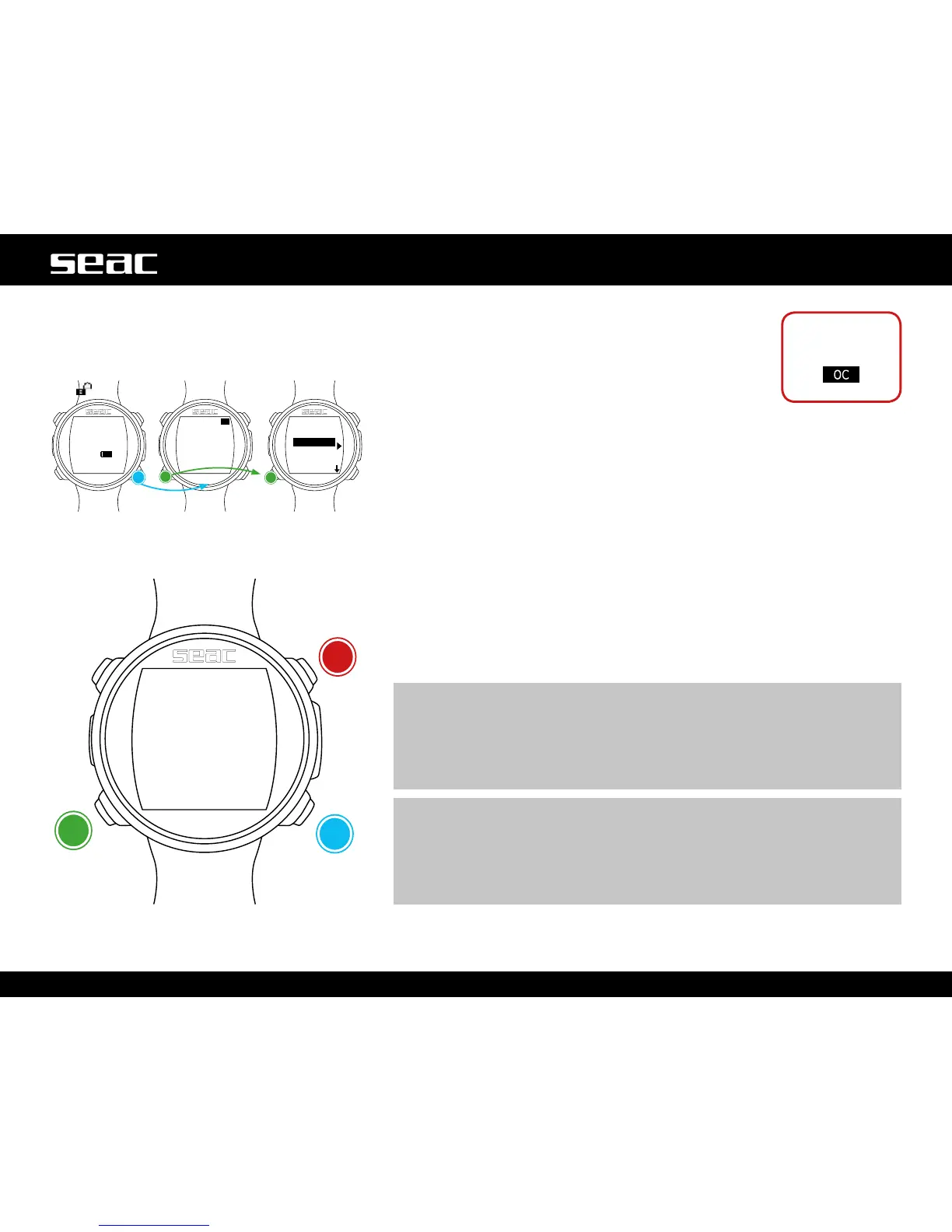
DIVE SET 2 (Dive settings 2)
The DIVE SET 2 Menu shows the second part of the JACK
dive settings.
S.S. DPT: (Safety Stop Depth) (3-9): Depth at which you
want to do your Safety Stop.
S.S. TIME: (Safety Stop Time) (OFF-9): Duration of the
Safety Stop in minutes.
Although it is always recommended that you perform a Safety Stop for all dives
taken within the no-decompression limits, you can deactivate the Safety Stop by
setting the value S.S. Time to OFF).
DEEP STOP (OFF/STD): If enabled, this introduces an additional non-obligatory
stop with the Standard method (STD) (half of the maximum depth for 2.5
minutes).
LAST STP: (Last Stop) (1-10): Depth at which you wish to take the last
decompression stop (only if the dive is outside the no-deco limit and requires
deco stops).
DECO CTRL: (ON/OFF): If enabled (ON), JACK will not permit any new dives in
the12hoursfollowingadiveinwhichanysignicantdecoviolationsoccurred.
Disabling (OFF) the DECO CTRL is not recommended, and will be permanently
recorded in the JACK Logbook.
m WARNING!
The Safety Stop is considered a NON obligatory stop to be taken during
dives within the no-deco limits. Violating the Safety Stop does not entail
decompression penalties for subsequent dives and is not considered a “deco
violation”.
Therefore, DO NOT disable the DECO CTRL if you intend to skip the Safety Stop.
m WARNING!
The Safety Stop is omitted automatically if the decompression profile falls
outside the no-decompression limits. Even if any decompression that may
have been accumulated is cleared before the safety stop depth, the dive is
still not considered to be within the no-deco limits, and thus JACK will not
offer the Safety Stop.
+
-Next
value
JACK
unlocked
Use only in
scuba mode



 To Next Page