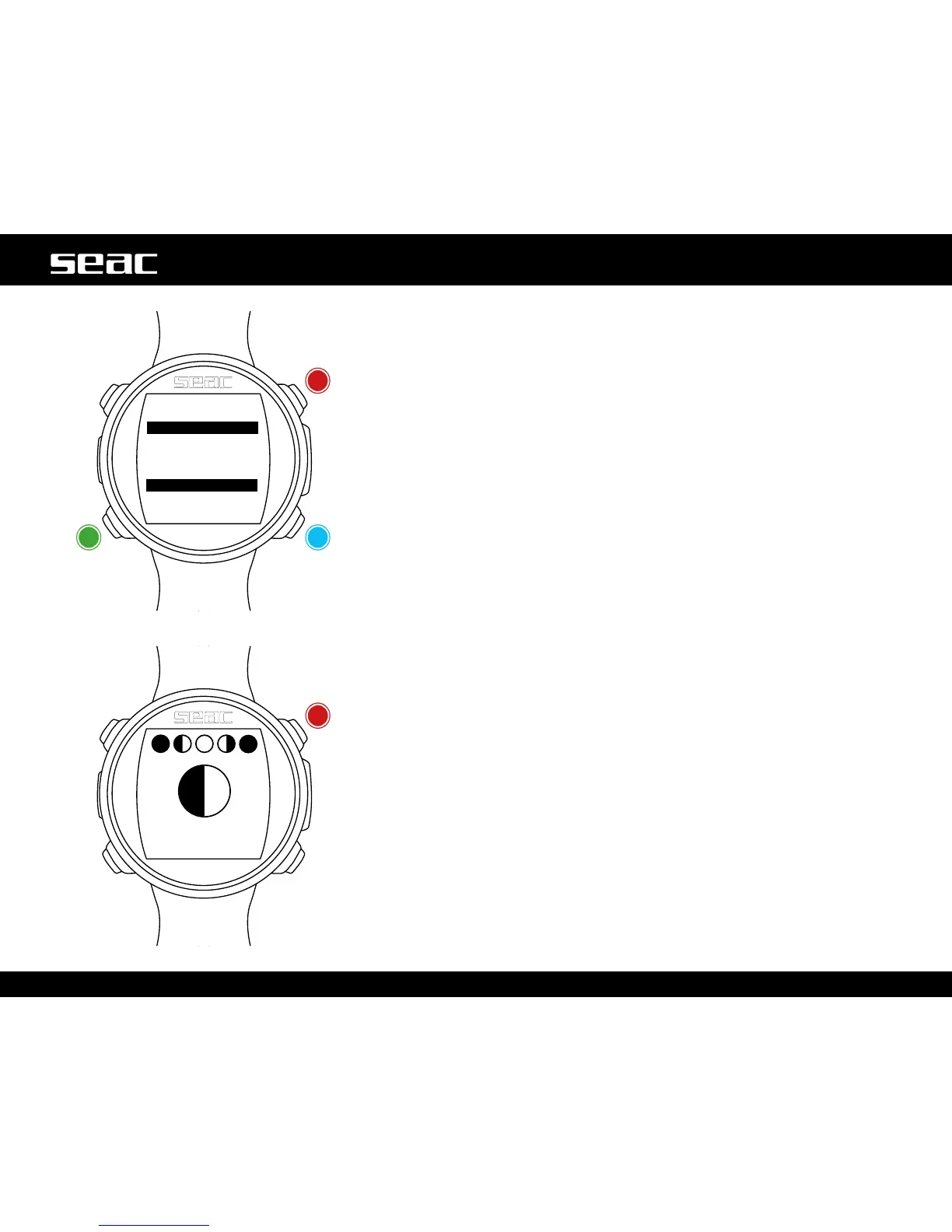
CHRONO: Stopwatch
Press the B, C and D buttonsasshownintheguretousetheapp.
If the stopwatch is running, use the D button to save the partial times (LAP TIME
and LAST LAP TIME).
If the stopwatch is stopped, the D button will reset all times.
The Stopwatch only stops when you press the C button. It will continue to run
even when you exit the CHRONO app.
LAP TIME: Lap time since the D button was pressed last.
LAST LAP: Lap time since the last time the stopwatch was launched.
To completely reset the CHRONO App, you need to stop the time (C) and press D.
MOON: Phases of the Moon
Press the B, C and D buttonsasshownintheguretousetheapp.
The legend for the phases of the moon is shown at the top of the screen. The
actual phase is shown large in the middle.
(The new moon is shown as a completely black circle, while the full moon is
completely white).
AGE: The number of days since the new moon.
(A lunar cycle (from new moon to new moon) lasts 29.5 days).
EPACT: The moon age value on January 1 of the current year.
(Used largely to establish the occurrence of certain religious festivals).
Exit
Exit
RESET/LAPSTART/STOP



 To Next Page