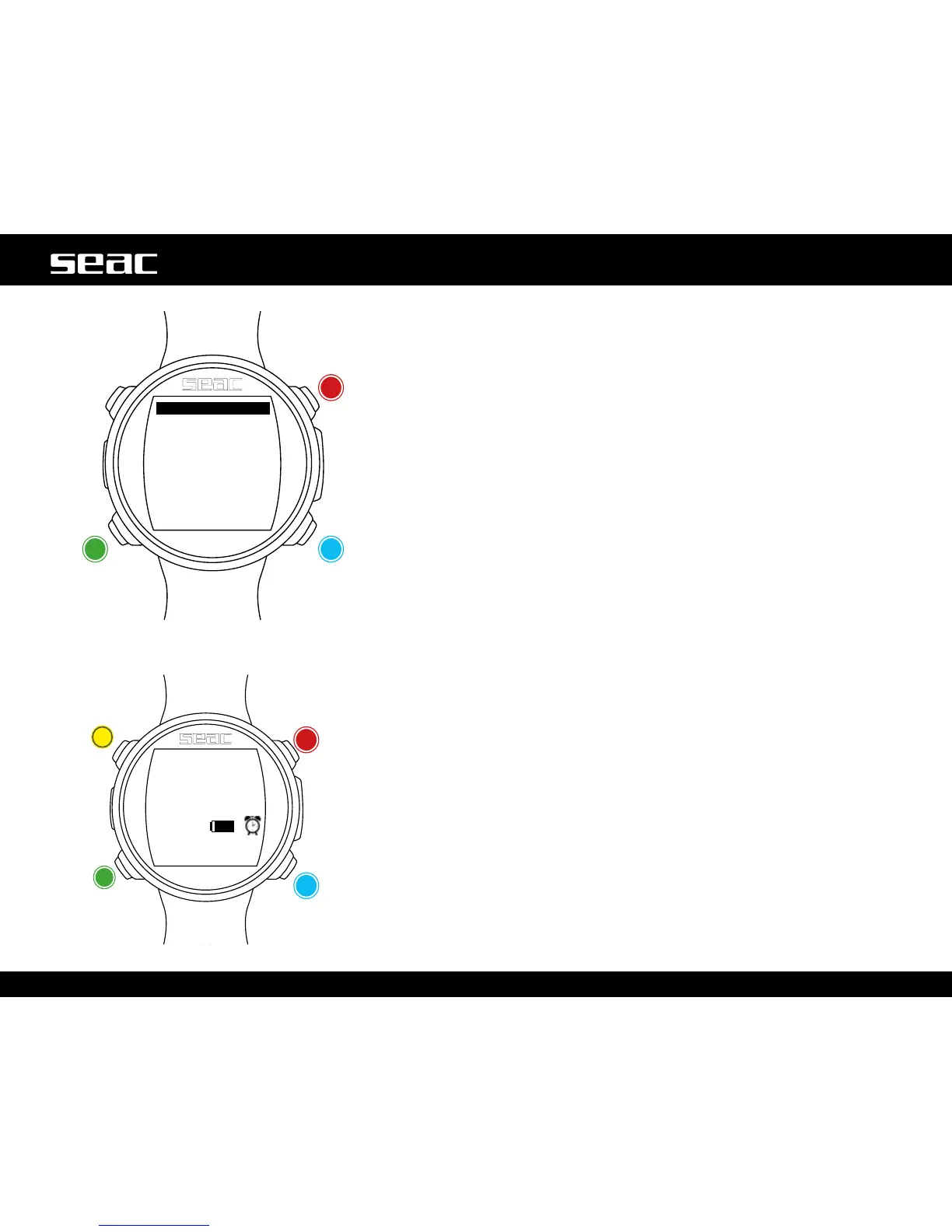
CLOCK ALARM
Press the B, C and D buttonsasshownintheguretousetheapp.
The time set for the alarm is shown in the center. The ON/OFF activation switch
is located at center bottom.
ON = JACK issues an audible alarm each day at the time set.
OFF = No alarm set.
If the ALARM CLOCK is set to ON, the alarm icon will be shown on the right of
the watch screen and the JACK lock screen.
When the alarm sound plays, press any key to silence it. If the CLOCK ALARM
App is not subsequently turned OFF, the alarm will sound automatically the next
day at the same time.
+
-Next value
Stop alarm Stop alarm
Stop alarm
Stop alarm



 To Next Page