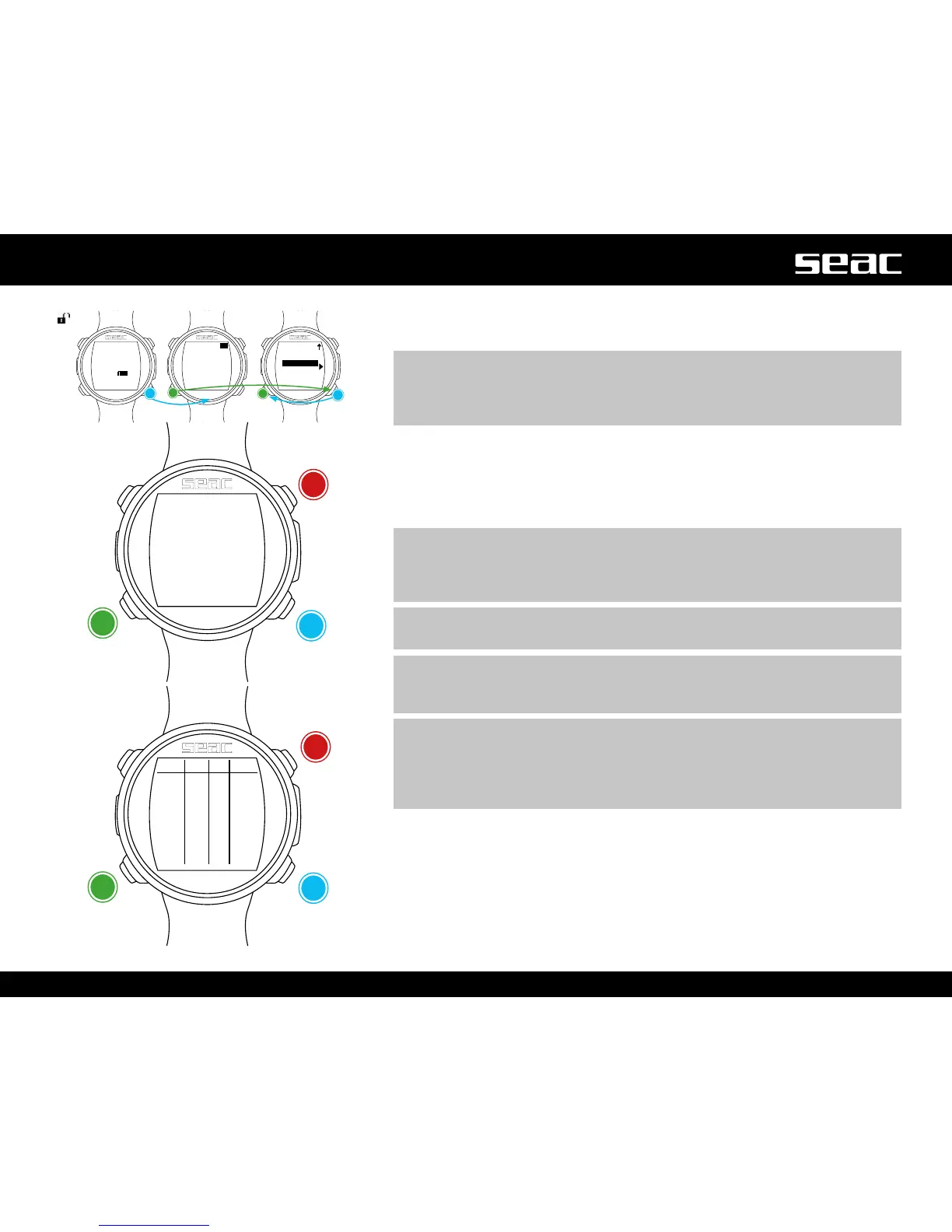
PLANNER (deco planner)
JACKintegratesacompleteplannerforsquareproledives.
m WARNING!
In order to change the dive parameters, set up the computer the way you
want it in the DIVE SET menu and the MIX menu. JACK will simulate the dive
using the current settings.
For DEPTH, Time and Evaluate refer to “No-Deco Planner” (previous page).
If the dive is NOT within no-decompression limits (deco stops called for):
DPT: Depth of the decompression stop in meters (in feet if Imperial units are set).
DT: Stop time, expressed in minutes.
RT: Time elapsed from the beginning of the dive to the deco stop.
MIX: Mix used during the deco stop.
m WARNING!
In addition to the deco stops, the final value shown will always be the
information about the end of the bottom time (in the example at left, 35 |
25 | 25 | 21/0).
m WARNING!
Press B and D to scroll through the pages if there are more than 3 deco stops.
m WARNING!
The planner assumes 18 m/min as the descent rate and 9 m/min for
ascent rate in decompression calculations.
m WARNING!
The Planner function does not run the “validation” of the profile, that is,
it does not take into account a possible excess of CNS, limitations on the
volumetric availability of the mixes, a possible isobaric counterdiffusion due
to a change of mixes or the MOD of a mix used.
Adequate training is necessary in order to best plan a technical dive. Consult
your instructor or your training agency if you have any questions about planning.
For graphic formatting reasons for the Planner, the maximum DT displayed is
99 minutes. If an individual decompression stop turns out to be longer than 99
minutes, it will be shown in the planner as “99”. During the dive however, the
stop will be shown with the time displayed in full (e.g. 120 min).
JACK unlocked
+
Next page
-
Previous
page
Next value
Exit



 To Next Page