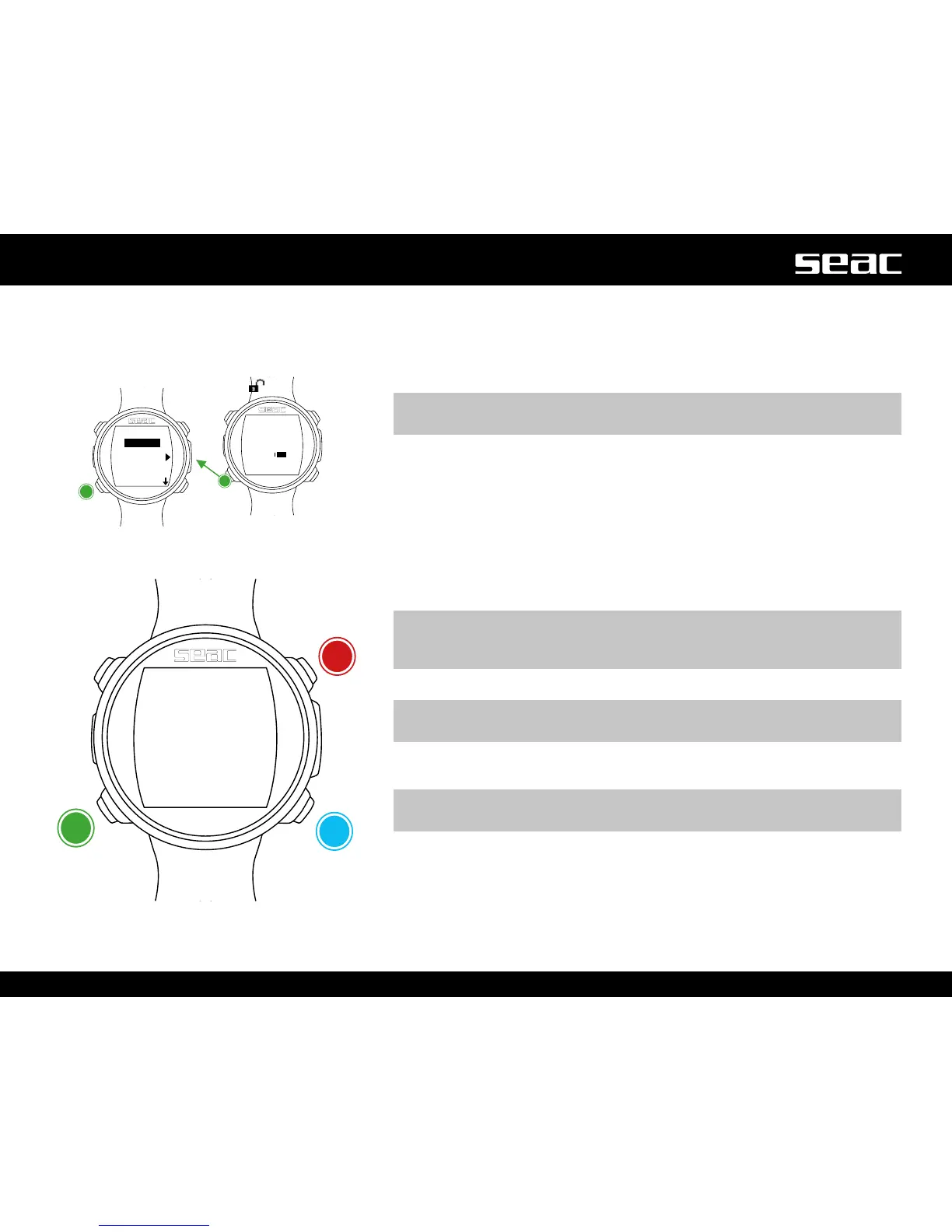
DISPLAY (Screen settings)
The settings for the JACK screen can be changed from the DISPLAY menu.
RefertothegureatlefttonavigatetheDISPLAYmenu.
BKL LEVEL: (0-10). Adjust the backlight power.
m WARNING!
Setting a very high value reduces JACK's battery time.
BKL TIME: (0-60). Adjust the duration of backlighting in minutes for AUTO mode.
BKL MODE: (AUTO-MAN-DIVE). Set the backlighting mode.
AUTO: Backlighting deactivates automatically after a few minutes (BKL TIME).
MAN: Backlighting is managed manually (one press to activate and one to
deactivate).
DIVE: Backlighting activates automatically and remains active throughout the
entire dive.
When not diving, it uses the AUTO settings.
m WARNING!
In the watch screen, regardless of the BKL MODE and BKL TIME settings,
backlighting is deactivated after 3 seconds.
CONTRAST: (0-7) Sets the intensity of the font contrast.
m WARNING!
Setting a very high value reduces JACK's battery time.
SLEEP: (0-60) In minutes, indicates the elapsed time after which JACK activates
SLEEP mode when immobile (a value of 0 deactivates the Sleep function).
m WARNING!
Deactivating the Sleep function drastically reduces the computer's burn-time.
To exit, select EXIT (or wait 60 seconds without pressing any button).
Select
JACK
unlocked
Increase
value
Decrease
value
Next value



 To Next Page