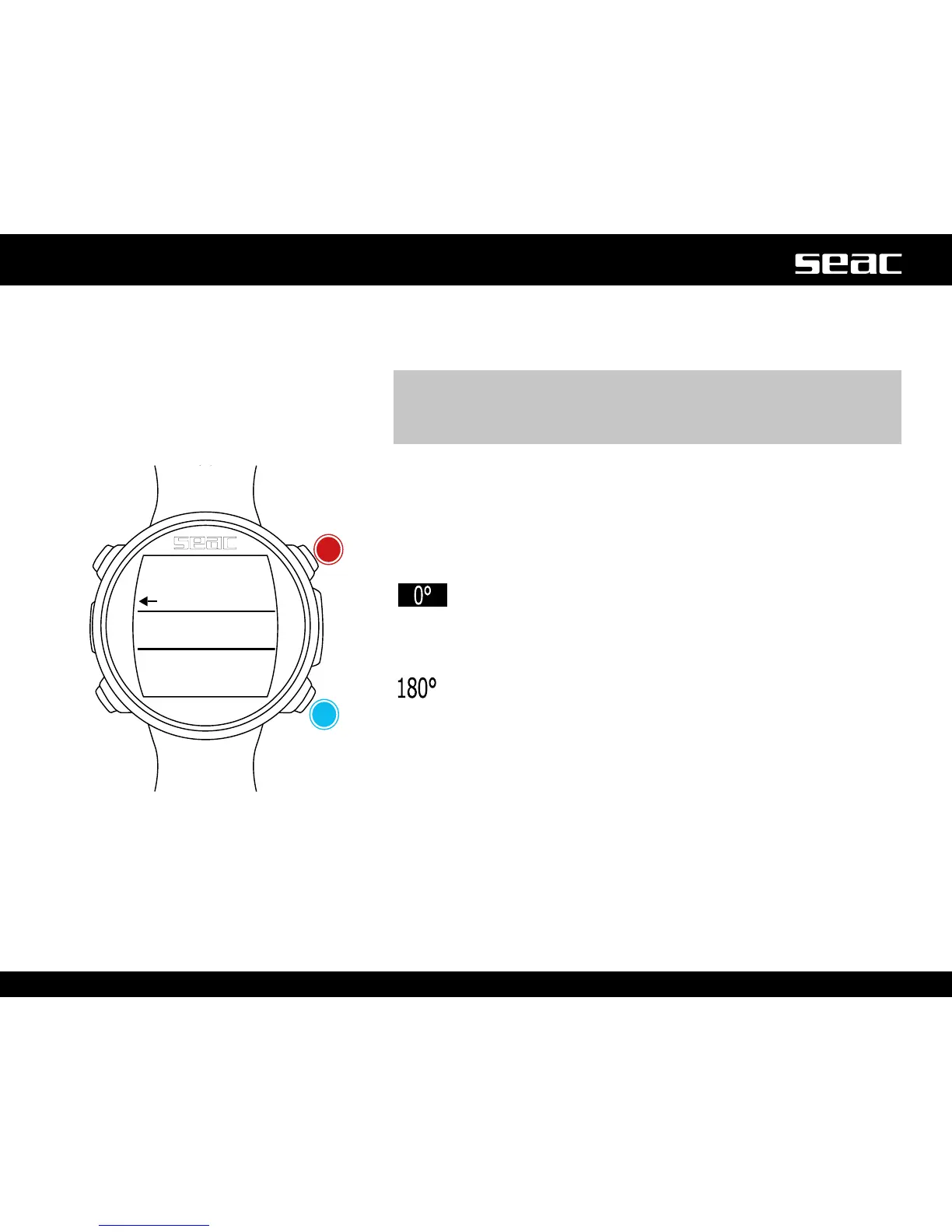
Compass during the dive
To access the compass screen, press the B button which is available during the
dive (OC, FREE, GAUGE).
m WARNING!
If the “CALIBRATE” message appears, or if the compass is not fluid or
functioning correctly, the compass needs to be calibrated.
To calibrate the compass, refer to the COMPASS section of this manual.
To set the route, press the D button.
While navigating, JACK considers the direction to be “on route” if the desired
route diverges no more than 5° from the direction set.
The current depth is shown on the lower right. The current temperature is on
the lower left.
To exit the compass, press the B button twice.
(Direction in degrees highlighted in black): Direction on route
(+/-5° with respect to the value set with D.
<=
=>
(Direction in degrees not highlighted): Indicates which direction to
gotondtherouteset.
(Direction in degrees not highlighted, no arrow shown): Exact
inverse of the direction set.
Compass graphics legend:
N: North
S: South
W: West
E: East
NE: Northeast
NW: Northwest
SE: Southeast
SW: Southwest
App / exit
Set the
route



 To Next Page