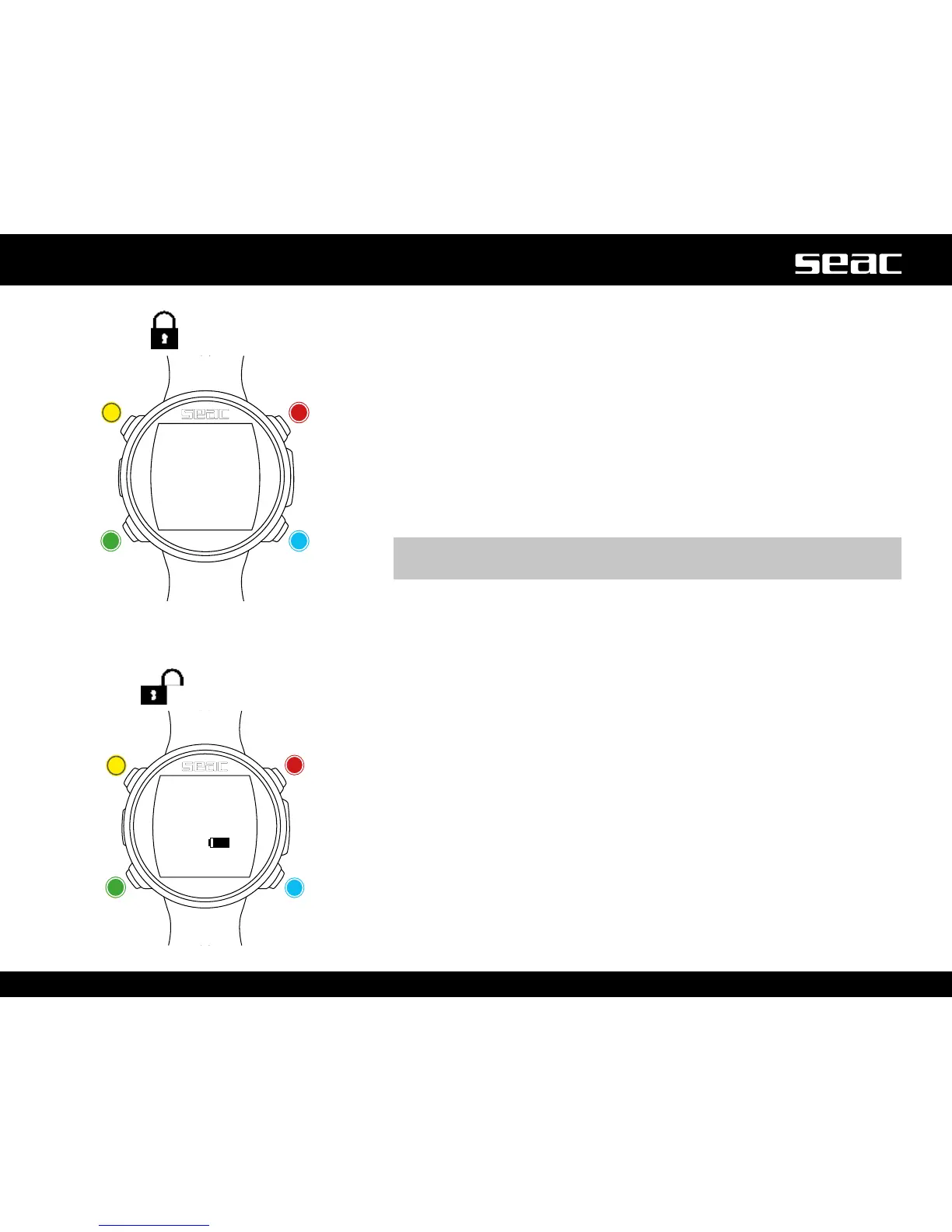
Watch screen
When not diving, watch mode is considered the main screen for JACK. When
navigating the menu, the computer will return automatically to the watch screen
if no button is pressed for 60 seconds.
Watch mode displays the following:
Large, in the center: Time in 24 hr or 12 hr format (the date format can be
set from the SYS SET menu).
Small, in the center: battery %.
m WARNING!
Do not dive if the battery charge is lower than 30%.
At lower left: date in dd/mm format (the date format can be changed to mm/
dd in the DIVE SET 1 menu by selecting the Imperial system).
At lower right: Day of the week.
JACK
unlocked
Backlighting
Compass
and App
Dive mode
Watch mode
menu
Lock screen
Unlock Unlock
UnlockUnlock



 To Next Page