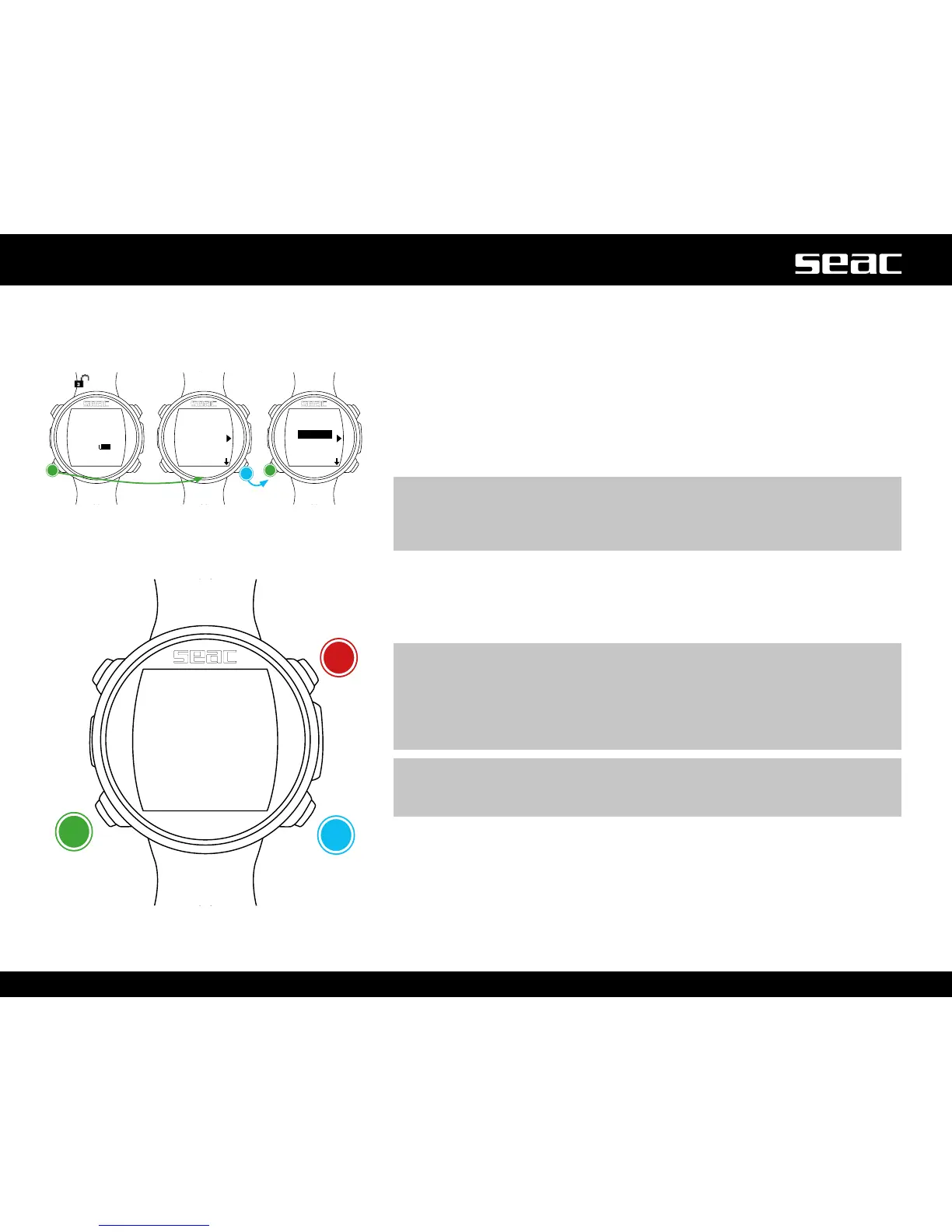
Reset to Default (reset to factory defaults)
Tonavigatethemenu,followtheinstructionsinthegureatleft.
SETTINGS: Yes/No. Reset all menu items to factory defaults. The SETTING
command resets all menus and settings (MIX, Alarms, etc.). It does not reset
the diver's tissue saturation.
TISSUES: Yes/No. Resets the diver's tissue saturation.
m WARNING!
Do not reset the tissue saturation for ANY REASON if the device is being
used by the same person. This prevents JACK from running the correct
decompression calculation.
EXECUTE: Resets all items set to YES. (Select the EXECUTE function and
press the C button to run the reset).
m WARNING! DANGER!
Do NOT perform the tissue saturation reset (TISSUES=YES) if the device will
be used by the same person!
This can lead to the risk of accidents, including fatal ones.
The tissues can only be reset if the JACK device will be used by a person
who has not taken any dives in the previous 48 hours.
m WARNING!
Any tissue reset is recorded permanently in JACK's dive logbook.
The user takes full and complete responsibility for a tissue saturation reset.
JACK
unlocked
YES/
NO
YES/
NO
Conrm



 To Next Page