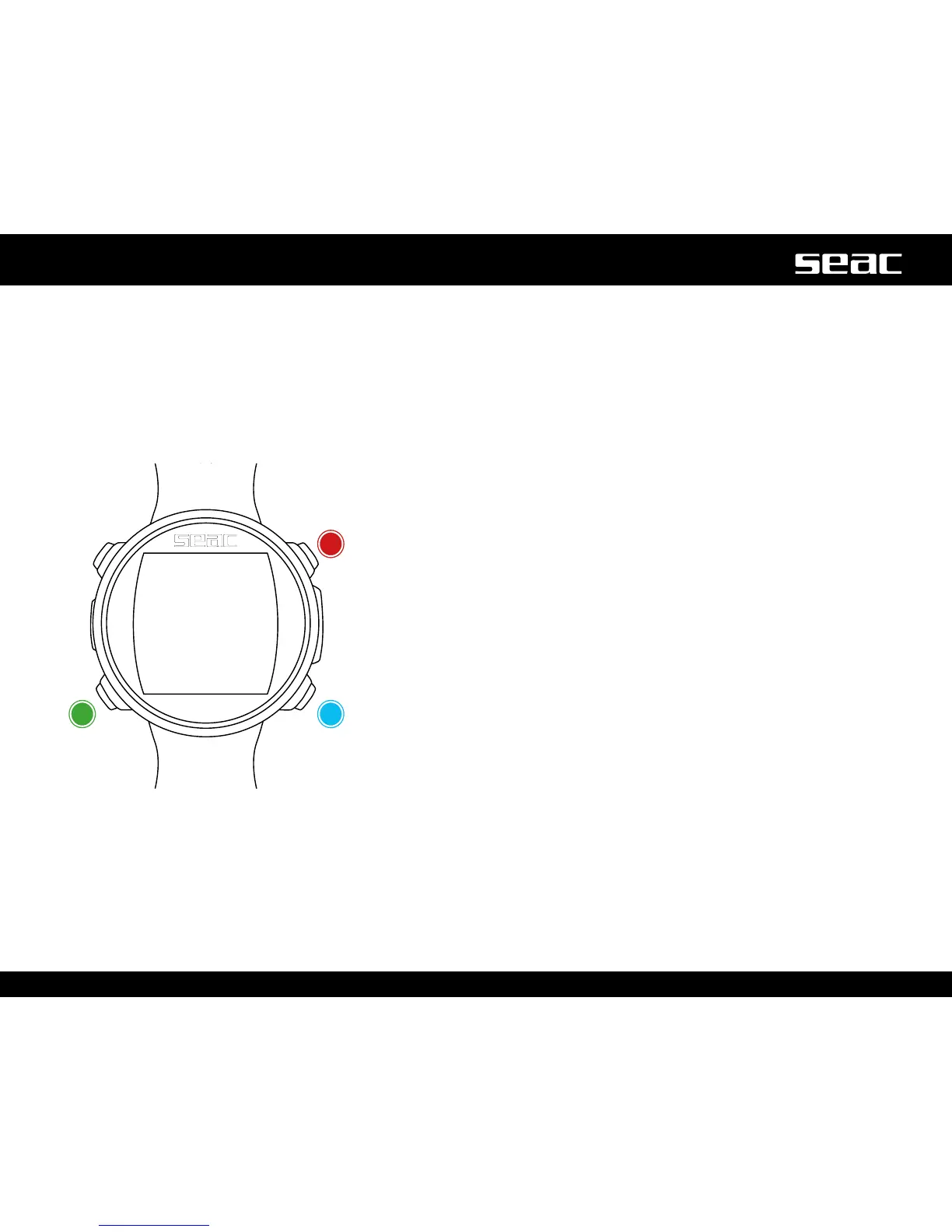
FITNESS: Step counter
Press the B, C and D buttonsasshownintheguretousetheapp.
The JACK shows (from top to bottom).
Number of Steps
Distance covered
Current speed
Calories burned
Press the B or D button to reset the step counter.
To make the reading as accurate as possible, walk or run at a consistent rate,
enter your Height and Weight, selecting the value you want to change with the C
button, and set the correct number using the B and D buttons.
Use this same method to set the sensitivity of the pedometer (SENSE) to adapt
its detection to your running style, the type of terrain on which you run, and the
kind of shoes you wear.
Step counter readings are not accurate during the dive.
To exit, use the C button to select Exit and press D.
Reset/Up
Reset/DownNext value



 To Next Page