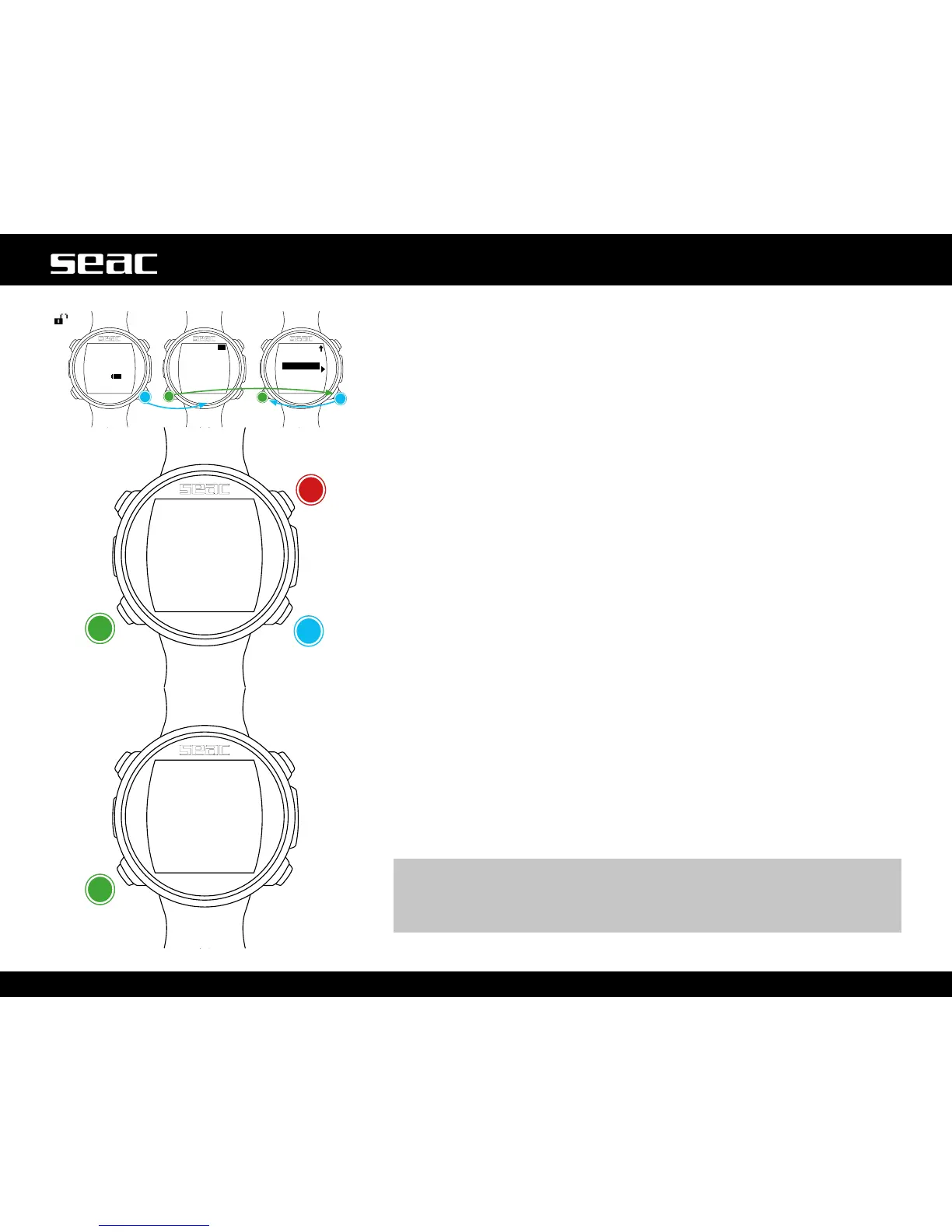
PLANNER (within no-deco limits)
JACKintegratesacompleteplannerforsquareproledives.
Warning: To change the dive parameter, set up JACK as desired from the DIVE
SET menu and the MIX menu; the computer will simulate the dive using the
settings currently in place.
DEPTH: Enter the maximum planned depth for the dive.
TIME: Enter the bottom time for the dive in minutes.
EVALUATE: Launch the dive simulation (select with C and press D).
If the dive is within the no-decompression limits (no deco stops required).
NDL: No decompression time left (after the bottom time set).
CNS: % of accumulated CNS (after the bottom time set).
OTU: % of OTU accumulated (after the bottom time set).
MIX QT: Mix volume in liters anticipated to be required for the dive.
m WARNING!
The amount of gas consumed is only approximate, and refers to standard
consumption. Work from the instructions provided in your own training
about the amount of gas you need during the dive.
JACK unlocked
+
-
Next value
Exit



 To Next Page