m WARNING!
This manual does NOT replace adequate training!
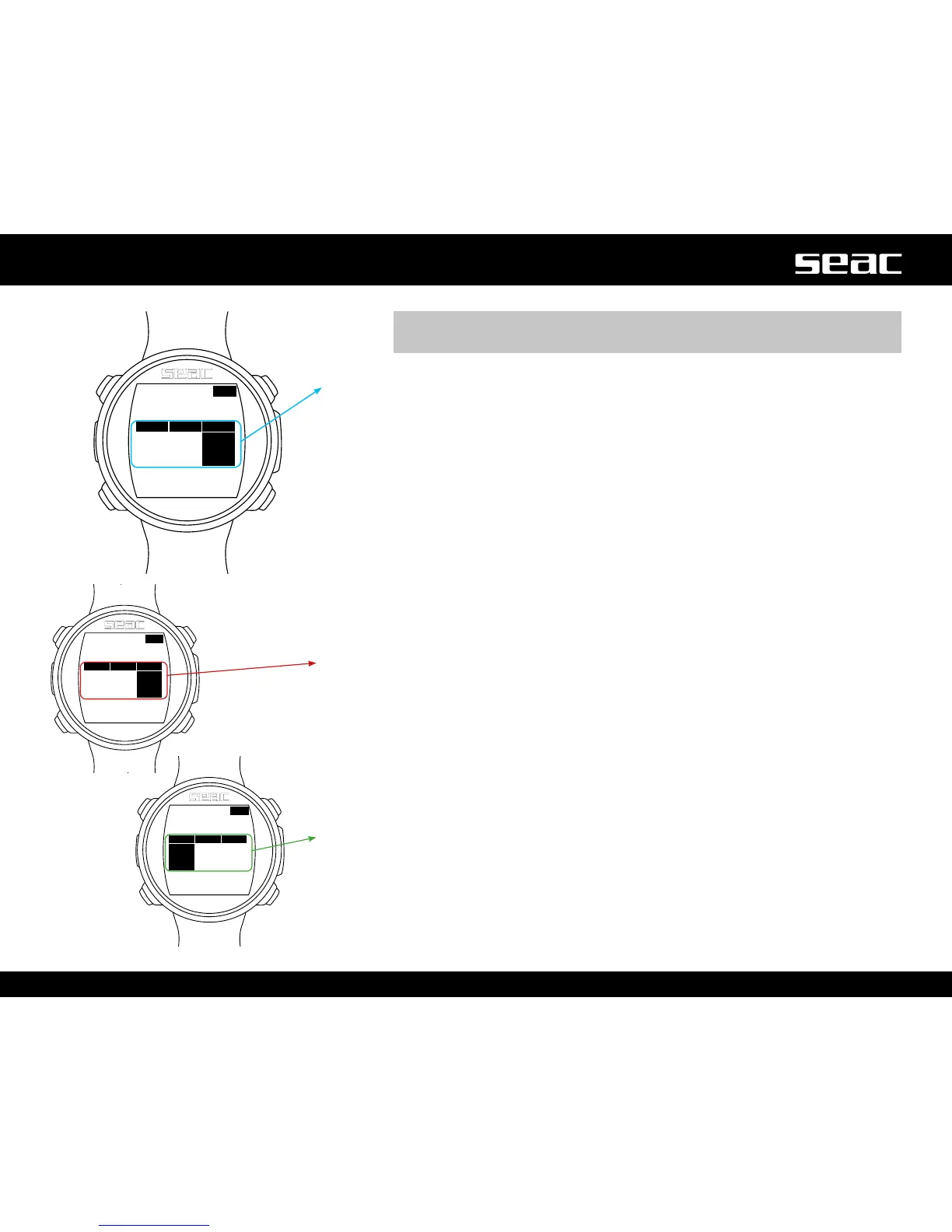
Safety Stop: In the event that a Safety Stop has been set (recommended), it
will be shown on the display in the center line of the computer during the ascent,
beginning at a depth of 9 m. (The safety stop is omitted automatically when the
dive exceeds the no-decompression limits).
You can change the time and depth of the safety stop in the DIVE SET 2 menu.
SFT: (Left) Time left to spend in the safety stop.
STOP: (Center) Depth of the stop.
NDL: (Right) No Decompression Limit.
If the Deep Stop is enabled: If you set the Deep Stop function, it will be
displayed 5 m before the actual depth required in the central line on the display,
and will be removed (if not performed) 5 m after the depth required.
If the Deep Stop is performed during a dive within the no-decompression limits,
the NDL time will remain visible on the right side of the display against a black
background.
The DEEP info is shown to the left in minutes. In the middle STOP indicates the
depth.
If the Deep Stop is done in a dive with mandatory decompression stops, the
Deep Stop information will be shown against a neutral background in place of the
STOP and TIME values, leaving the TTS value visible against a black background..



 To Next Page