第 37 页
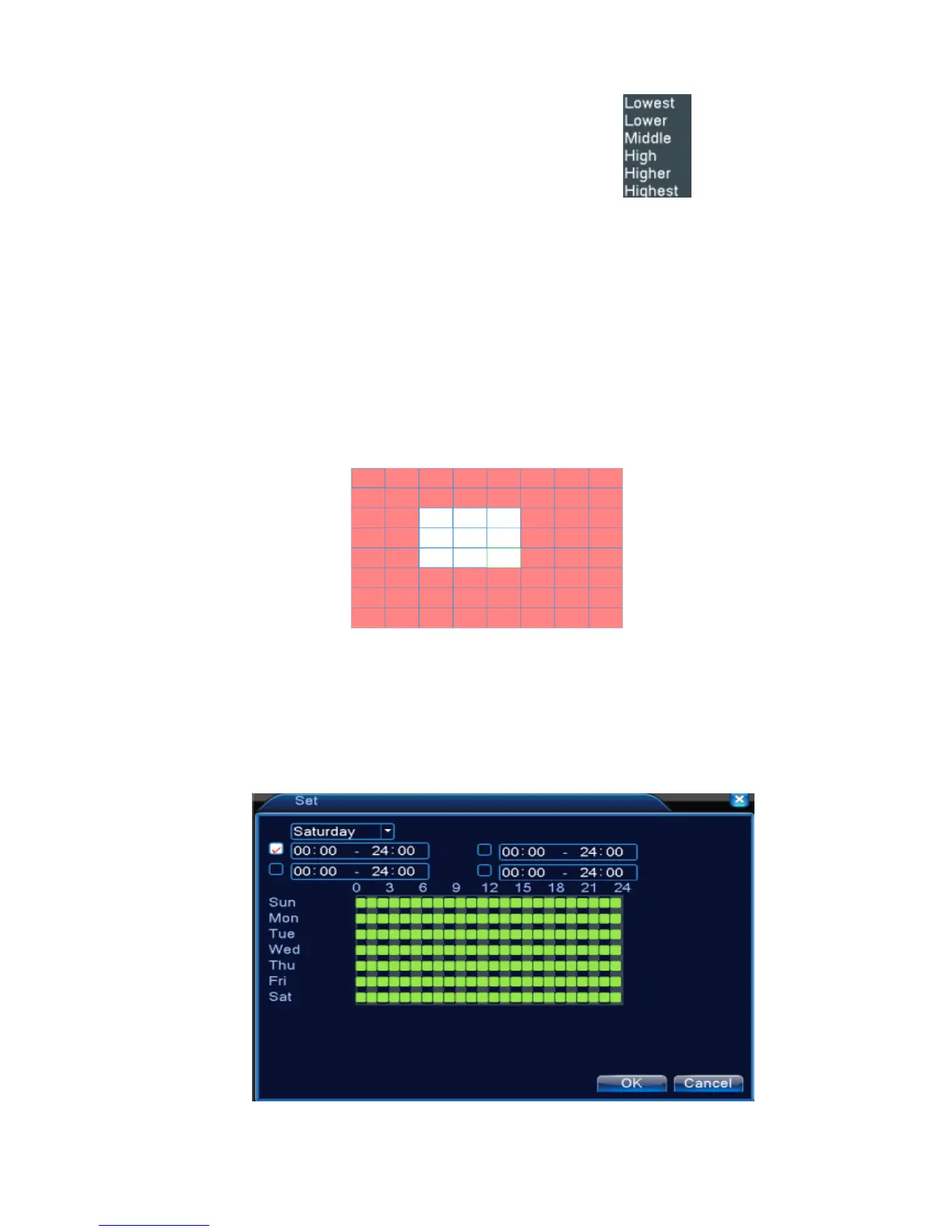
【Sensitivity】Choose in the six options according to the sensitivity. .
Note: Only the motion detect under hybrid mode/ full analog mode have this function of
setting sensitivity, and also only the analog channel can set region.
【Region】Click [set] to enter the set area. The area is divided into PAL22X18. Red block means the
motion detect defensive area. White block means the unfenced area. You can set the area as
followed, Drag the mouse and draw the area. Default: all selected blocks are detection area.
Note: Only the motion detect under hybrid mode/full analog mode have this function of
setting region, and also only the analog channel can set region.
Picture 4.5 Region
【Period】Trigger the motion detect signal in the set time section. You can set according to week or
set uniformly. Each day is divided into four time sections.■ means the set valid.
Picture 4.6 set the time section



 To Next Page