第 38 页
【Interval】Only one alarm signal is turned on even there are several motion detect signals in the set
interval.
【Alarm output】Start the external equipment of corresponding linkage alarm when the motion detect
alarm is turned on.
【Delay】Delay a few moments and stop when the alarm state is turned off. The range is 10~300
seconds.
【Record channel】Choose the recording channel (multiple option supportive). Trigger the video
signal when the alarm is turned on.
Note:Set in the [recording setup] and perform the linkage recording. Start detecting video files
in the corresponding time section.
【Tour】■ means that the selective channel is single window alternate patrol preview. The interval is
set in the [Main Menu]>[System] > [Tour].
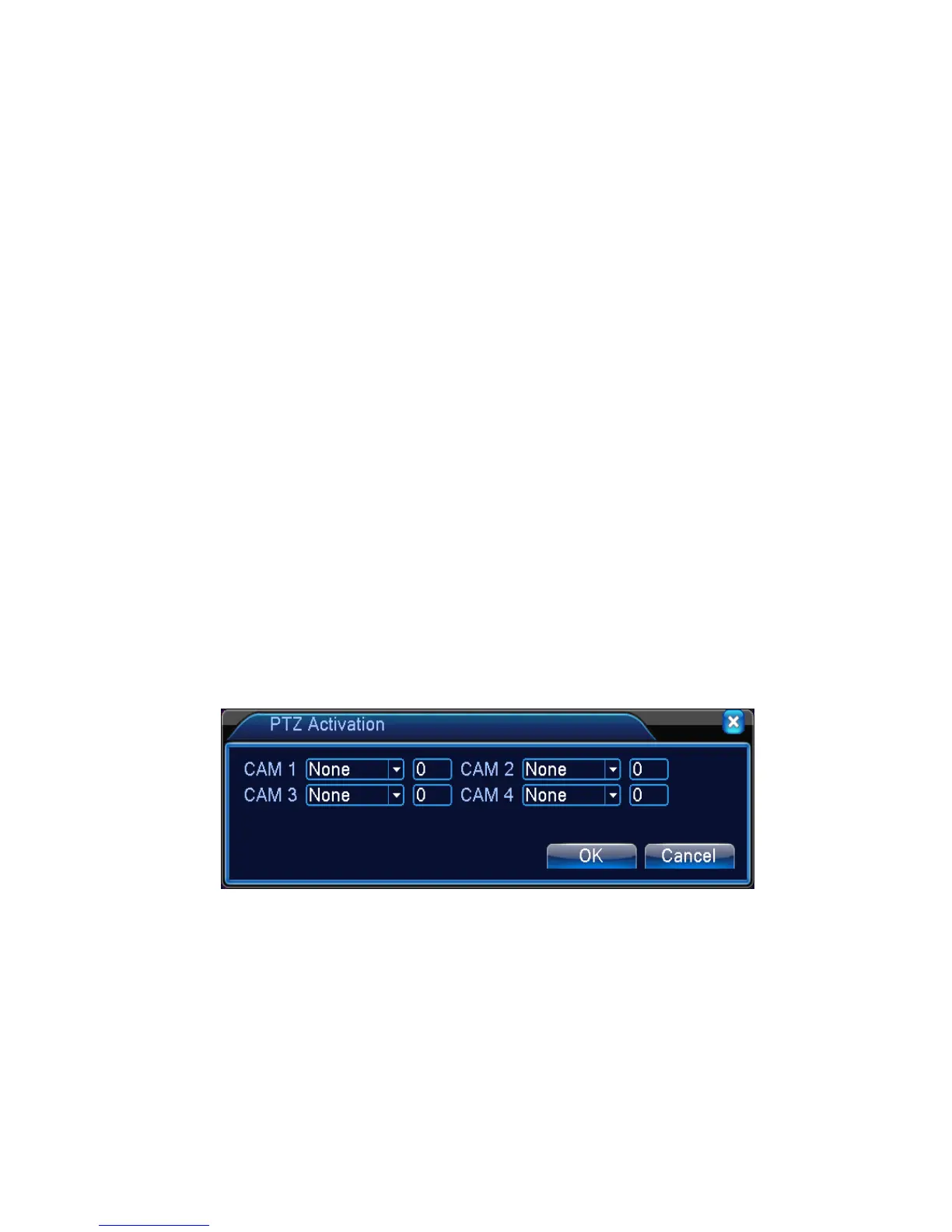
【PTZ Activation】Set the PTZ activation when the alarm is turned on.
*Hybrid mode, PTZ link to the related PTZ information of analog channel, While digital
channel model, the PTZ is link to the related PTZ information on the remote device connected.
Note:to link PTZ, need go [Shortcut menu]->[PTZ control] to set preset point, cruise between
points & interval time, etc.
Picture 4.7 PTZ Activation under hybrid mode
【Delay】When alarm is over,recording will last some seconds(10~300sec),then stop.
【Show message】Pop the alarm information dialog box in the local host computer screen.
【Send EMAIL】■ means sending an email to user when the alarm is turned on.
Note:Set in the [NetService] and send email.
【FTP upload】to tick it, the video & picture of related record channel & snapshot channel will be
uploaded to assigned position.



 To Next Page