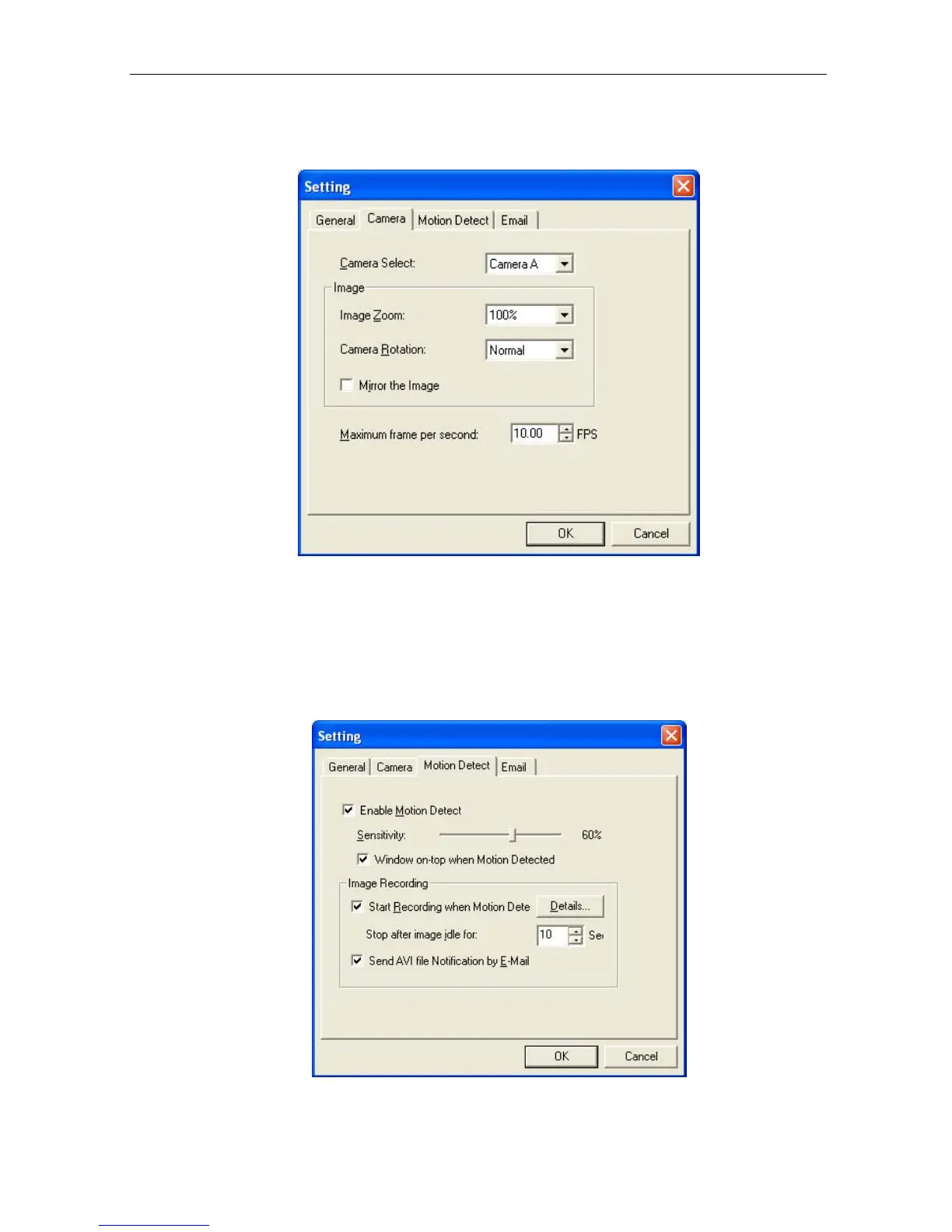
Display the current Camera settings
.
Camera Select:
Select either camera A or B
Image Zoom:
Resize the
window to between 25% and 200%
Camera Rotation:
Rotate the image if necessary
Mirror the Image:
To mirror the image.
Maximum frame per
second:
Select from 0.01 fps to a maximum of 30.00 fps.
Display the Motion Detection Settings
.
IP Camera Manual 40



 To Next Page