Click “Modify…” to
modify the entered Email Address
Click “Delete” to remove an email address from the notification list.
Highlight
the
IP Camera
in
the
main
windows
display,
and
click
“Monitor” to view the video stream.
Move the curser over the edges of the picture and it will turn into an arrow.
Click
and
hold
to
pan
/
tilt
the
camera
(if
the
camera supports this function)
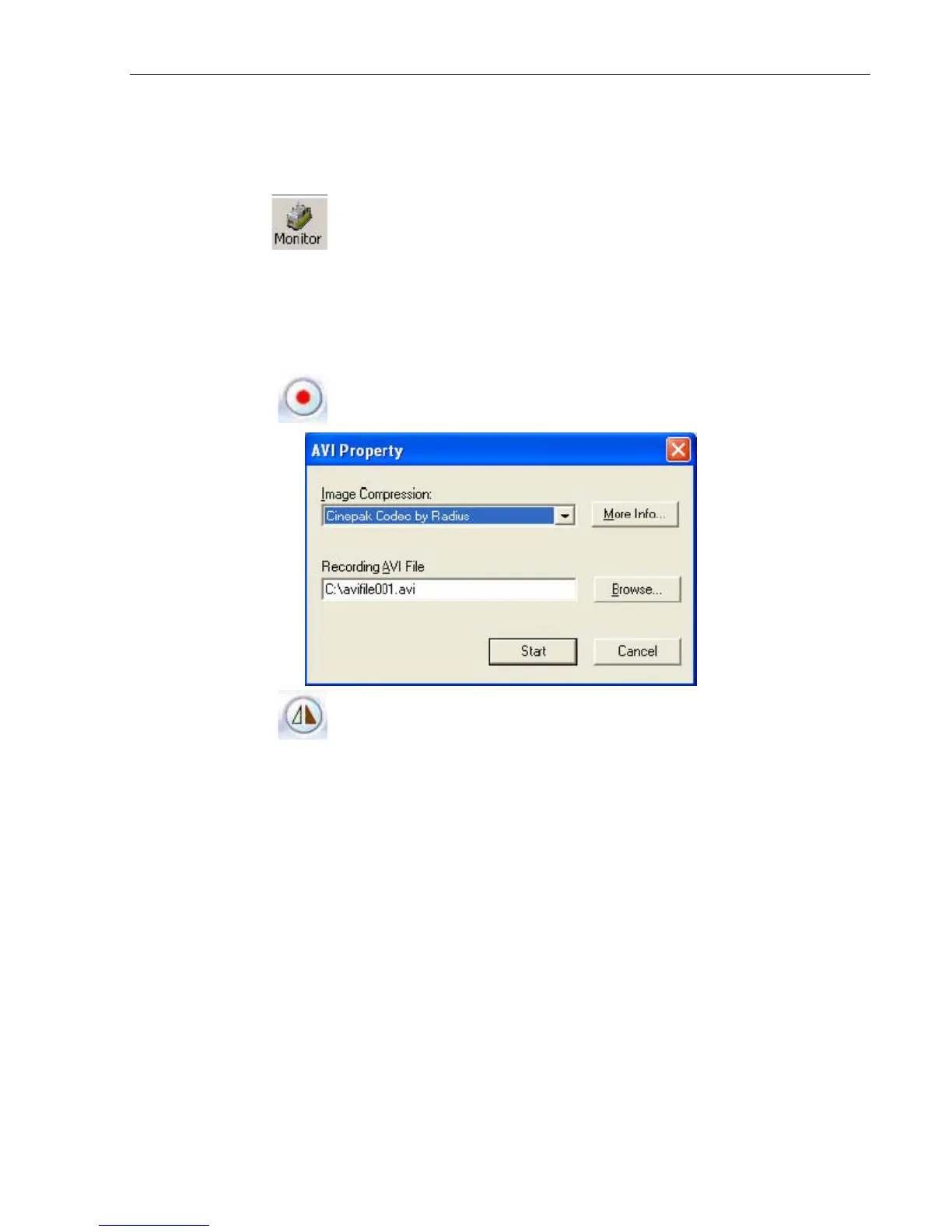
Click this button to record the current image on screen. A window
will come up, click “Start” to start recording to
the default file and
location.
Flip the image vertically
IP Camera Manual 43



 To Next Page