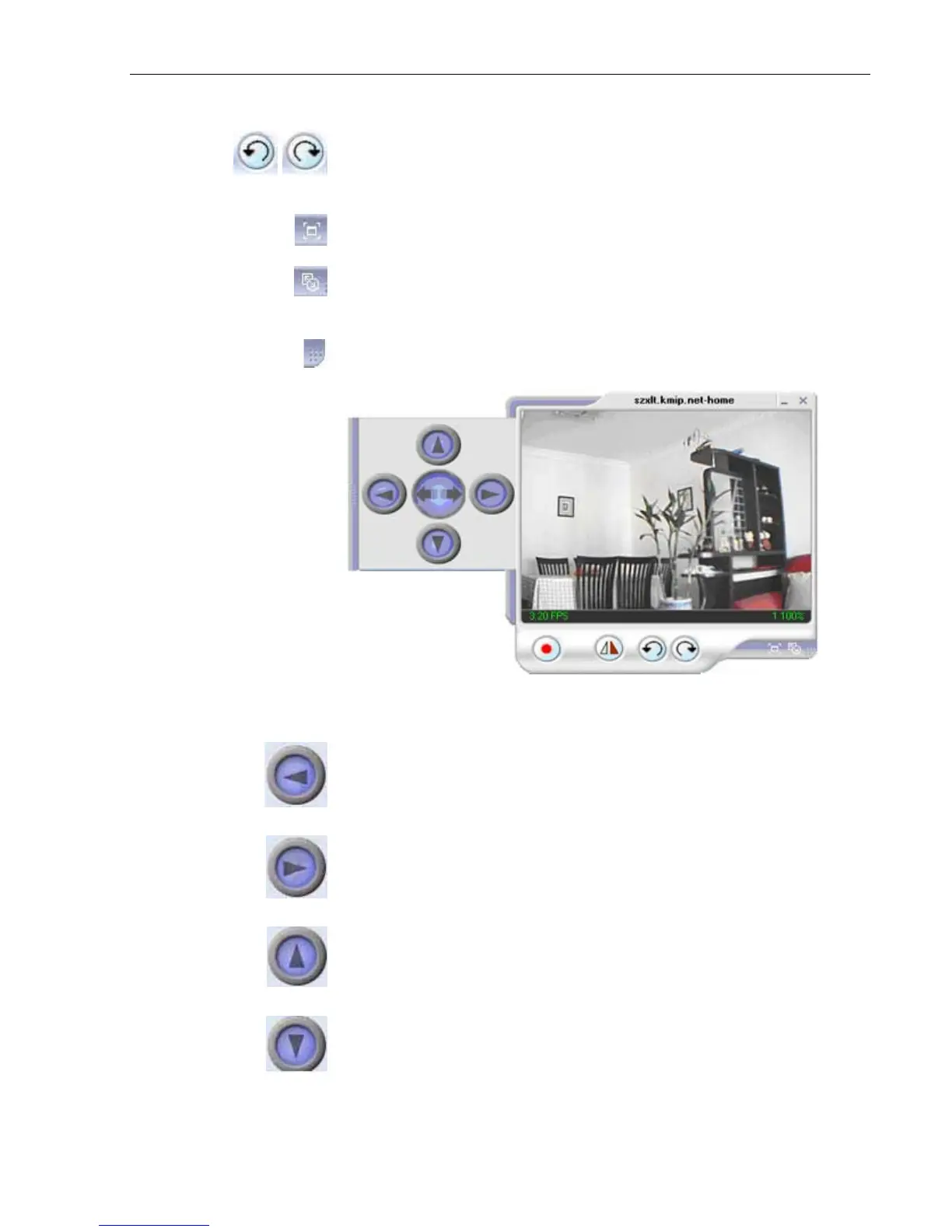
Rotate Left, Rotate Right
,
Click this to
bring up the
Setting windows.
Click this to
switch to full screen view.
Double
click to switch back
to current view.
Click and drag to resize
the window and it’s
contents.
Click the left side of the viewing window to bring out more control
features.
Clicking once will cause
the camera to pan left by 1 deg.
Click and hold and the camera will pan increasingly faster to the
left.
Clicking once will cause
the camera to pan right by 1 deg.
Click and hold and the camera will pan increasingly faster to the
left.
Click once to tilt the camera up by
1 deg.
Click and hold and the camera will tilt increasingly faster upwards.
Click once to tilt the camera down
by 1 deg.
Click
and
hold
and
the
camera
will
tilt
increasingly
faster downwards.
IP Camera Manual 44



 To Next Page