29
Control and display elements
Type 024.16.720
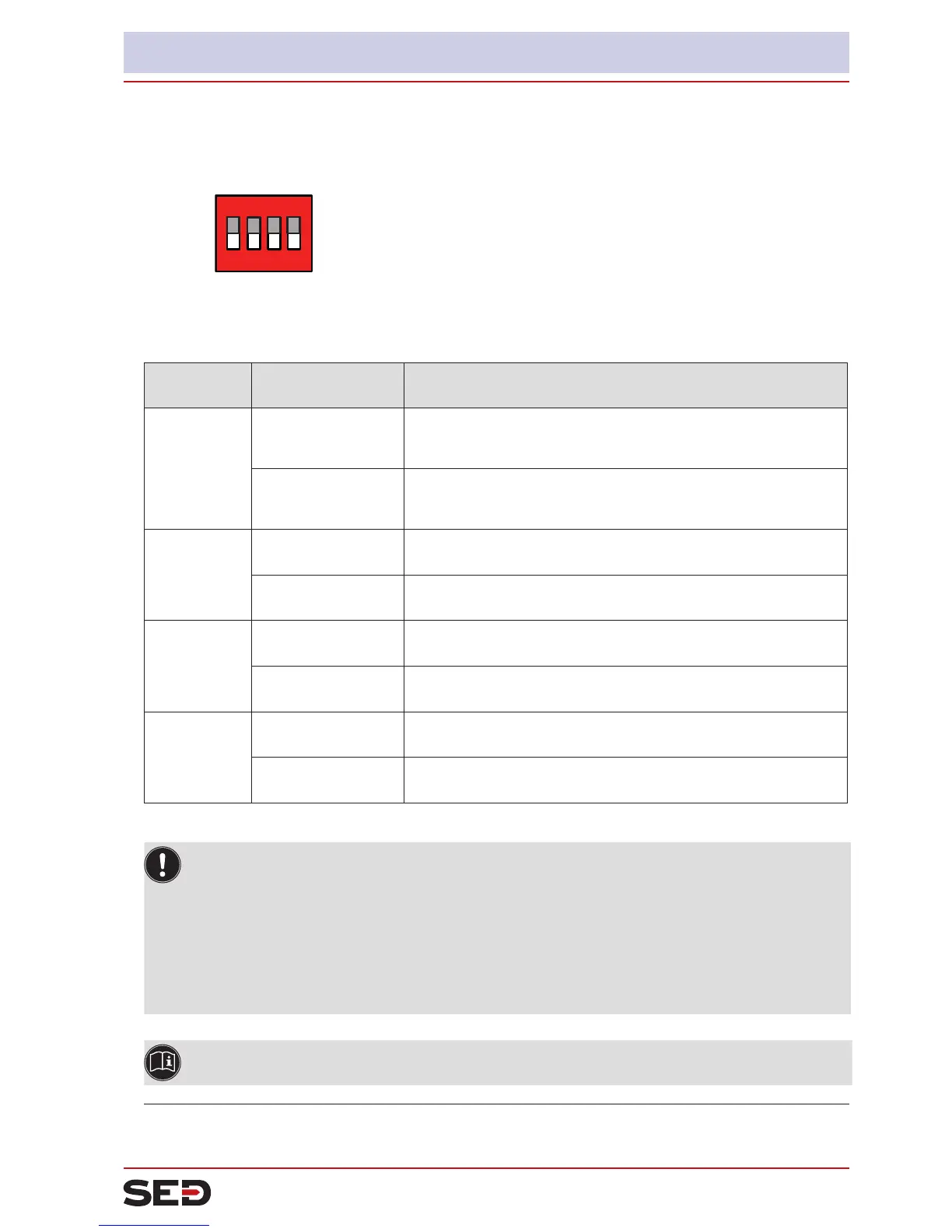
8.4. Function of the DIP switches
ON DIP
1
2 3 4
→ To operate the DIP switches, for
Version 1: unscrew the body casing
Version 2: unscrew the transparent cap
DIP Switches Position Function
1 ON
Reversal of the effective direction of the set-point value (DIR.CMD)
(set-pointvalue20–4mAcorrespondstoposition0–100%),
descending
OFF Normal effective direction of the set-point value
(set-pointvalue4–20mAcorrespondstoposition0–100%),
ascending
2 ON Sealing function active. The valve completely closes below 2 %
1)
and opens above 98 % of the set-point value (CUTOFF)
OFF No sealing function
3 ON
Correction characteristic for adjustment of the operating characteristic
(linearization of the process characteristic CHARACT)
2)
OFF Linear characteristic
4 ON Operating status MANUAL (BY HAND)
OFF Operating status AUTOMATIC (AUTO)
Table 8: DIP Switches
Information about the communications software:
The switching position of the DIP switch has priority over the settings via the communications
software!
If the values of the sealing function (CUTOFF) or the correction characteristic (CHARACT) are changed
via the communications software, the corresponding function must be active (DIP switches set to ON).
The effective direction of the set-point value (DIR.CMD) can be changed via the DIP switches only.
If the correction characteristic (CHARACT) is not changed via the communications software, a linear
characteristic is saved when DIP switch 3 is set to ON.
A detailed description of the functions can be found in the chapter entitled “14.1. Basic functions”
and in the operating instructions for the communications software.
1)
Factory setting, can be changed via communications software.
2)
The characteristic type can be changed via communications software


 To Next Page