For mounting the control panel
23
9
1
Open the control box upper cover, with reference to steps 1-3 in “9-1”.
Take care not to hit or apply excessive force to glass components. Careless
handling can break glass components, and fragments can cause injury.
2
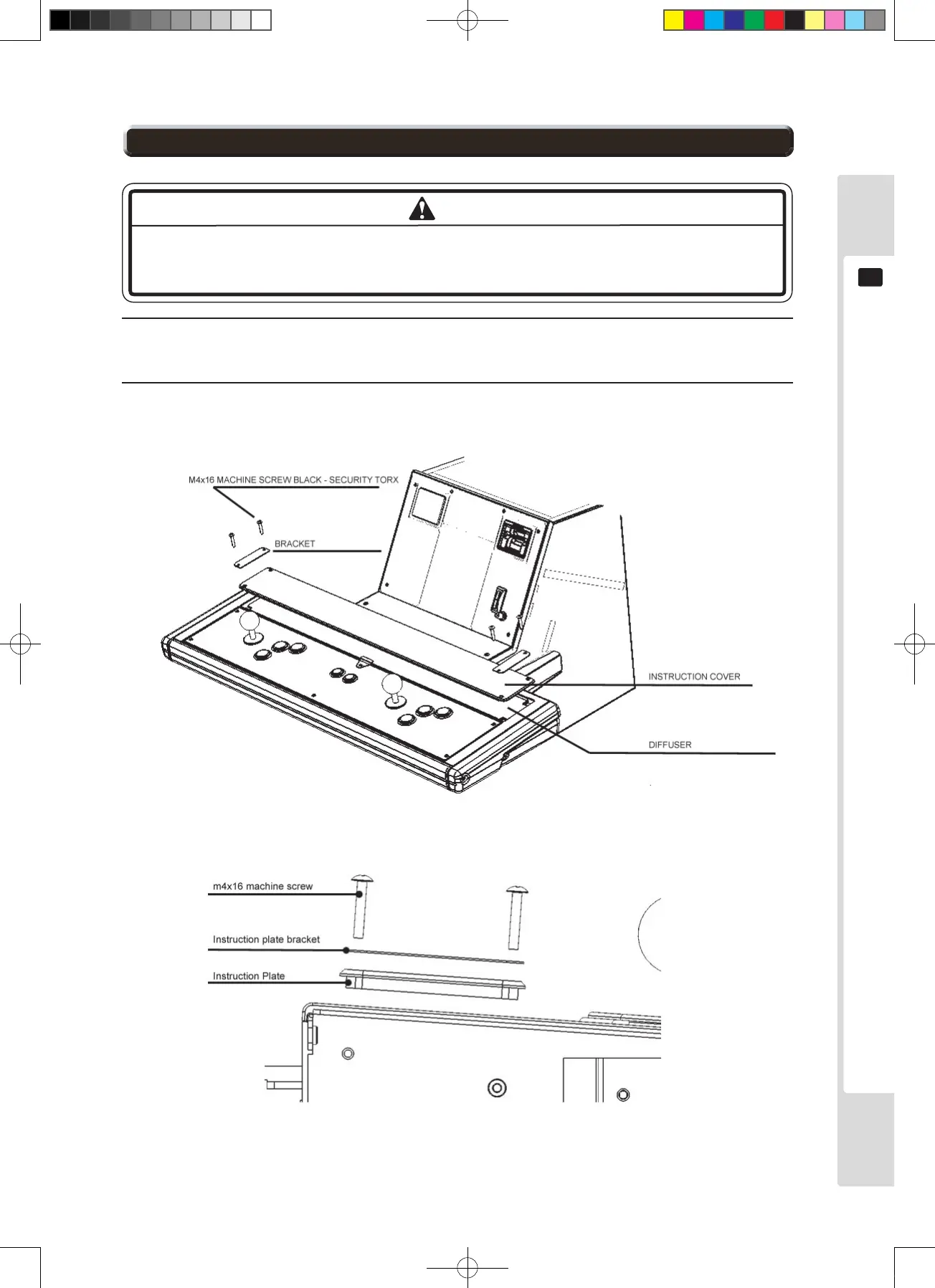
Remove the four screws from the back of the control box upper cover, then remove the two brackets, the
instruction cover and the instruction sheet. The instruction sheet can be replaced.
Figure 9.2a
Figure 9.2b












 To Next Page