● Always turn the power switch off before working on the machine. Electric shocks
or short-circuit accidents could result.
● Take care not to damage the wiring. Electric shocks or short-circuit accidents
could result from damaged wiring.
Coin selector
10
Removing the coin selector
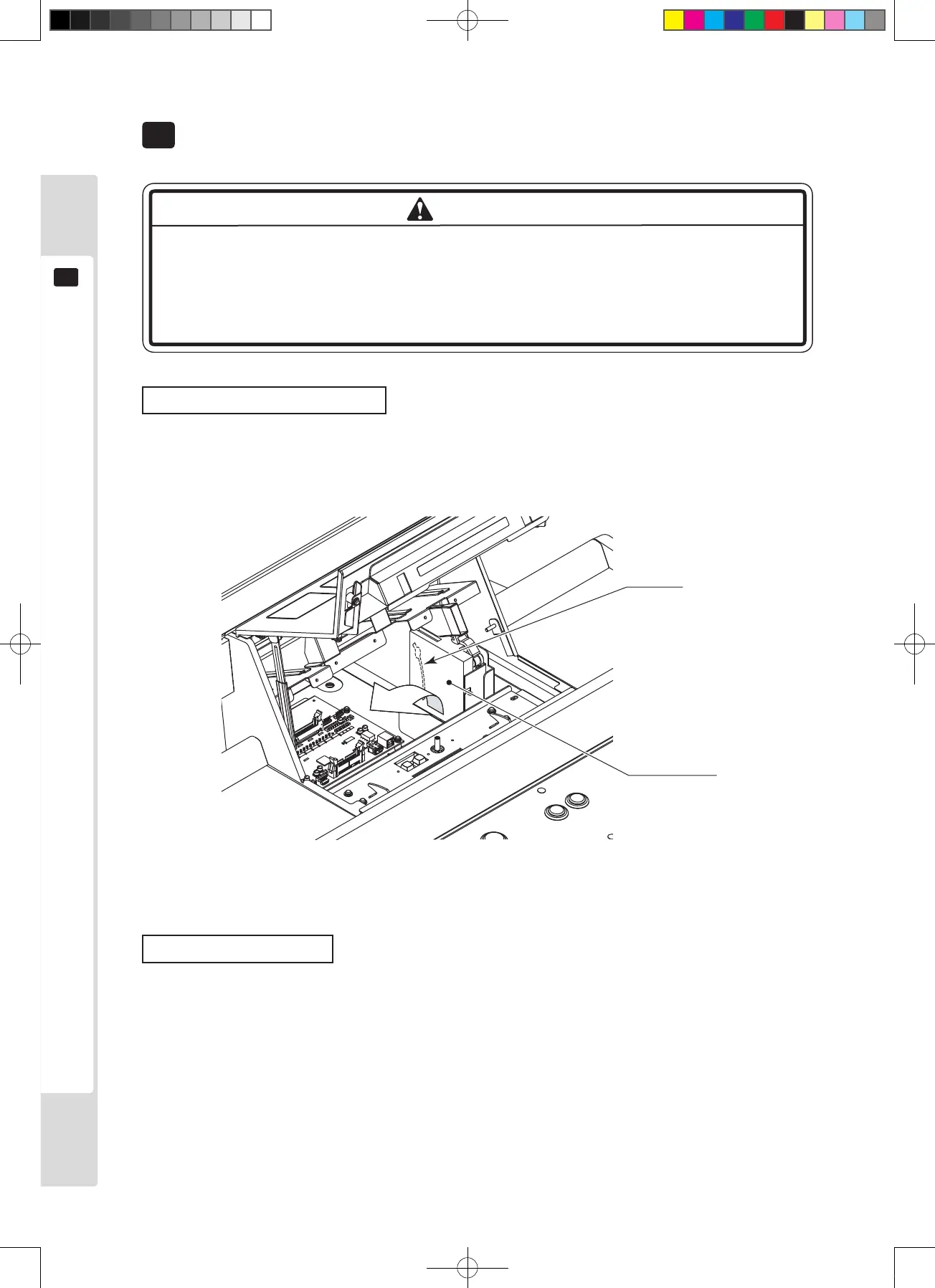
When the entry lid is open, the coin selector is behind it, on the right side. The selector stopper is behind the selector.
Remove it to tilt the selector and pull it out upwards.
Figure 10a
Repairing coin jams
If pressing the coin return button does not return the coin, open the entry lid and then open the coin selector gate.
Remove any jammed coins, then insert a normal coin and check that the selector works normally.












 To Next Page