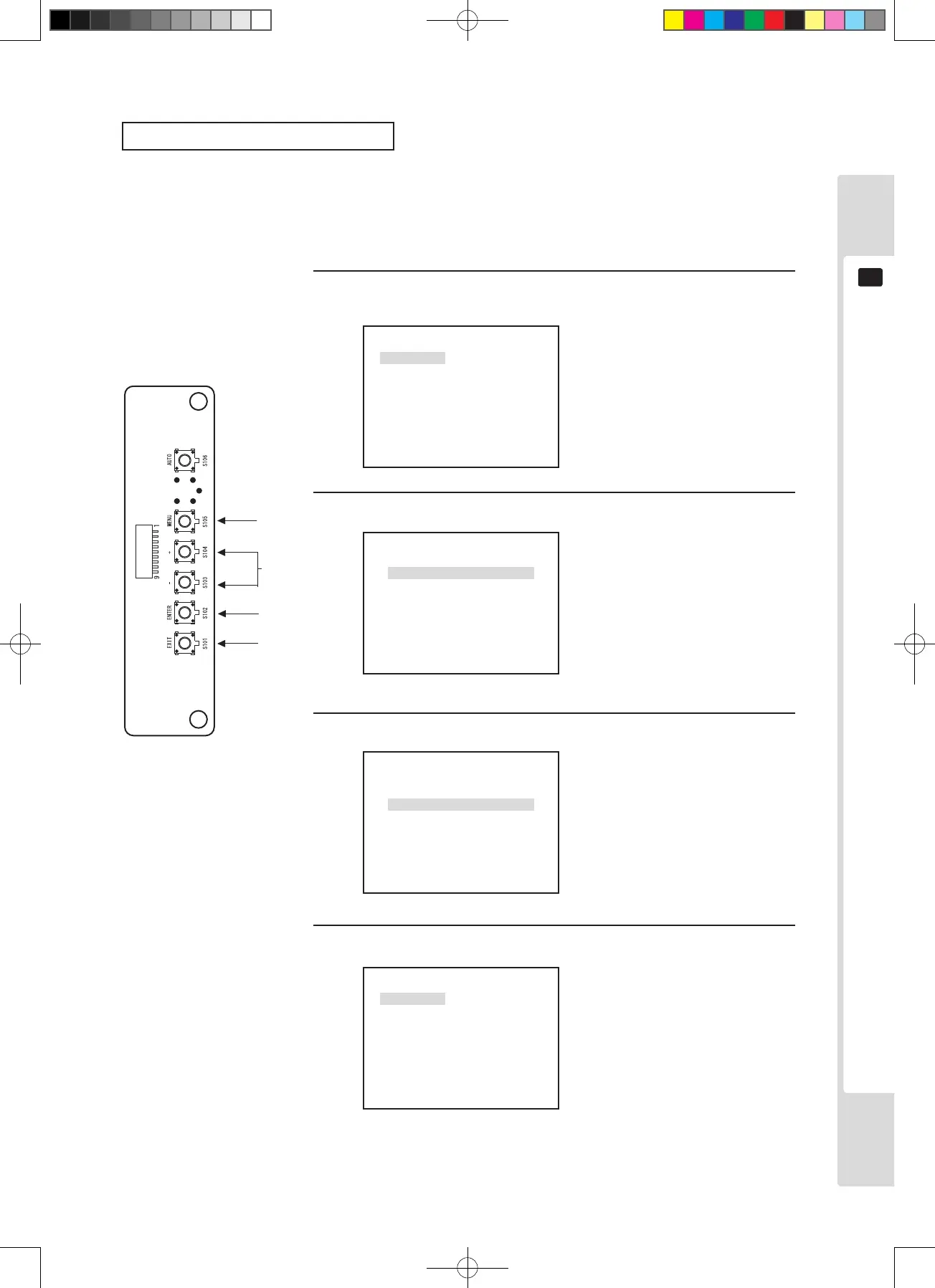
The monitor (LCD display)
39
11
Aspect ratio switching (MODE)
The aspect ratio of the screen can be switched. When WIDE is used, the display lls the entire screen, but when
NORMAL is used, the screen display is the maximum size possible at the aspect ratio of the input signal.
However, this is not the case when input at 640 x 400, 1,360 x 768 or 1,280 x 720 is used.
P2
MODE
OSD
RESET
1
3
1
2
MODE MENU is displayed.
The MENU P2 screen is
displayed.
The adjustment and setting item
menu is displayed.
3
The display screen changes
when the setting value changes.
4
Press the [ENTER] key. (Store and close)
The adjusted data is stored and
the display returns to the Menu
screen.
*If there is no need to store,
press the [EXIT] key to return to
the Menu screen without storing.
1, 4
*4
Use the [+] and [–] keys to adjust.
Press the [MENU] key twice, then press the [ENTER] key at the
MODE position.
NORMAL
WIDE
MODE
NORMAL
WIDE
MODE
P2
MODE
OSD
RESET












 To Next Page