EasyManua.ls Logo

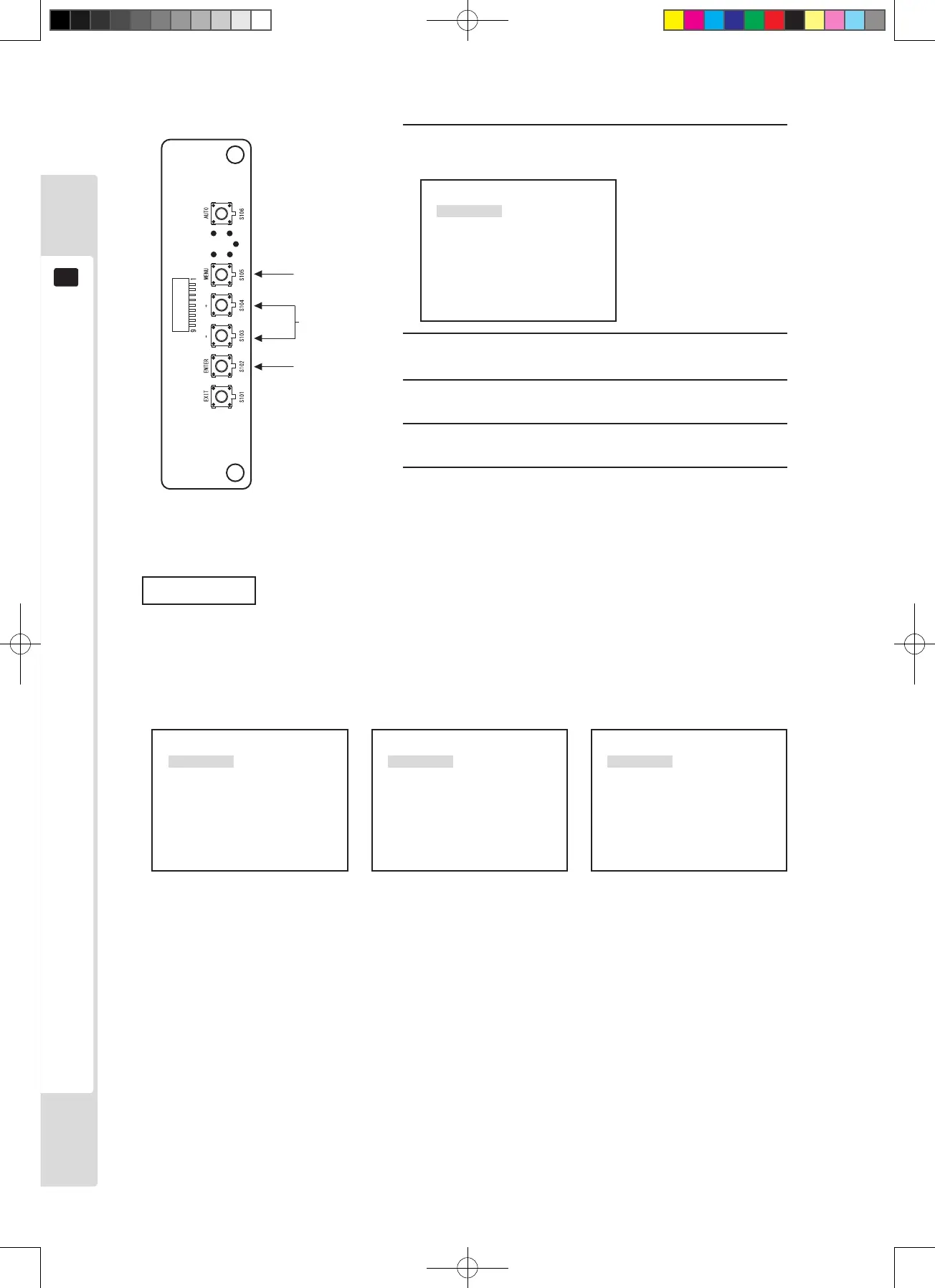
Sega Lindbergh Universal - The Menu

Sega Lindbergh Universal
88 pages
Print Icon
To Next Page IconTo Next Page
To Previous Page IconTo Previous Page
Loading...
1
2, 4
1
Press the [MENU] key.
P1
W/B
BRIGHT
CONTRAST
SHARPNESS
POSI
CLOCK
PHASE
The MENU is displayed.
2
Use the + and - keys to move to each of adjustment
and setting items.
3
Use the ENTER key to display each of adjustment
and setting items.
4
Use the + and - keys to change each of adjustment
and setting items.
5
Use the ENTER key to store each of adjustment and
setting items.
3, 5
The menu
Care is required, because incorrect operation can change the setup state and prevent correct display.
MENU screen
P1
W/B
BRIGHT
CONTRAST
SHARPNESS
POSI
CLOCK
PHASE
P2
MODE
OSD
RESET
TIMING GAME
P2
OSD
RESET
TIMING GAME
When input (640x400) (1360x768)
*Pressing the MENU key changes the page.
Lindburg.indb 30 2/16/2007 19:12:24

Table of Contents

Related product manuals