The monitor (LCD display)
33
11
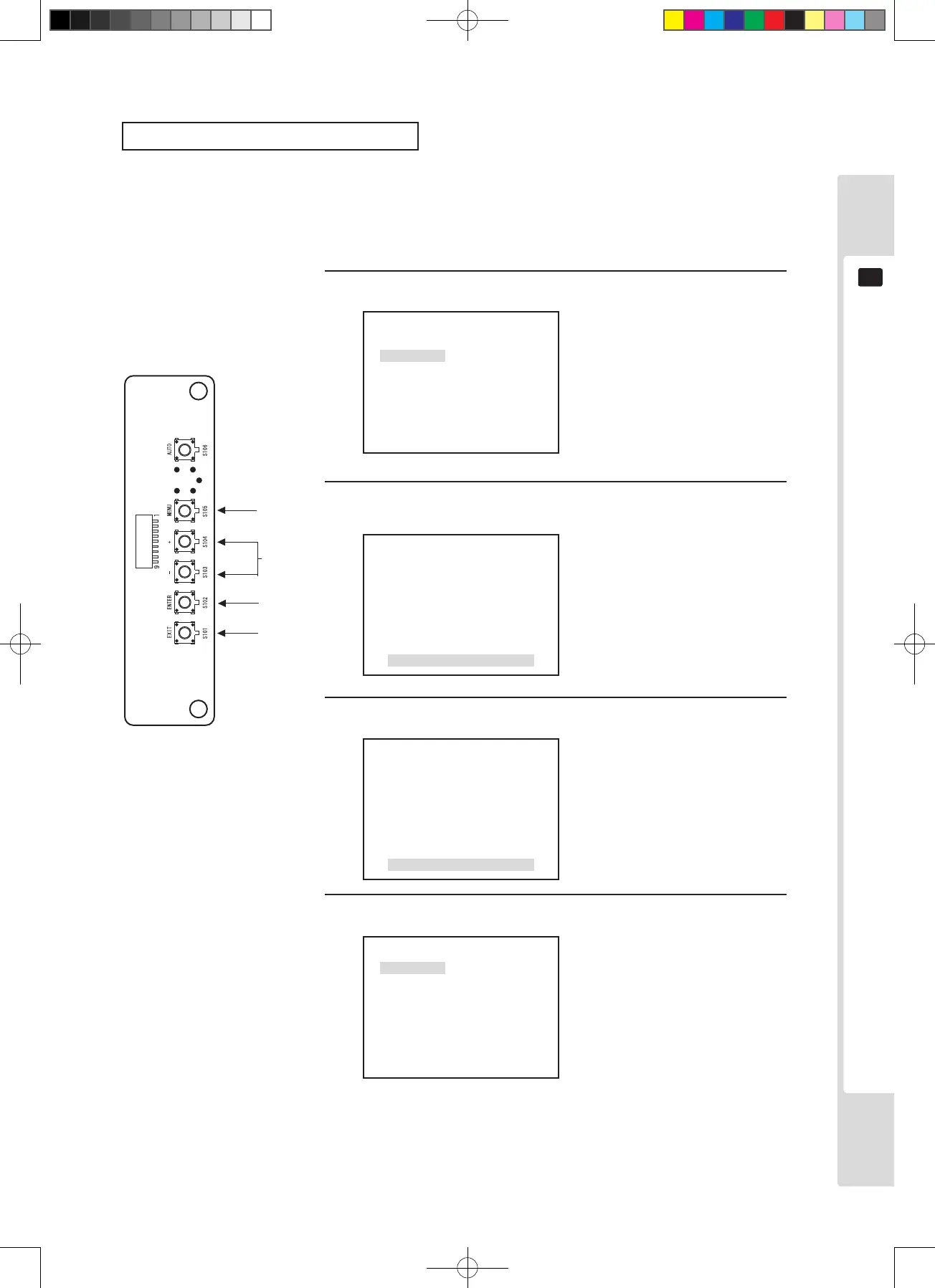
Contrast adjustment (CONTRAST)
Screen contrast (CONTRAST) is performed in the factory to a standard condition, but it can be adjusted for
preference. Changing contrast alters the level of shading (contrast) in the screen image.
1
1, 3
1
P1
W/B
BRIGHT
CONTRAST
SHARPNESS
POSI
CLOCK
PHASE
2
Press the [MENU] key, then use the [–] key to move the cursor.
Move to the CONTRAST position and press the [ENTER] key.
The adjustment and setting items are displayed.
The MENU screen is displayed.
COTNRAST
0
The adjustment and setting item
menu is displayed.
3
Use the [+] and [–] keys to adjust.
BRIGHT
+1
Adjusted data values change.
Adjust the screen contrast
(CONTRAST) to the desired state.
4
Press the [ENTER] key. (Store and close)
The adjusted data is stored and
the display returns to the Menu
screen.
*If there is no need to store,
press the [EXIT] key to return to
the Menu screen without storing.
P1
W/B
BRIGHT
CONTRAST
SHARPNESS
POSI
CLOCK
PHASE
2, 4
*4












 To Next Page