With telephone is possible to remotely activate the day tempera-
ture mode. Remote activation is signalised with the sym-
bol .This function is setted in Program group P3 (page 23).
For analogue telephone line is available device G1-D. Device G44
is intended for remote control with GSM mobile telephone.
In normal display mode, hold key and press key (Escape).
i
.
Remote control
Auxiliary temperature sensor - temperature
overview
Selection between heating or cooling
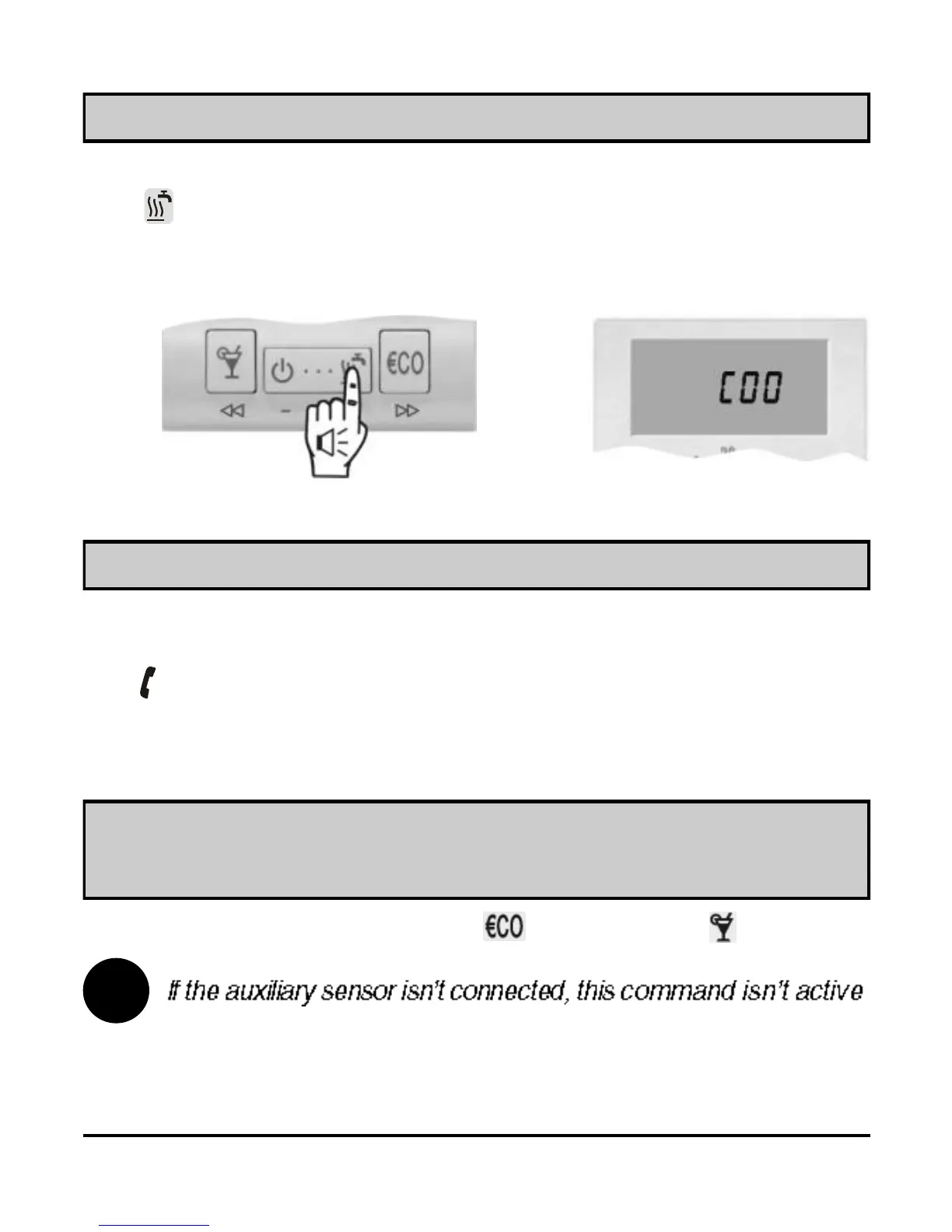
To switchover between heating and cooling and in reverse, hold
key for approximately 10 seconds (Picture 17). Release key
after you hear a beep. The display writes out active mode for a
few seconds, HEA - heating or COO - cooling (Picture 18).
Picture 17
Picture 18
18
USER MANUAL



 To Next Page