Room thermostat ST2 has 6 pre-setted time programs for room
heating and 6 pre-setted time programs for domestic hot water
warming. For each channel CH1 and CH2 is possible to select
between 4 fixed (Pr1, Pr2, Pr3 and Pr4) and 2 users setted time
programs (Pr1 and Pr2 ).
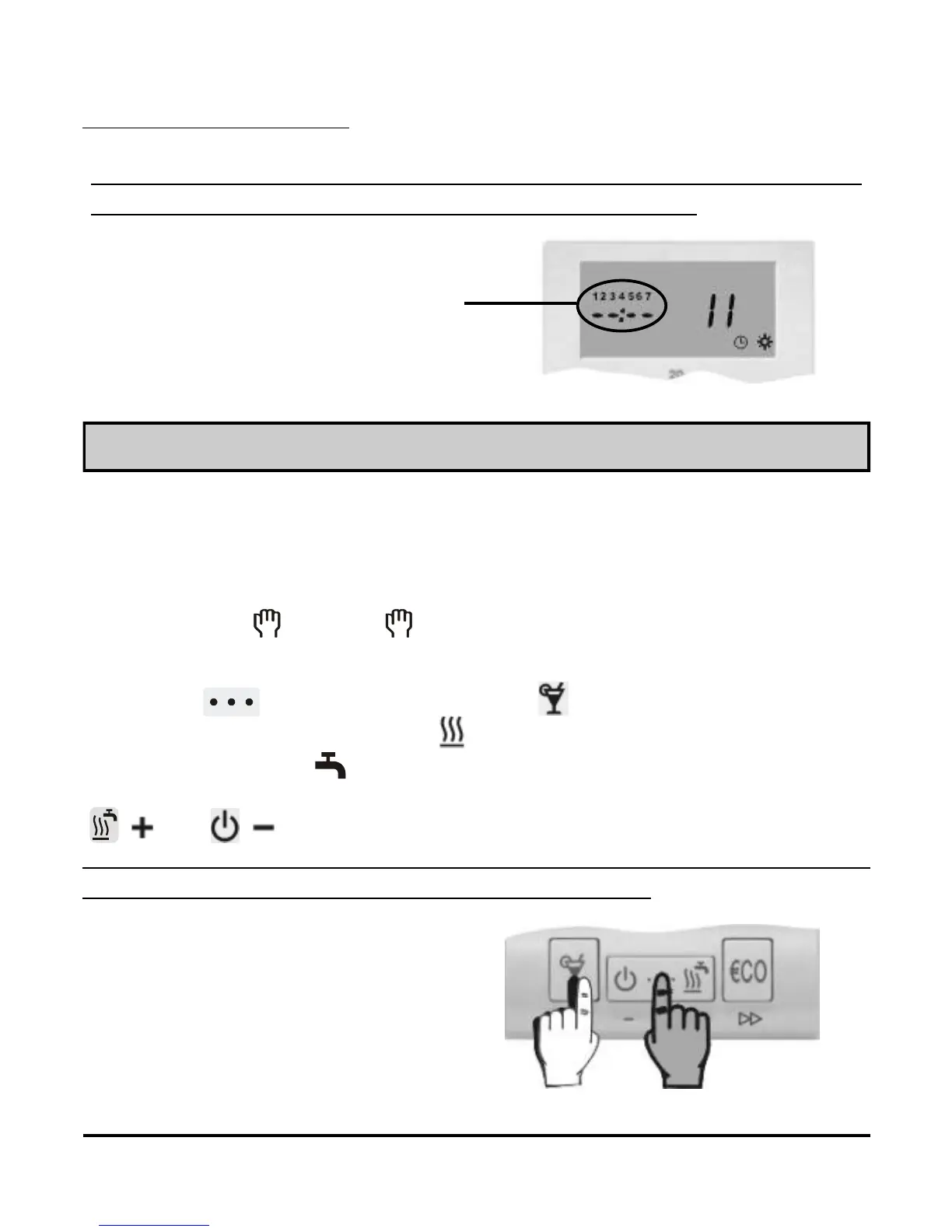
Pre-setted time program selection
Hold key and by pressing key select the suitable time
program (Picture 16). Symbol indicates programs for room heat-
ing (CH1), symbol indicates programs for domestic hot water
warming. (CH2). Te view the time commands in program, press key
( ) or ( ).
The selected time program always overwrites the previous one. To
keep the current time program active, select - - -.
Picture 15
Unused time
command
Unused time commands are indicated as - -:- - (picture 15). Room
thermostat ST2 displays only used program spaces.
Picture 16
Pre-setted time programs
successively followed.
USER MANUAL
14



 To Next Page