Night temperature
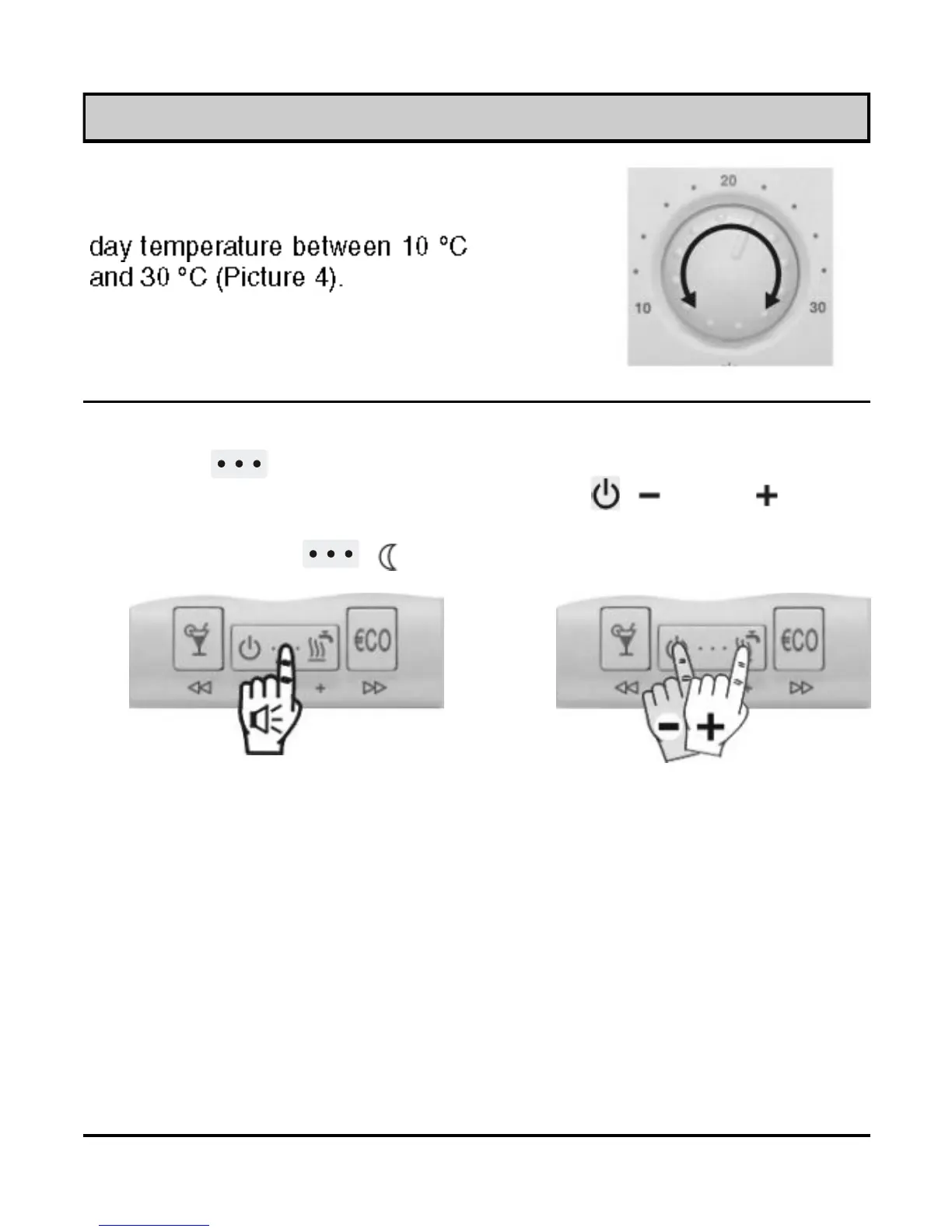
Hold key ( ) for approx. 5 seconds (Picture 5a). Release
key after you hear a beep. Now press key ( ) or ( ) to set
the requested night temperature (Picture 5b). To save and quit set
-up, press key ( ) once again.
Picture 5b
Picture 5a
Picture 4
Day temperature
Turn knob to set the requested
Setting the day and night temperature
USER MANUAL
8



 To Next Page