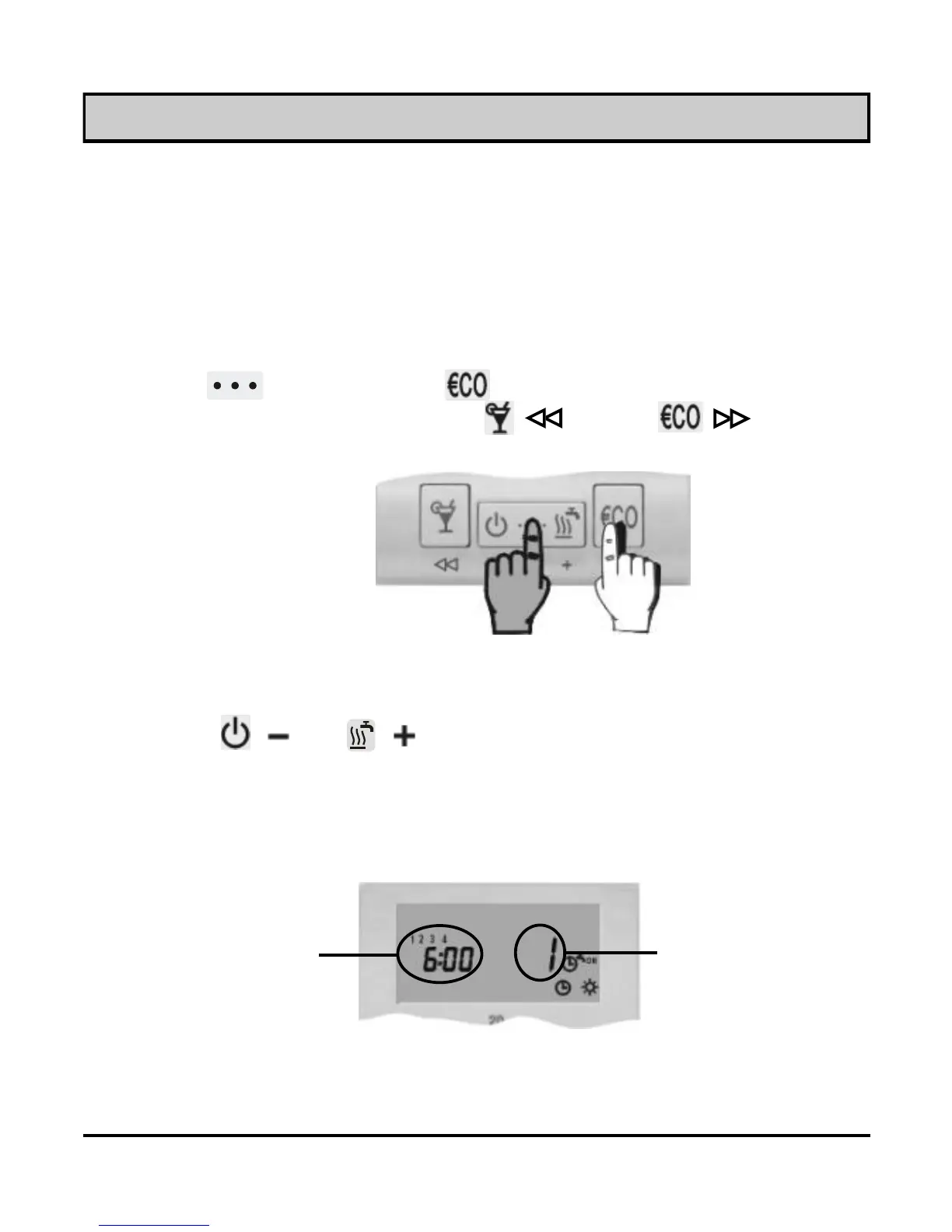
Press key ( ) or ( ) to select the program place that you
wish to modify. The display simultaneously writes out the time
command, the successive number of the program space (Picture
11) and switch-on/off command (picture 12, 13 and 14).
Picture 10
Picture 11
Modifying the time program
Program timer has three channels: CH1, CH2 and CH3.
CH1 is used for programming the room heating (day / night),
CH2 is used for programming the domestic hot water warming,
CH3 is used for programming the comfort room heating.
Time
command
Program timer
Selecting the program channel
Hold key and press key (Picture 10). Release both keys
after you hear a beep. Press key ( ) or key ( ) to select
the program channel you wish to modify.
Successive number
of the program space
USER MANUAL
12



 To Next Page