7
USER MANUAL
Operating mode selection
Heating activation
Press key to select the requ-
ested operating mode (Picture 2).
Selected operation mode is indi-
cated on display.
- room heating
- room cooling
- domestic hot water warming
Picture 2
Picture 3
Room heating operates according to the program timer CH1, domestic hot water
warming operates according to the program timer CH2.
i
changed in program group P1.3 (page 22).
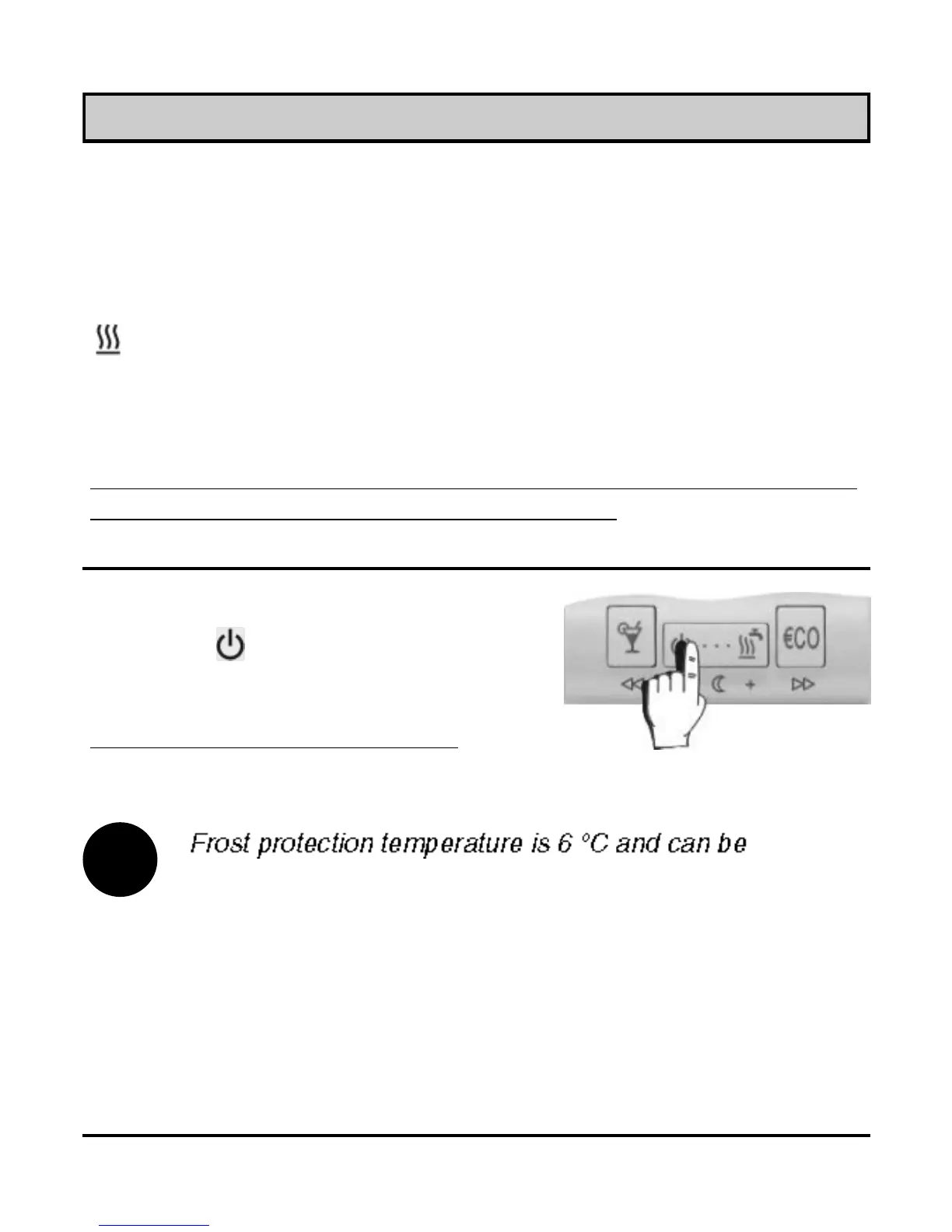
Stand-by
Press key (Picture 3). On the
display appears symbol .
Frost protection remains active.



 To Next Page