42
GB
Automatic functions/Protective functions
Sun threshold value: Setting with the hand-held transmitter commeo Send WS 10
Select the receiver or rather the group by using the channel
select buttons
or to modify the corresponding threshold
values.
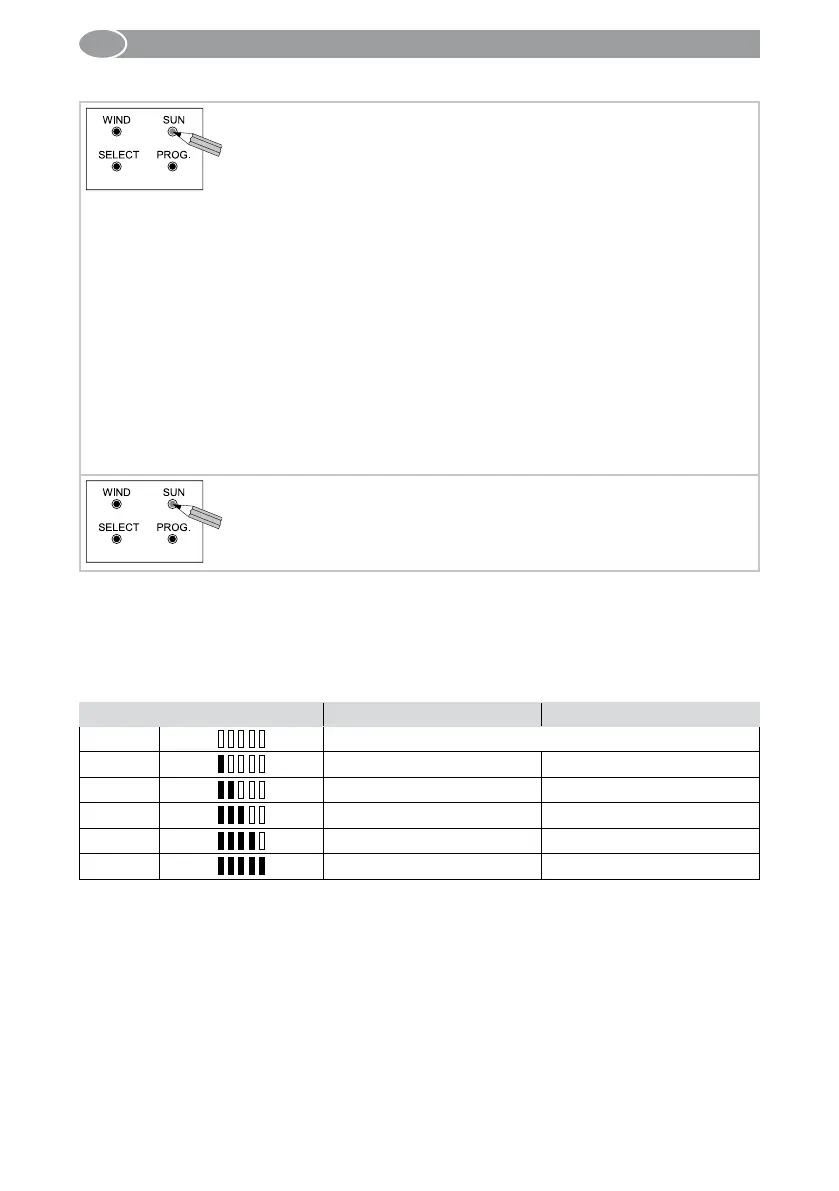
Afterwards press the SUN button on the back side of the
hand-held transmitter for 3 seconds.
• The status LED flashes green with high frequency.
• Programmed motors make a short up and down movement.
• Afterwards the status LED flashes green with reduced fre-
quency for 2 minutes.
In case several motors are programmed onto a channel:
Press the SELECT button several times in order to select the
individual receiver.
• With the group control lights (LED’s) the currently set sun
threshold will be shown by quantity of orange LED’s.
• The sun threshold can be modified by pressing the
or
button.
Press the SUN button on the back side of the hand-held trans-
mitter for 3 seconds.
• The set value is now saved and the hand-held transmitter is
ready for operation.
Note:
After 2 minutes without another modification at the commeo Send WS 10 the set sun
threshold will be saved automatically.
Overview of the sun threshold display by the quantity of LED’s on the hand-held trans-
mitter
Lighted LED’s Upper threshold value (klx) Lower threshold value (klx)
LED off
Sun function switched off
Level 1
20 5
Level 2
25 10
Level 3
40 25
Level 4
60 45
Level 5
80 65
3 s
3 s



 To Next Page