10U
15
English
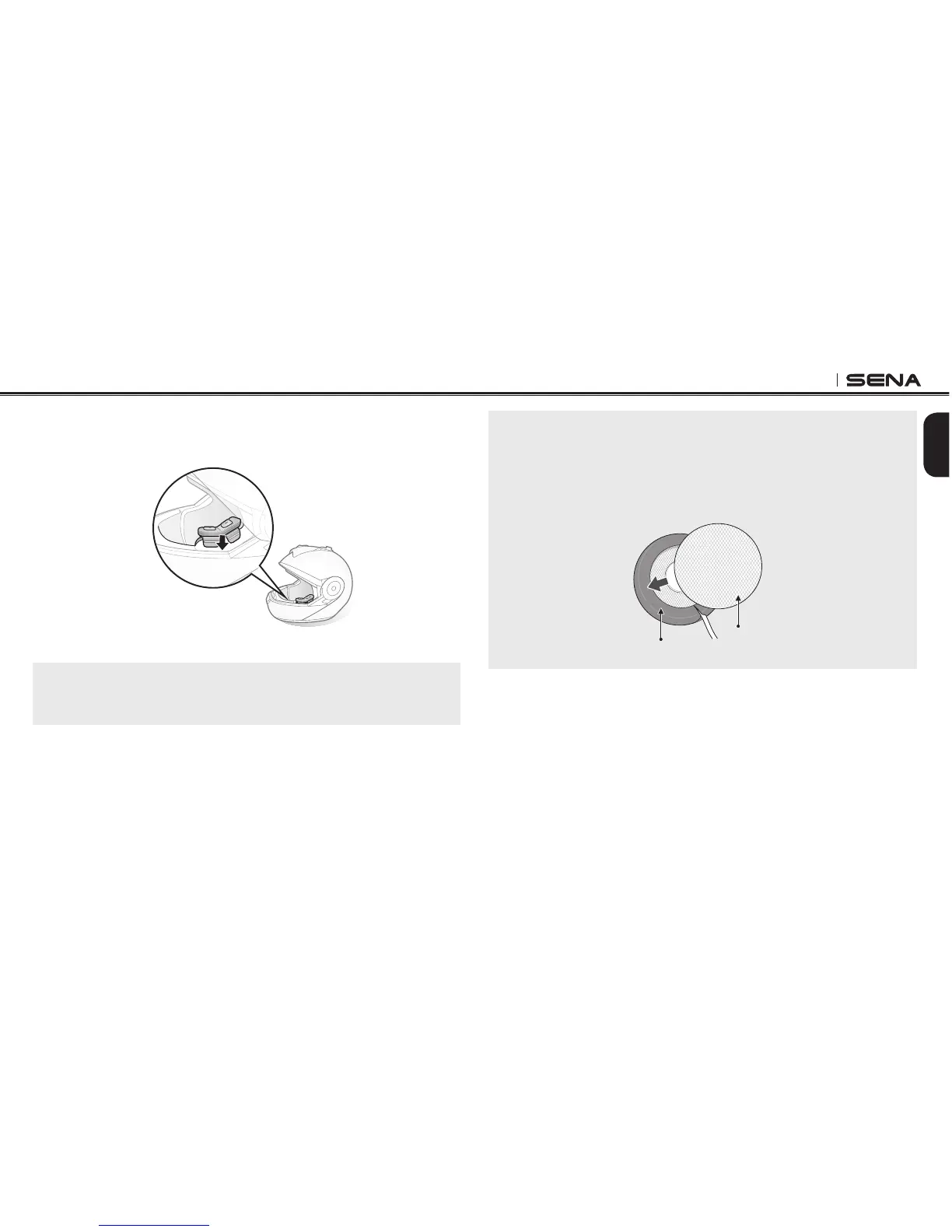
6. Insert the control buttons and microphone unit between the external
shell and the left inner shell. Click the snap through its snap holder.
7. Hide the wires behind the center pad and reinstall the cheek pads.
Note:
If you have trouble inserting the neckroll, lift the battery unit and reinstall the
neckroll while holding them together.
Note:
To enhance the audio quality, you can make use of the foam speaker covers.
Cover each speaker with the foam and attach the hook fastener at the back
of the speaker. Then place the speakers in the helmet as described above.
Foam covered speakers work most effectively when they are slightly touching
your ears.
Hook Fastener
Foam Speaker Cover



 To Next Page