10U
46
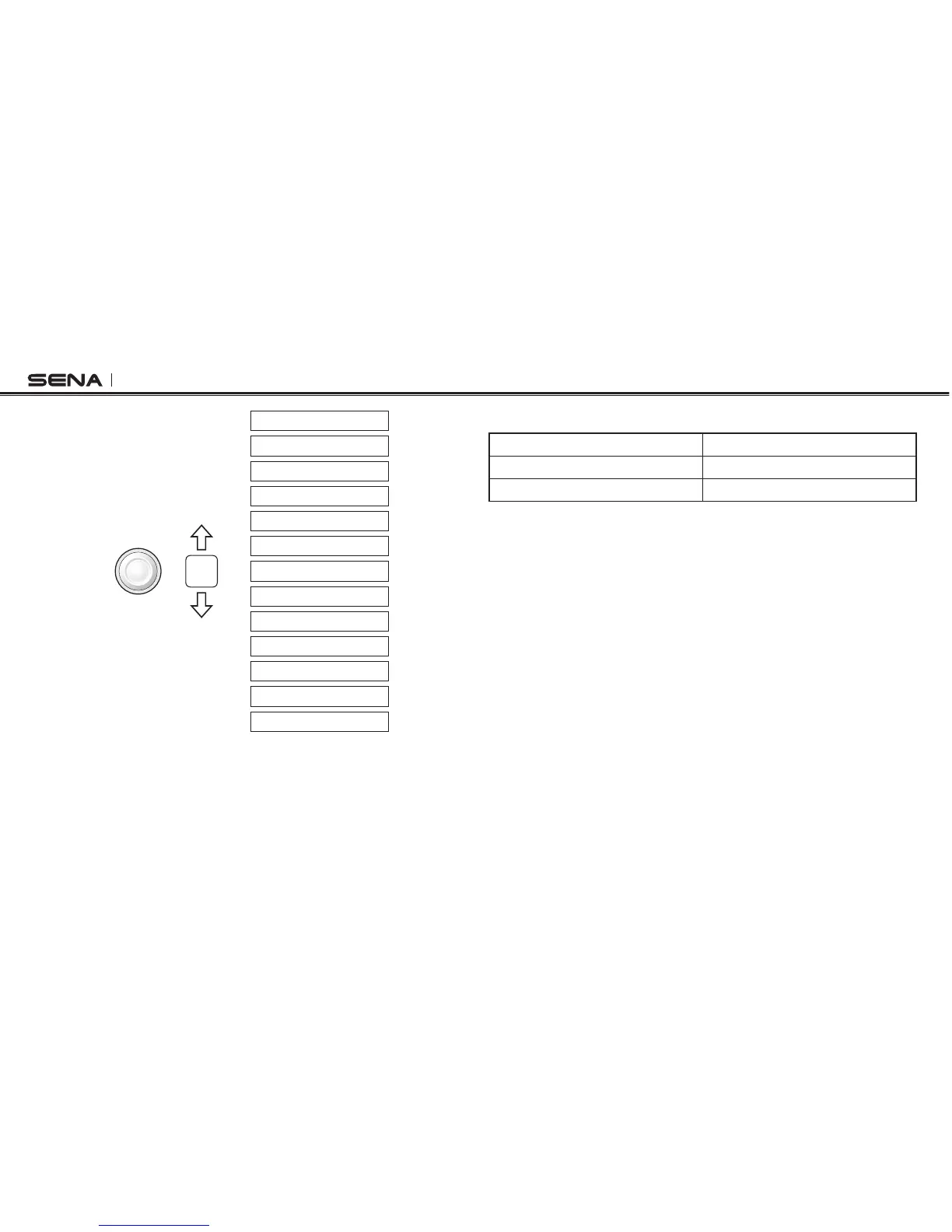
VOX intercom
RDS AF setting
Voice prompt
VOX phone
Audio Boost
Speed dial
Noise control
Sidetone
Delete all pairings
Remote control pairing
Factory reset
Exit configuration
Universal intercom pairing
Joystick
Move
13.1 Assigning Speed Dial
Voice Prompt
“Speed dial”
Factory Default N/A
Execute Tap the Rear Button
1. To assign a phone number as a speed dial, move the Joystick up or
down until you hear a voice prompt, “Speed dial”.
2. Tap the Rear Button, and you will hear a voice prompt, “Speed dial
one” and “Phone connected”.
– Move the Joystick up or down to select one of three speed dial
numbers by hearing voice prompts, “Speed dial (#)”.
3. Call a phone number you want to assign and you will hear a voice
prompt, “Save speed dial (#)”. The phone number is automatically
assigned to the selected speed dial number. Then the phone call will
hang up immediately.
4. To exit the menu, move the Joystick up or down until you hear a voice
prompt, “Cancel”, and tap the Rear Button to conrm. You will then
hear a voice prompt, “Cancel”. If any button is not pressed within
1 minute, the 10U will exit the conguration menu and go back to
stand-by mode.



 To Next Page