OmniHub CMP203– User Manual
Page 22 of 109
Click the Apply button on the right side for the changes takes effect.
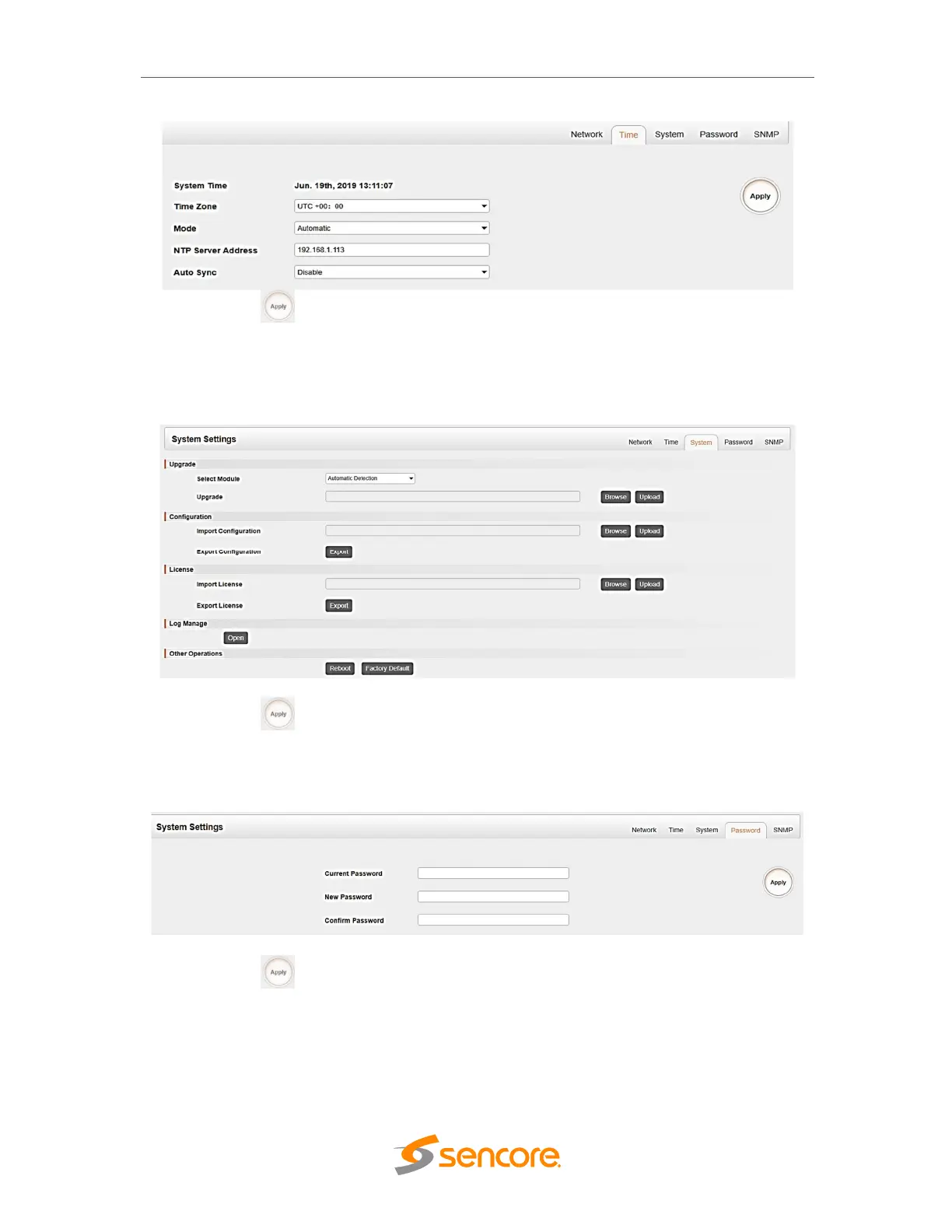
System page allows user to do upgrade, import or export configuration, import or export
license (only baseboard), reboot the whole unit, restore to factory default (only
baseboard), export log and clear log (only baseboard).
Click the Apply button on the right side to make the change takes effect.
Password page user can reset login password.
Click the Apply button on the right side to make the change takes effect
SNMP page is for user to Disable or enable the SNMP function.



 To Next Page