OmniHub CMP203– User Manual
Page 27 of 109
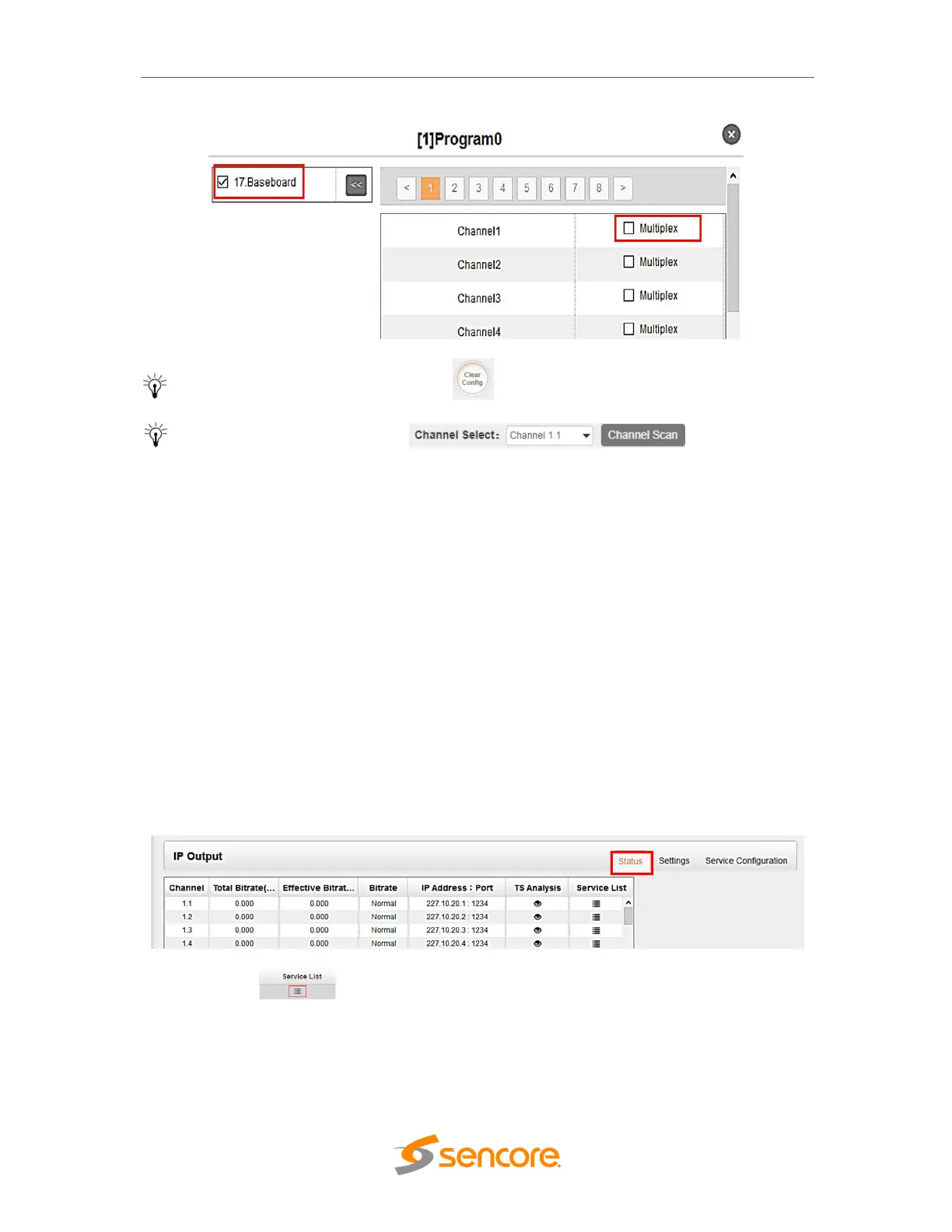
To clear the whole routing table click button.
There is a channel scan button on top, normally
the input service list of each channel will load itself in this page, but when you change
the input source, the list could not refresh immediately. At this time, you should refresh
the changed channels manually through the operation of selecting channel and clicking
Channel Scan button.
3.2.4 IP Output
This menu allows the user to configure and access the IP output:
• Status
• Settings
• Service Configuration
Clicking on the “IP Output” gear allows to go into page where user can access Status,
Setting, Batch Setting and Service Configuration tabs related to IP output configuration.
There are total of 120 Channel output on the CMP203 Baseboard
Status tab shows Total Bit Rate, Effect Bit Rate, Bitrate Status (Normal/Overload), TS
Analysis and Service List for each IP output stream.
Clicking on the button will display information on the services included in the
transport stream.



 To Next Page