OmniHub CMP203– User Manual
Page 81 of 109
3.3.19.1 Module Settings
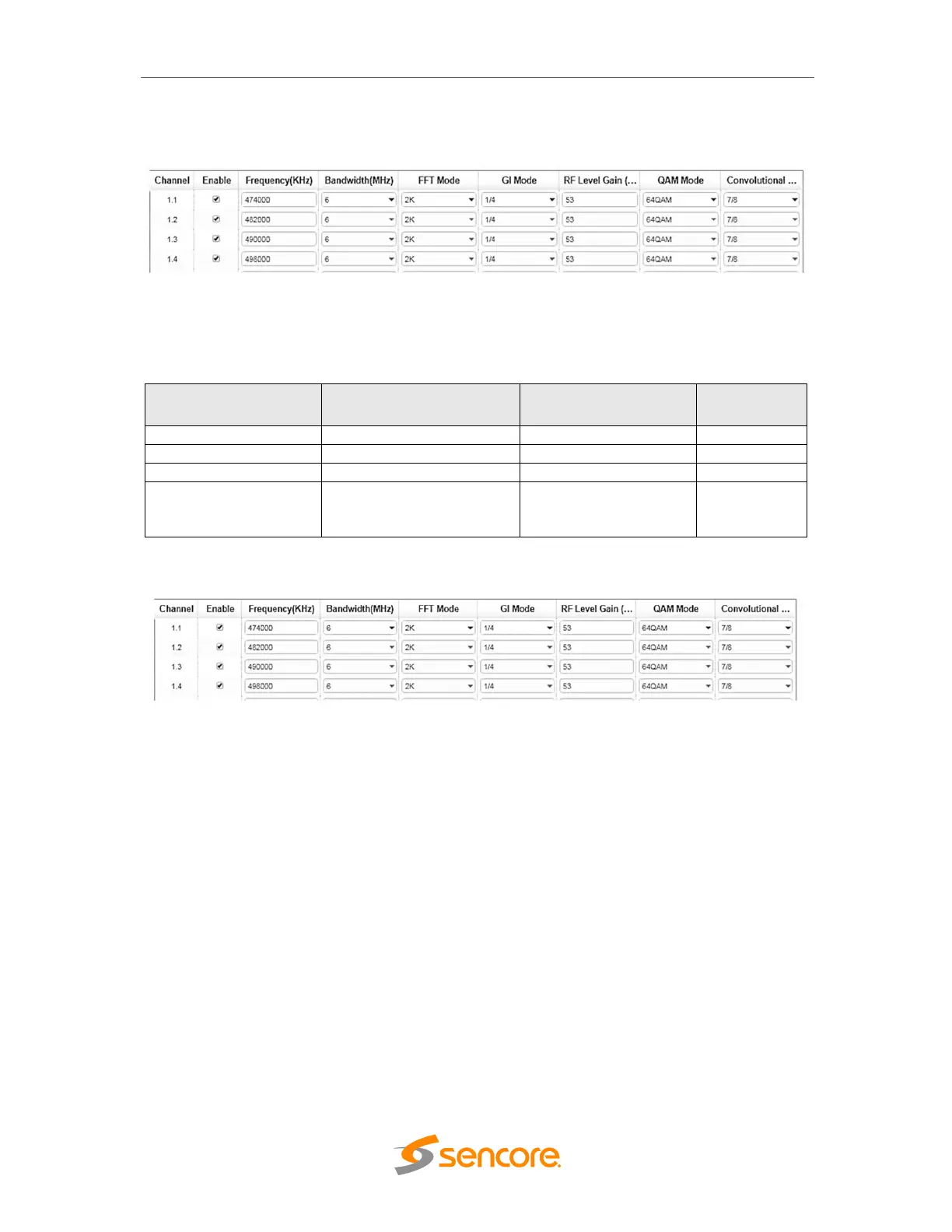
After inputting the parameters on the Modules Settings, always click the Apply button in
the right side to make the change take effect. Make sure the Signal is lock on the Modul
e Status page.
3.3.19.2 Service Configuration
• TS setting: Please refer to IP output service configuration.
• LCN setting: You need to add NIT stream of all frequencies in the base TS
(frequency) which is used for your STB auto search and identifies all the TS
(frequencies) LCN information.
• Check or reset each TS (frequency) Original Network ID and TS ID, which should
be different of each TS.
• Fill the Original Network ID and TS ID of each TS (frequency) in the field of the
base TS (frequency) and then click add to create a NIT stream of this TS
(frequency).
• Click plus icon of Descriptor and add the TS Information Descriptor in. Then fill in
the correct parameters and then click OK. (This operation should be set on
Modulator module only)
6M
90~110
48000~862000
2K
1/4, 1/8, 1/16, 1/32
45~55
QPSK
16QAM
64QAM
Coding
1/2, 2/3, 3/
4, 5/6, 7/8



 To Next Page