SP395 SoundPro Audio Integrator Form7492 Operation Manual
18
4. TDA Submenu: Appears when the TDA selection is made in the main menu. This
submenu shows the TDA test functions available on the Audio Integrator.
Note: The TDA tests are optional firmware add-on test functions.
5. Noise Tools Submenu: Appears when the Noise selection is made in the main menu.
Provides noise related measurements using the Audio Integrator. Note: The ALCONS,
RaSTI, and STI-PA are speak intelligibility tests available as part of the Speech
Intelligibility firmware option. The Audio Stethoscope is available as a Stethoscope
firmware option.
6. TechBench Submenu: Appears when the TechBench selection is made in the main
menu. Provides selection of audio bench testing functions. Note: The Amplitude Sweep,
Impedance Sweep, Distortion Meter,, Phase Meter, and Crosstalk Meter are part of the
TechBench firmware option.
7. Speakers Submenu: Appears when the Speaker selection is made in the main menu. The
submenu provides selection of speaker related tests.
8. Tools Submenu: Appears when the Tools selection is made in the main menu. This
submenu provides a selection for USB Preamp Control.
9. Utilities Submenu: Appears when the Utilities selection is made in the main menu. The
Utilities Functions submenu provides user options to save settings, calibrate and interface
the Audio Integrator. Note: The Audio Scope function is part of the TechBench firmware
add-on option.
All test functions available for the Audio Integrator are listed in the submenus. This includes all
functions which are part of the standard or “Sound core” tests and test functions which can be
added with firmware add-on purchases. If you select a test in the submenu that has not been
added with a firmware purchase, the instruments indicates an “unlock required” message.
Inputs & Outputs
Audio Inputs
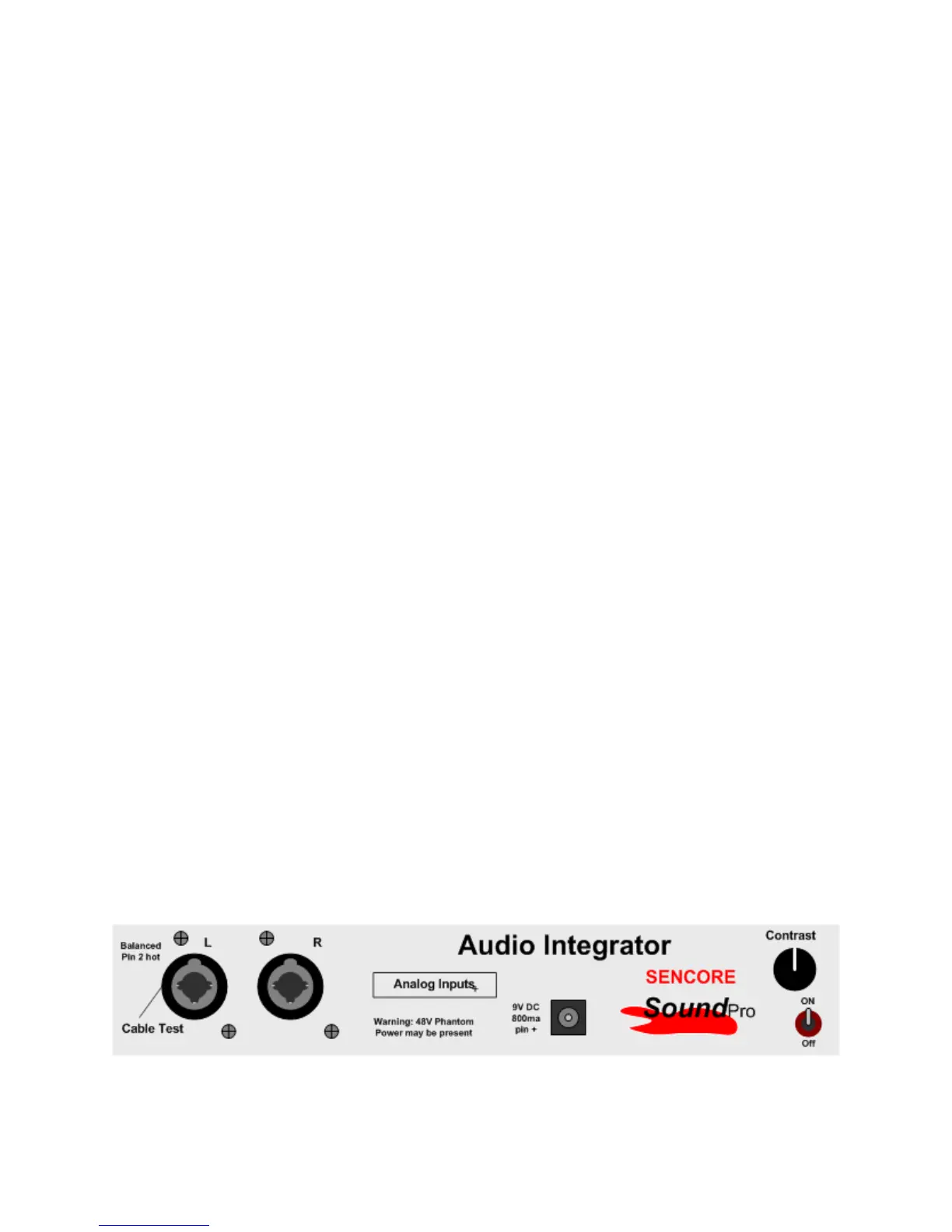
The Audio Integrator receives audio signal inputs from a microphone or line input
The input signal jacks are located on the right side of the instrument. There are two input jacks
which are labeled left (L) and right (R). The input jacks are a combination connector which
accepts a balanced XLR connector male input and a ¼ inch stereo mono headphone male
connector. This provides compatibility with most audio microphone cables and line input cables.
Left side input signal connectors are a combination XLR and ¼ inch mono headphone jack



 To Next Page