SP395 SoundPro Audio Integrator Form7492 Operation Manual
94
USB Output Operation
You can route audio from the computer to the SP395’s main outputs through the USB
connection. For example, you can send a test signal from the PC program to a speaker.
To route USB audio from computer to SP395’s outputs:
1. Connect USB Cable As in the steps above, connect a standard USB cable from the
SP395 to the computer.
2. Computer Setup No special software driver is required, as the SP395 USB section
appears as a standard USB audio codec output. You may, however, have to adjust the
computer’s sample rate to 48 kHz to match the SP395.
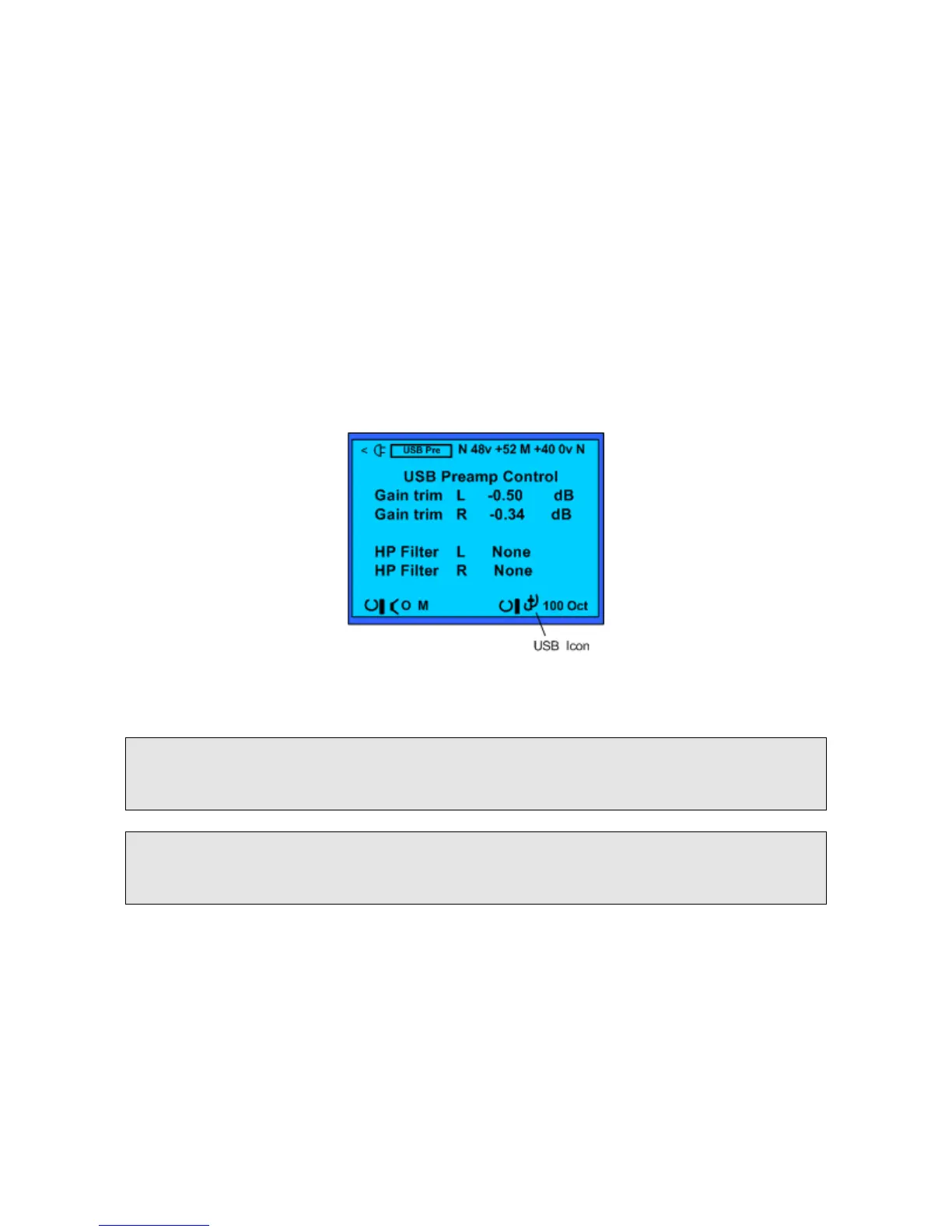
3. Select USB Output On the right end of the bottom toolbar, change the generator
waveform field to select the USB icon. The left channel of the computer’s USB audio
output is now routed directly to the SP395’s main (mono) generator output.
4. The computer USB audio now appears at the unit’s main outputs. You can use the XLR,
1/4” phone, or RCA phono connector to route the PC’s left USB audio channel to an
amplifier.
Select the generator USB icon in the waveform field on the bottom toolbar.
Note: In this mode, the SP395 output level is completely controlled from the computer, not
from the SP395. Use the normal computer output level controls to set the SP395 output
level.
Note: Only the left PC USB audio channel is available. The USB signal is available only
on the main analog SP395 outputs, and is not available in the monitor section, so you
cannot hear USB audio in the headphones.



 To Next Page