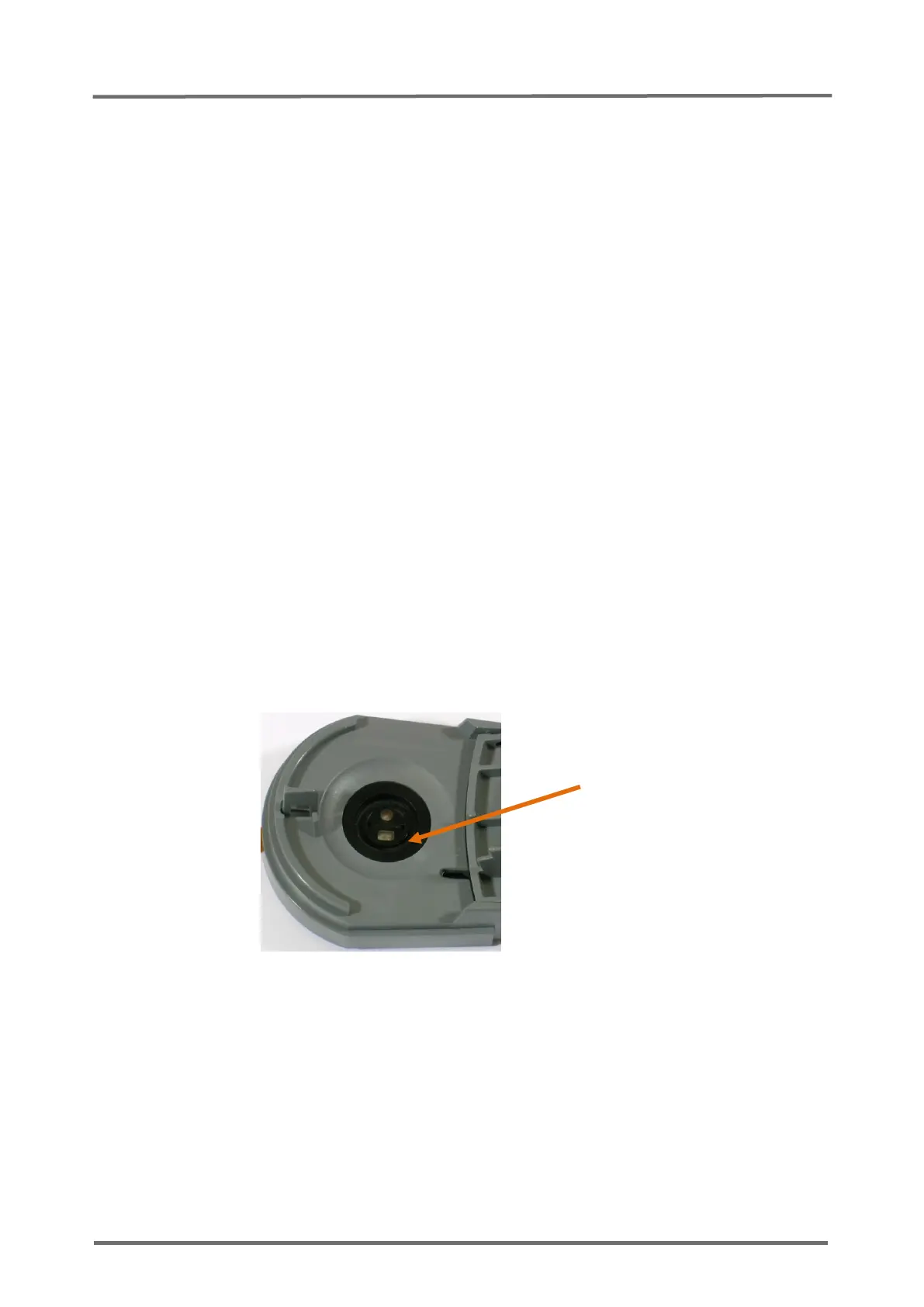
5.6 Replacement, Docking Station Gasket
1. Follow the procedure described in
section 5.1 "Prior to Repair"
.
2. Open the Docking Station door.
3. Remove the defective gasket using tweezers. Take care not to damage the lining
groove.
4. Clean the lining groove using a cotton swap soaked with 70% isopropanol, allow
to dry.
Note: Do not use grease or talcum powder for pre-treatment of gasket before inserting
it. Clean especial carefully the lining groove, as described above, if grease or talcum
powder has been used before.
5. Insert a new (asymmetric) gasket (see
Figure 16 Replacement, Docking
Station Gasket and Figure 17 Positioning of the Docking Station Gasket
) by
pressing it with a cotton swab soaked with 70% isopropanol into the lining
groove. Make sure that no cotton fibers remain on the gasket as this might cause
leak problems.
6. Allow to dry.
7. Switch on the monitor.
8. Put the sensor into the Docking Station to calibration the sensor. After calibration
wait 6 minutes to verify that the message “Gas leak in DS” does not display.



 To Next Page