SCORPIO 38’ - 45’ - PARTS AND COMPONENTS DESCRIPTION - Hand command
Version 1.02 May 27, 2022
SERVICEVISION BIS SL
Ríos Rosas, 20 · 08940 CORNELLA DE LLOBREGAT (Barcelona) Spain · Tel. 34 93 223 86 30 · Fax 34 93 223 86 31 37
comercial@servicevision.es · www.servicevision.es
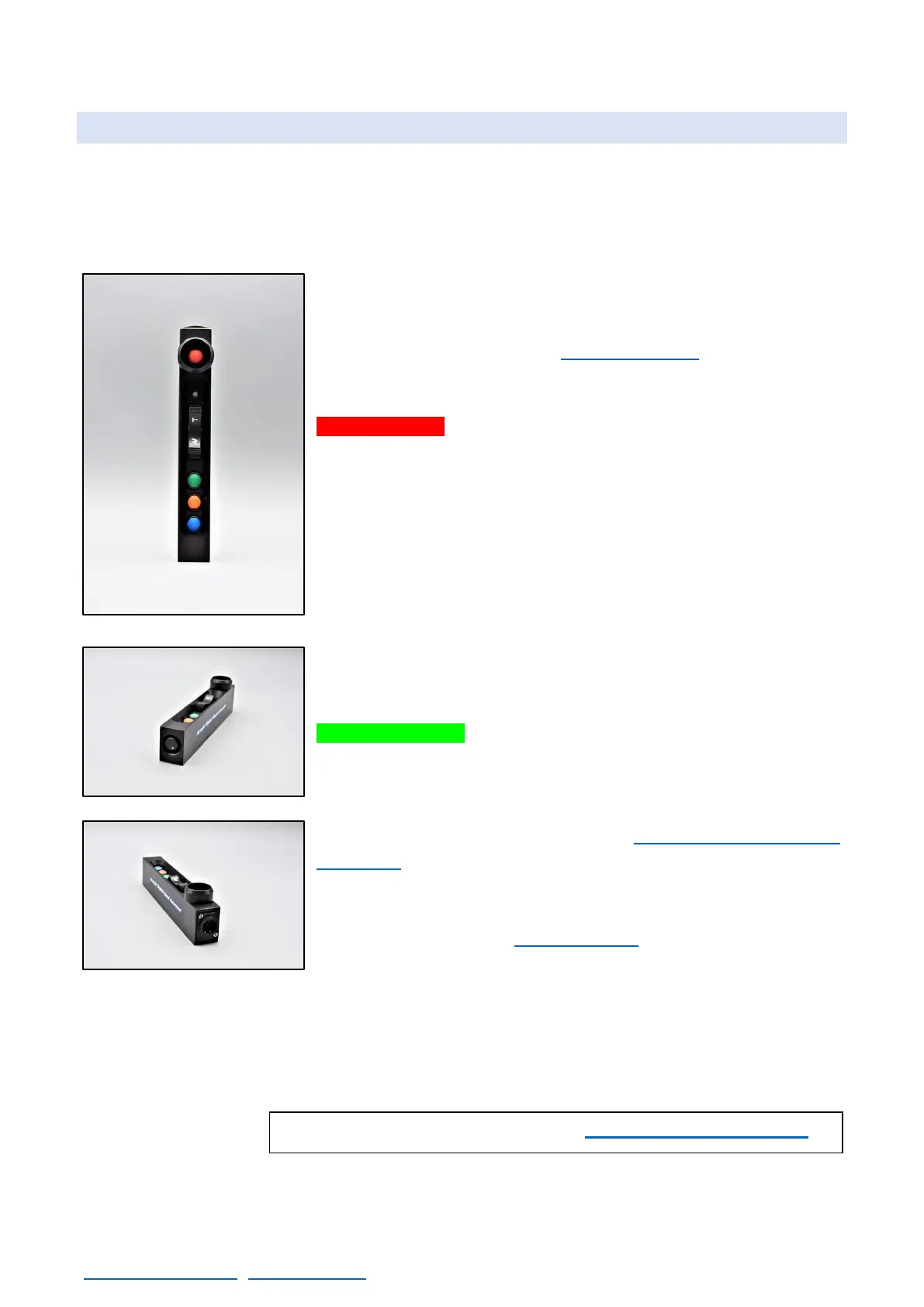
2.6 HAND COMMAND
The Hand command for the Scorpio Cranes has a digital board inside that controls the functions of
the different buttons and Rockers of the Hand Command (H.C.) and communicates with the Electronic
box using a serial communication protocol.
In case the Hand command couldn’t communicate with the electronic
box (either because the cable is broken or disconnected) the crane will
automatically switch off and won’t start until the communication with
the Hand command is restored (see chapter F.A.Q.).
The functions of the different components of the hand command are:
STOP BUTTON: When pressed automatically switches off the crane.
LED of digital board: Indicates if the hand command is
communicating with the electronic box. Red means that there is power
in the hand command but no communication and green means there
is power and communication with the electronic box.
ROCKER: Allows to move the motor inside the telescopic arm or the
motor in the column. The T will telescope the crane out or move the
column up and the W will telescope the crane inside or move the
column down
GREEN BUTTON: It is the main Action button. It has different
functions depending on the screen showed in the Portable display. If
it is pressed while the main screen is showed it will activate or
deactivate the Arc comp feature. If it is held and the rocker is pressed,
the counterweights are moved. (In the chapter 4: Control display
information there are more specific functions).
ORANGE/BLUE BUTTON: These buttons can be configured to use
different functions (In the chapter 4.2.3.10 is explained the functions
of these buttons).
SPEED KNOB: It adjusts the speed of the rocker. It goes from 1% to 100%. If the speed is reduced
under 5% the display will “very low speed”
HAND COMMAND CONNECTOR: Connects the hand command with the electronic box.



 To Next Page