SERVOPRO NOx Analyzers Page
From the Programmable Digitals menu:
Press to assign any of the 15 programmable digital outputs to a specific alarm or
status.
Press to set the programmable digital alarms to hold or clear after the alarm is gone.
The current Output Hold/Clear status is shown on the right side of the Programmable
Digitals screen. Example: Output Hold/Clear. . . Clear.
Press to access the Output Test screen.
OUTPUT ASSIGNMENTS
→
→
→
→
→
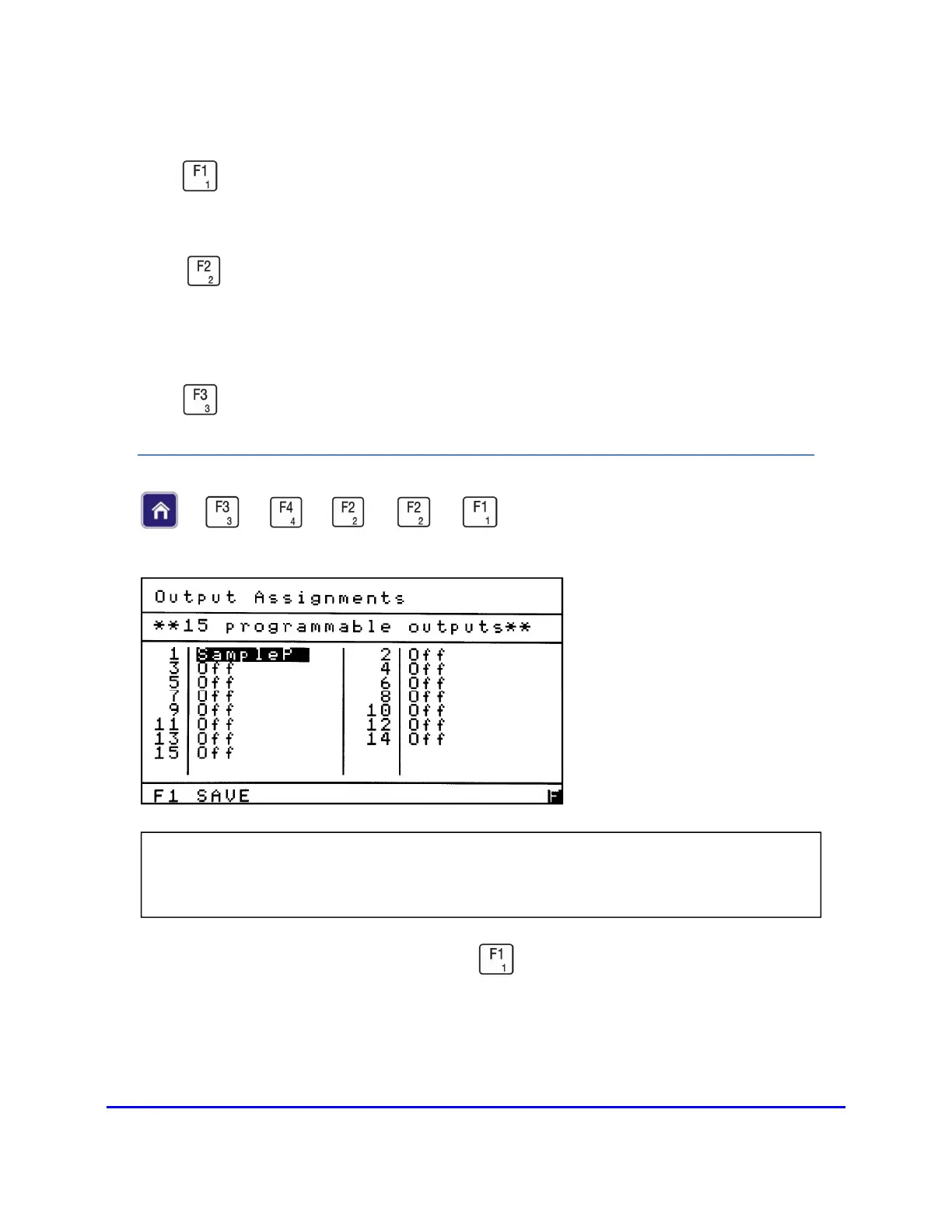
From the Programmable Digitals menu press to access the Output Assignments
screen.
NOTE: The Output Assignments screen allows the operator to assign any of the 15
programmable digital outputs to a specific alarm or status.














 To Next Page