6-6
CHAPTER6
USER MAINTENANCE
The document glass and the document feeder cover must be kept
clean to avoid dirty areas from being copied onto the copies.
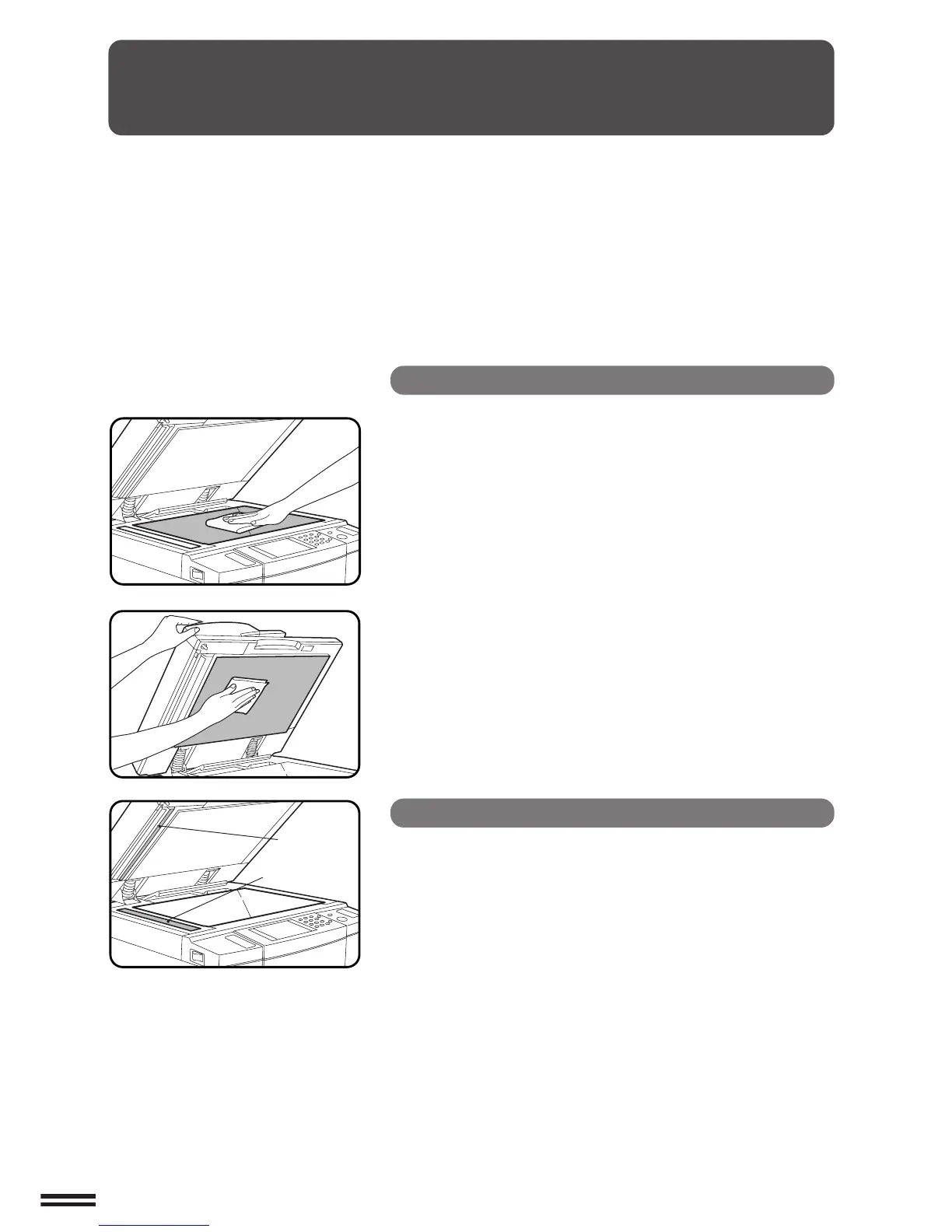
Document glass and document feeder cover
Wipe the document glass and the document feeder
cover with a soft, clean cloth.
●
If necessary, dampen the cloth with water. Do not use thinner,
benzene, or similar volatile cleaning agents.
GENERAL INFORMATION
User maintenance
RSPF scanning section
●
If black lines appear on copies when copying with the RSPF,
wipe the parts shown in the illustration with a soft, clean cloth
dampened with plain water or water containing a small amount
of neutral detergent.
RSPF scanning
section glass
Scanning
guide



 To Next Page