3-42
CHAPTER3
The current settings of copier functions can be displayed on the touch
panel.
SETTING REVIEW
1
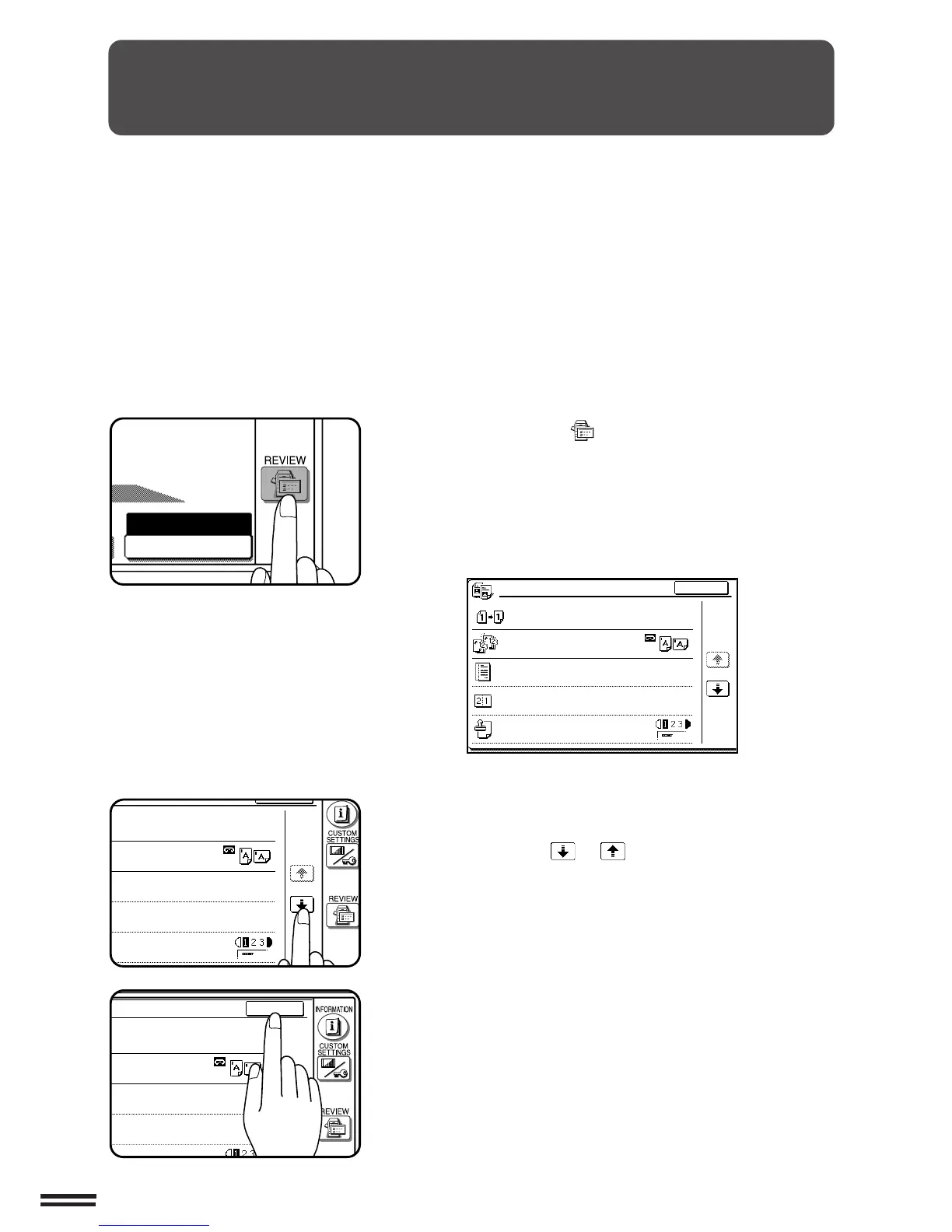
Press the REVIEW ( ) key.
●
The REVIEW screen will appear.
The settings of the duplex mode (1-sided to 1-sided, etc.), sort/
group mode, and special functions will be displayed. The
exposure, paper size, and copy ratio which are displayed on the
basic screen will not be displayed on the REVIEW screen.
2
To review all setting information, it may be necessary to
scroll between review screens. To scroll between
screens, use the or key.
3
To exit the review screen, press the “EXIT” key.
●
The basic screen will appear again.



 To Next Page