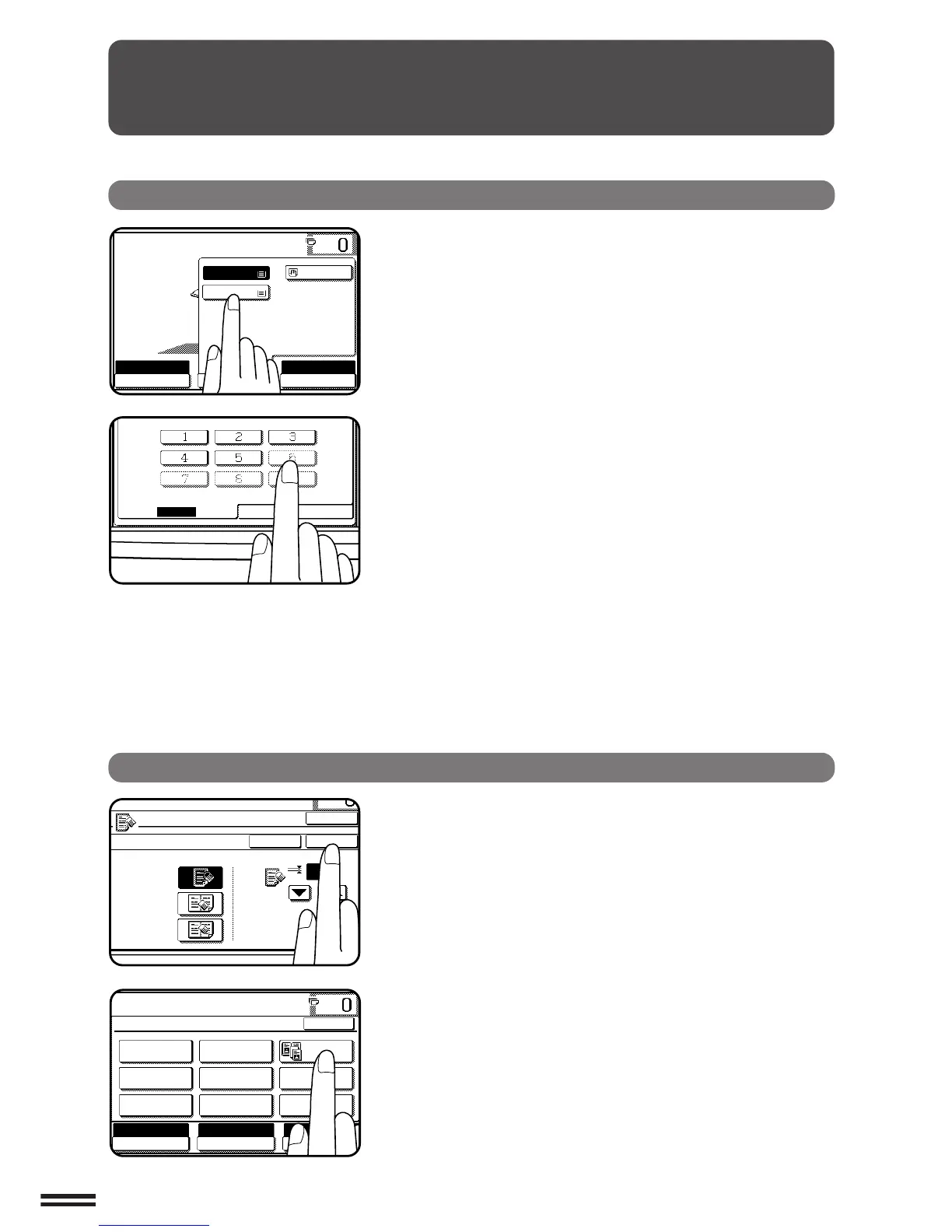
You can set or cancel a function displayed on the touch
panel by pressing (touching) a key with a finger. The touch
key operation can be confirmed with a beep tone (and
highlighted display).
★★
★★
★ KEY OPERATOR For the beep tone to be heard, the beep tone must be
enabled by a key operator program. See page 8-30.
If any keys are displayed gray, the keys have been disabled.
If you press these keys, two short beeps will be sounded.
Selection of function
To register the selected settings for a function, press the
“OK” key on the setting screen. The settings indicated by
a highlighted display will be registered as a selected function.
Some special functions can be selected by pressing the
relevant keys on the SPECIAL MODES screen (page 3-4) or
on the IMAGE EDIT menu (page 3-21) to highlight the keys.
To cancel these functions, press the relevant keys again to
return the keys to the normal display. These functions are:
Dual page copying, Centring, B/W reverse, and Binding
change.
GETTING STARTED Using the touch panel



 To Next Page