1-5
CHAPTER1
POWER ON AND OFF
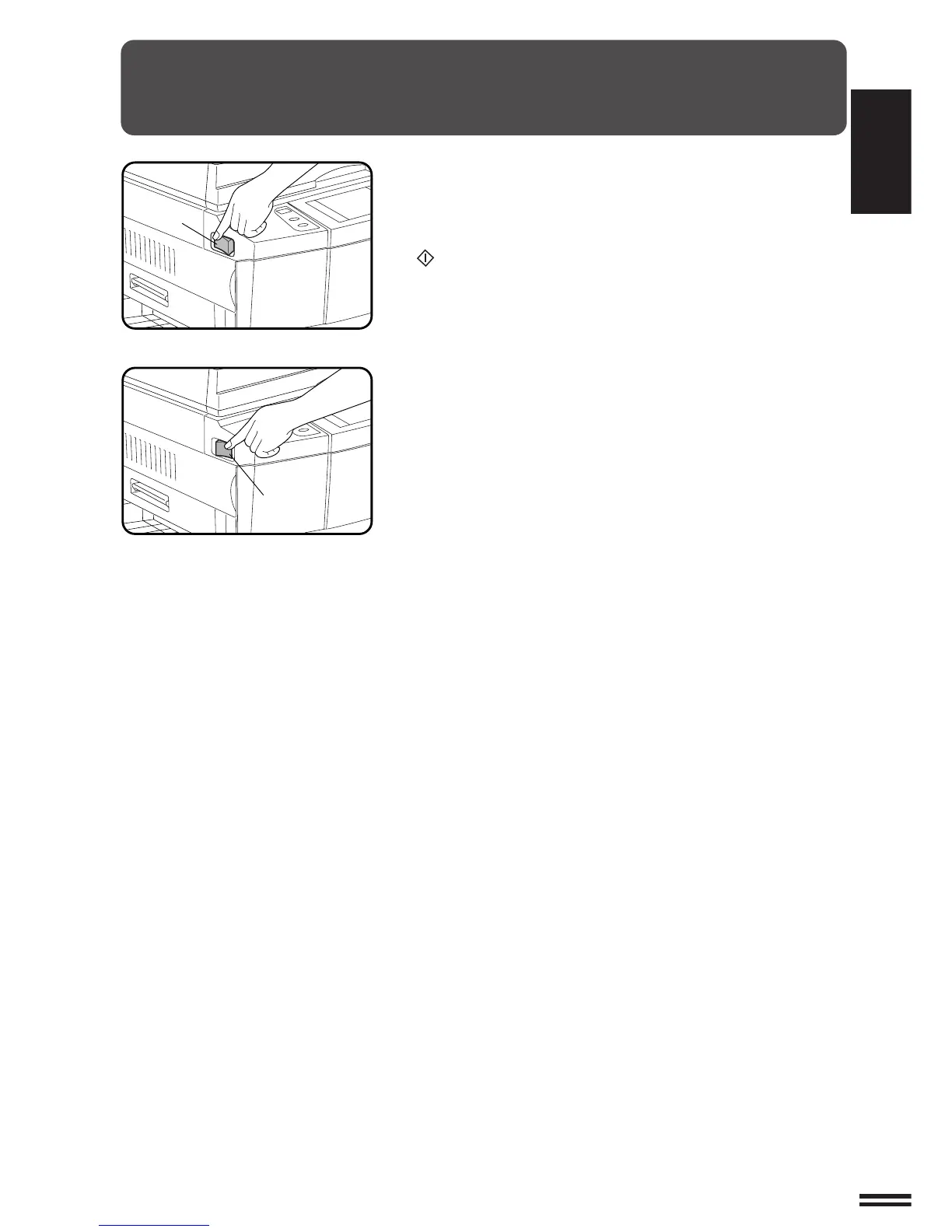
The power switch is located on the left side of the copier. When the
power switch is turned to the “ON” position, the message “WARMING
UP. PLEASE WAIT.” will appear in the message display. Warming
up takes less than 150 seconds. Once the copier is ready, the
message display will change to “READY TO COPY.”, and the START
( ) key indicator will light up, indicating that copying is possible.
If the copier has been programmed in the auditing mode, the message
“ENTER YOUR ACCOUNT NUMBER. -----” will appear. Once a valid
account number has been entered, copying will become possible.
GETTING STARTED Power on and off
Power on
Power off



 To Next Page