3-20
CHAPTER3
SPECIAL FUNCTIONS Image editing functions
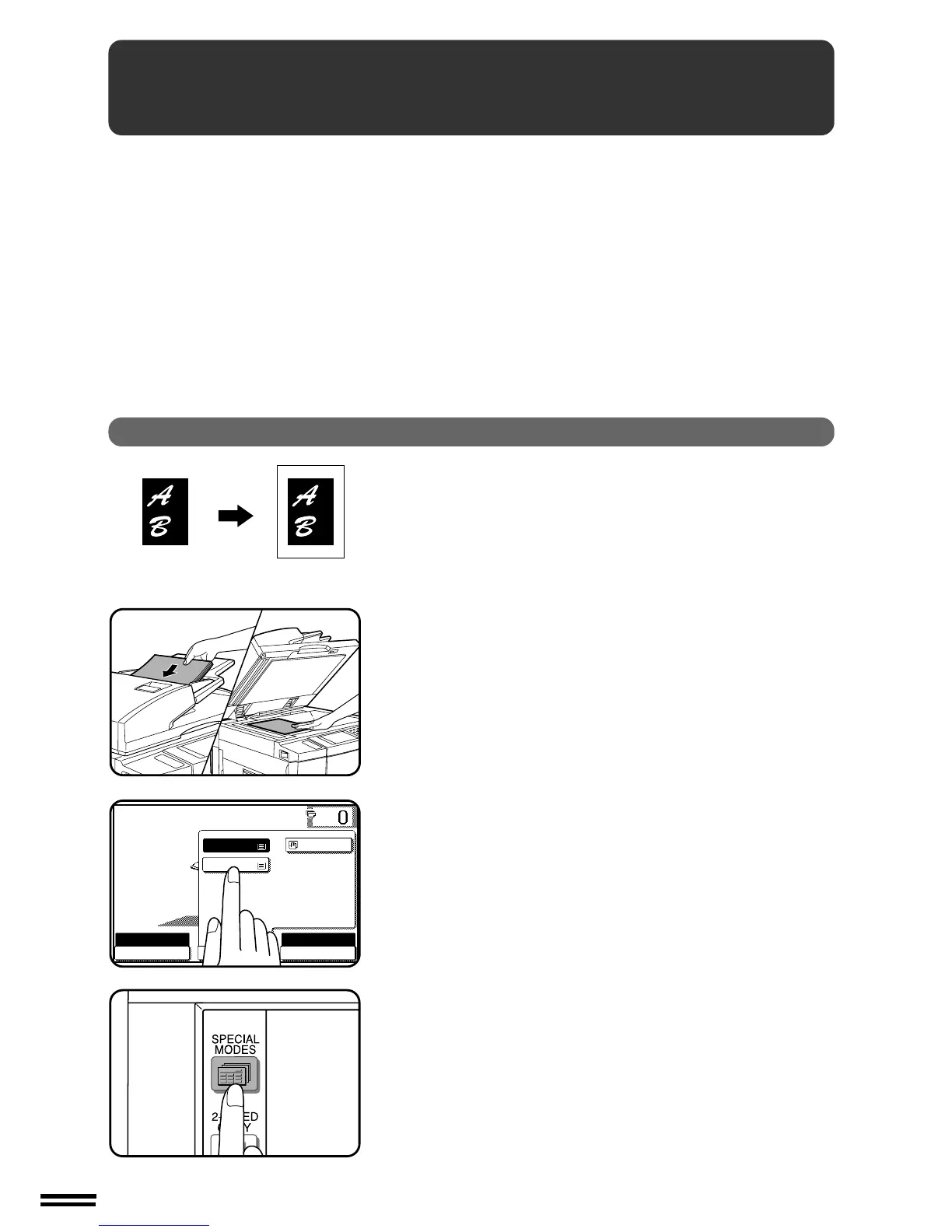
When the original and copy paper are of different sizes, CENTRING is
used to shift the image as a whole to the centre of the copy paper.
The image will shift only in the left to right direction, not in the top to
bottom direction.
●
This function will not work when non-standard size originals or copy
paper are used. This function cannot be selected when enlargement
copying has been selected.
1
Place the originals in the document feeder tray or on the
document glass.
2
Press the “PAPER SELECT” key on the touch panel and
select the desired paper size.
3
Press the SPECIAL MODES key.
●
The SPECIAL MODES screen will appear.
CENTRING
IMAGE EDITING FUNCTIONS
The image editing functions include the following functions.
●
Centring: Shifts the image to the centre of copy paper when the
original and the copy paper are of different sizes.
●
Repeat copy: Produces repeated copies on a single sheet of copy
paper.
●
B/W reverse: Reverses the black and white areas. (In some
regions, this function is not provided.)
●
Binding change: Rotates the image of originals for the second side
in the 1-sided to 2-sided copy mode.
These functions are selected by pressing the “IMAGE EDIT” key on
the SPECIAL MODES screen and pressing the key of each function.



 To Next Page