2-2
CHAPTER2
AUDITING ACCOUNTS
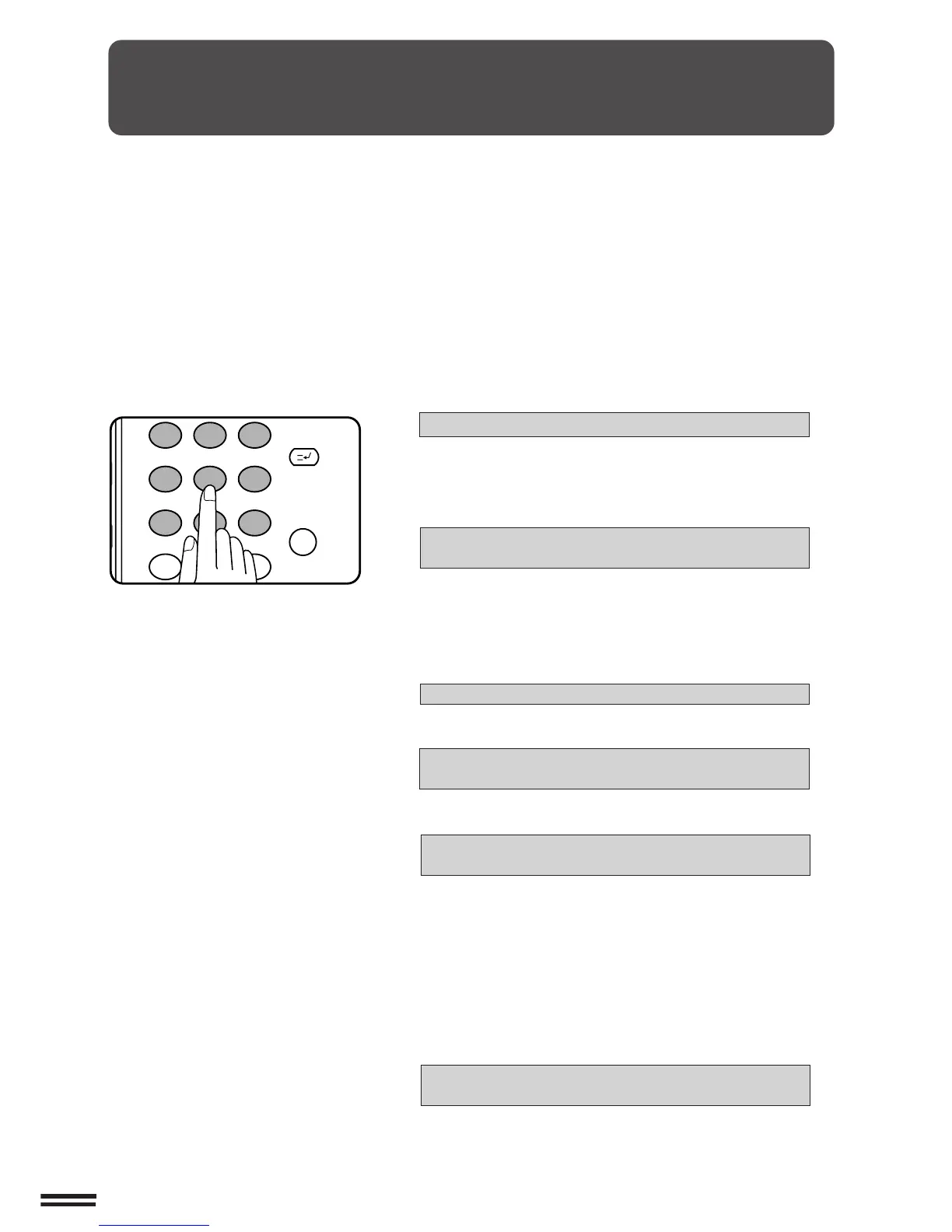
If this copier has been programmed in the auditing mode, it will not
function until an assigned 5-digit account number has been entered.
★ KEY OPERATOR See page 8-9 for setting the auditing mode.
MAKING COPIES Auditing accounts
The initial status of the message display will be:
ENTER YOUR ACCOUNT NUMBER. –––––
●
Enter your account number using the 10-key pad.
●
As each digit is entered, the dashes in the display will change to
asterisks.
The following message will appear after the number is entered.
ACCOUNT STATUS: COPIES MADE 000,000
COPIES REMAINING 000,000
“COPIES REMAINING” will appear only if account limit has been
set using a key operator program.
★★
★★
★ KEY OPERATOR See page 8-14 for account limit settings.
●
The message will be displayed for several seconds, then change
to the following message.
READY TO COPY.
●
When a copy run is performed, the following message will
appear.
READY TO COPY.
PRESS [AUDIT CLEAR] WHEN FINISHED.
●
In the interrupt copy mode (see page 2-20), the following
message will appear instead of the message above.
READY TO COPY. WHEN COPYING IS
FINISHED, PRESS [INTERRUPT].
NOTE:
If an unassigned number is entered, the message display will show
“ENTER YOUR ACCOUNT NUMBER.-----”, indicating that the
number was not accepted.
When the key operator program of account number security has
been set:
If an unassigned number is entered three successive times, the
copier will not accept another number for one minute, and the
following message will appear.
PLEASE SEE YOUR KEY OPERATOR FOR
ASSISTANCE.
★★
★★
★ KEY OPERATOR See page 8-15 for account number
security.
USING THE RSPF



 To Next Page