3-36
CHAPTER3
1
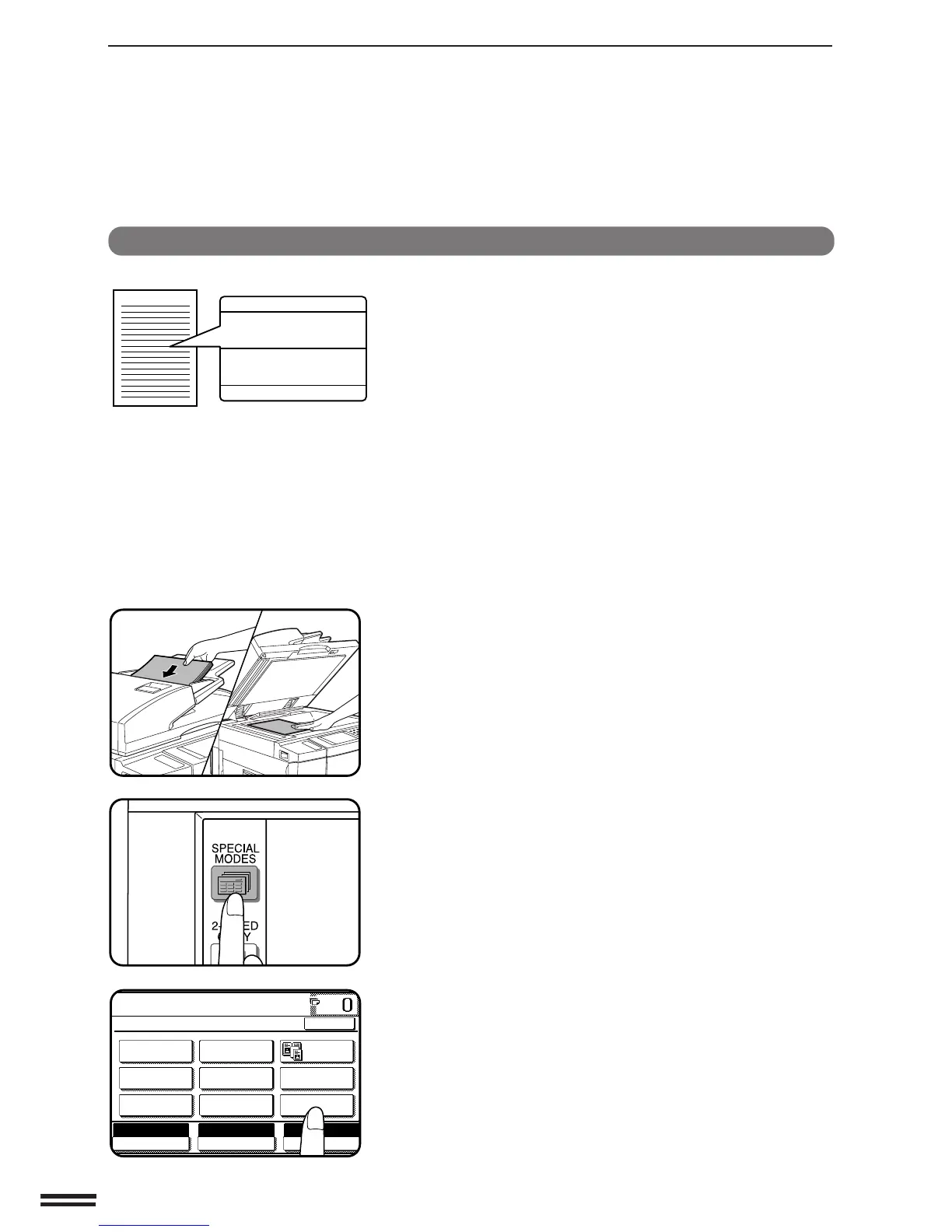
Place the originals in the document feeder tray or on the
document glass.
2
Press the SPECIAL MODES key.
●
The SPECIAL MODES screen will appear.
3
Press the “TEXT STAMP” key on the touch panel.
●
The TEXT STAMP menu will appear.
WATERMARK
The WATERMARK function adds a selected watermark such as
“Confidential” or “Urgent” to the copies. The watermark will be printed
in gray tone at the centre of copies.
●
The watermarks which can be selected are: “Confidential”, “Urgent”,
“Copy”, “Preliminary”, “Draft”, and “Final”.
●
The darkness of the watermark can be adjusted in two levels.
SPECIAL FUNCTIONS Text stamp
TEXT STAMP
Draft



 To Next Page