8-14
CHAPTER8
3. Enter the account number for which the price code is
set, and then press the “ENTER” key.
●
To set a single price code for all accounts, press the “ALL
ACCOUNTS” key and then press the “ENTER” key.
4. Enter the price code (#1 - #3) and then press the “ENTER”
key.
●
If only the “ENTER” key is pressed without entering any price
code, no price per code will be set.
5. Continue with steps 3 and 4 for other individual accounts.
●
Press the “OK” key to exit the program.
Account Limit Setting
This program is used to set the maximum number of copies which can
be made against a registered account number.
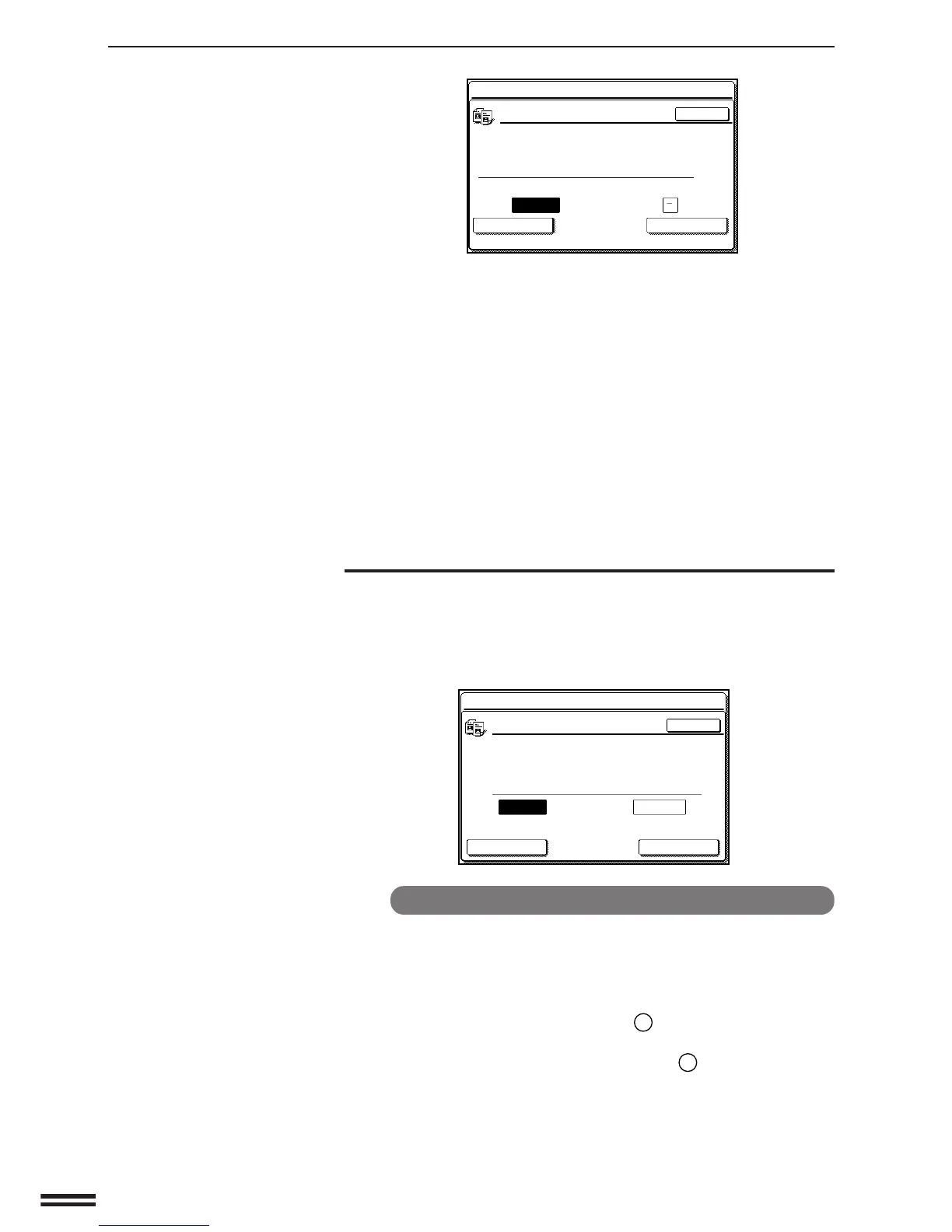
When the “ACCOUNT LIMIT SETTING.” key is pressed, the following
display will appear.
To set a limit
1. Enter the account number to be limited.
2. Enter the upper limit (max. 999,999) for the account.
●
If a limit for the account has been already set, the limit will be
displayed. Press the CLEAR (
C
) key before entering a new
upper limit.
●
To cancel a limit, press the CLEAR (
C
) key and proceed to
step 3 without entering a limit.
KEY OPERATOR PROGRAMS
KEY OPERATOR PROGRAMS
ACCOUNT LIMIT SETTING.
ALL ACCOUNTS
LIMIT CANCEL LIMIT ENTER
INPUT ACCOUNT NUMBER TO BE LIMITED.
OK
ACCOUNT
NUMBER
NUMBER OF
COPIES MADE MAXIMUM
-----
KEY OPERATOR PROGRAMS
PRICE/COPY SETTING
PRICE CODE PRESENT PRICE
#1
#2
#3
80
60
180
ENTER
ACCOUNT NUMBER PRICE CODE
#
-----
OK
2/2
ALL ACCOUNTS
KEY OPERATOR’S GUIDE
Key operator programs



 To Next Page