7-11
CHAPTER7
8
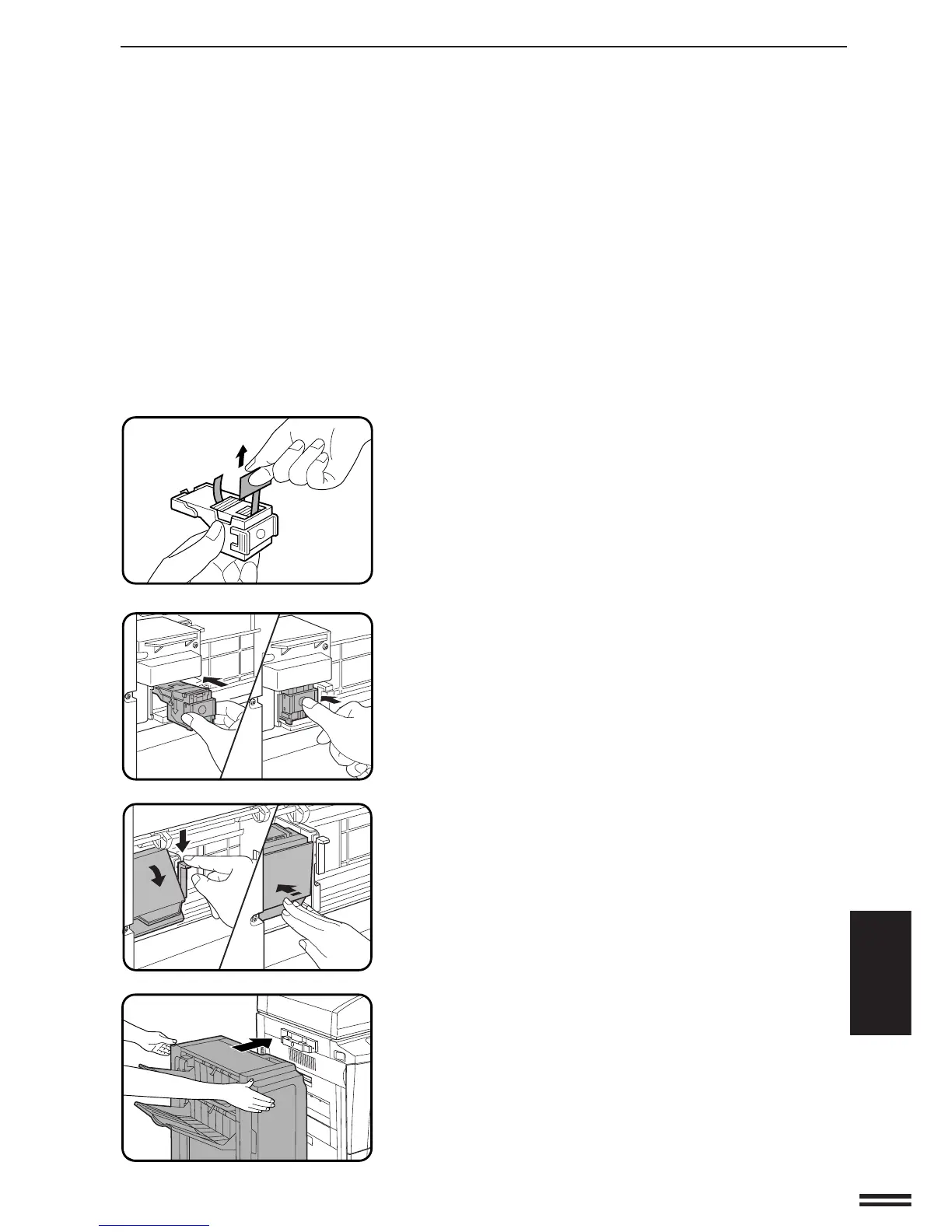
Remove the rear paper and tape from the cartridge.
●
Pull the tape straight. If not, the tape may tear.
9
Insert the staple box into the stapler unit until it clicks
into place.
10
Lower the lock lever and return the stapler unit to face
down. Push the stapler unit until it locks.
11
Push the finisher toward the copier and latch it in place.
OPTIONAL EQUIPMENT
Finisher (AR-FN3)
FINISHER (AR-FN3)



 To Next Page