2-7
CHAPTER2
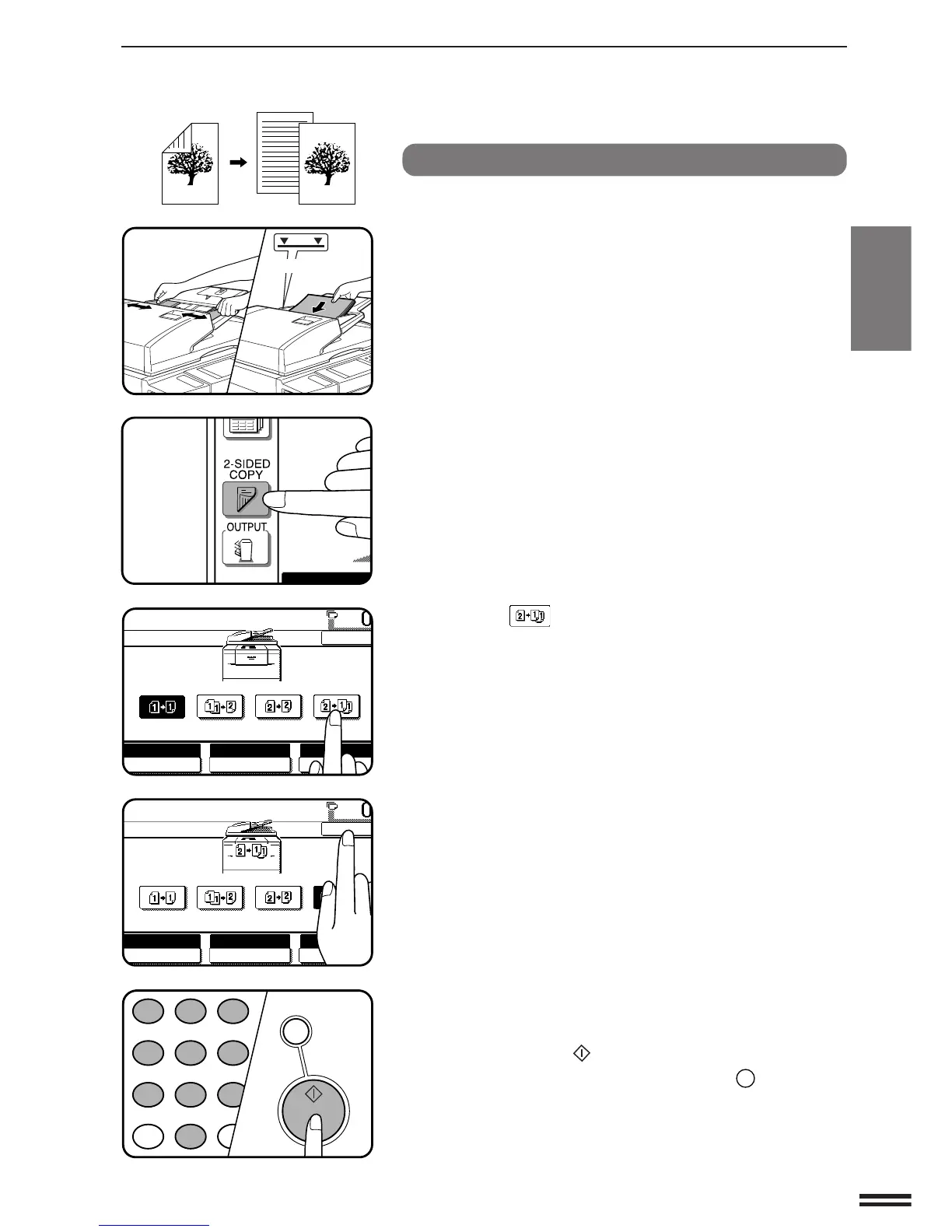
1-sided copies from 2-sided originals
1
Adjust the original guides to the size of the originals and
set the originals face up in the document feeder tray.
2
Press the 2-SIDED COPY key.
3
Press the key on the touch panel.
4
Press the “OK” key.
5
Enter the desired number of copies.
6
Press the START ( ) key.
●
To cancel a copy run, press the CLEAR ALL (
CA
) key. Copying
will stop and the RSPF will output any originals which have been
fed. Also, the number in the copy quantity display will be reset to
0.
MAKING COPIES Using the RSPF
USING THE RSPF



 To Next Page