2-13
CHAPTER2
6
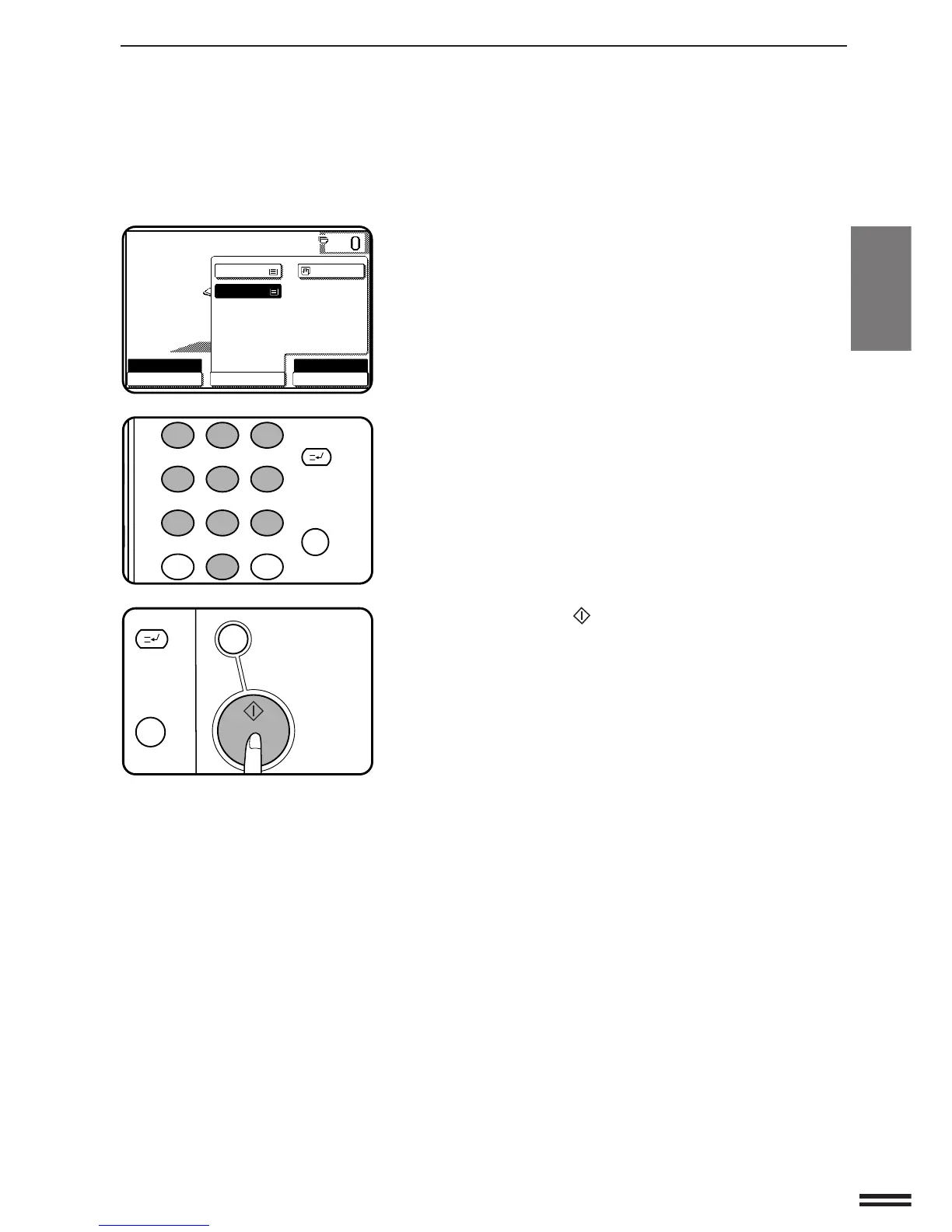
Use the “PAPER SELECT” key to select the paper tray
with the desired paper size.
●
If the AUTO PAPER SELECT mode is on, the appropriate copy
paper size will have been automatically selected based on the
original size and selected copy ratio.
●
If a tray of the required size is not installed, use the bypass tray
and press the “PAPER SELECT” key to select the bypass tray.
7
Enter the desired number of copies.
8
Press the START ( ) key.
REDUCTION/ENLARGEMENT/ZOOM
MAKING COPIES Reduction/Enlargement/Zoom



 To Next Page