104
OPTIONAL
EQUIPMENT
4
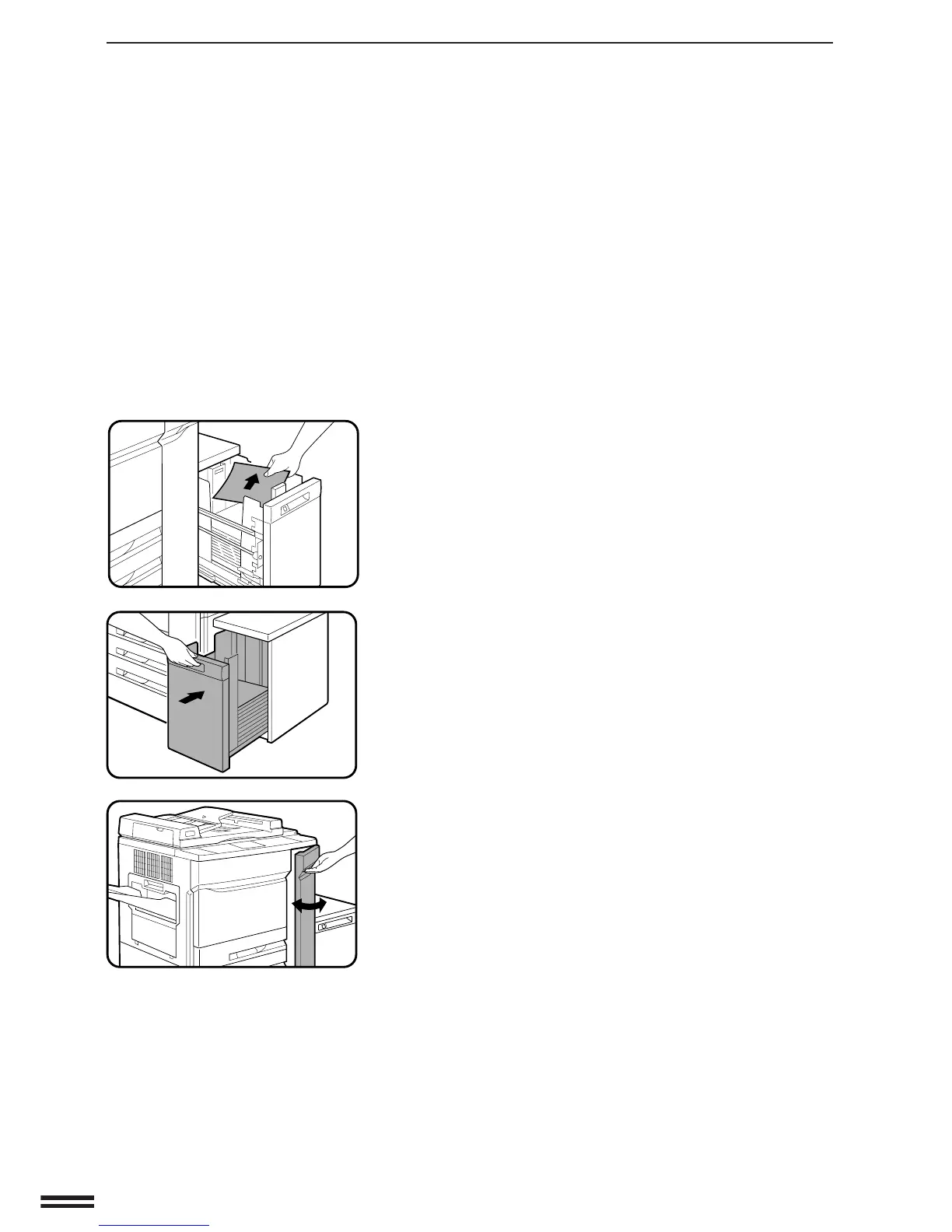
Pull out the large capacity tray and remove the misfed
paper.
●
When pulling out the large capacity tray, be sure to pull it out
after the release button lamp goes out.
5
Gently push back the large capacity tray.
6
Open the right front door of the copier and then close it
to cancel the misfeed display.
LARGE CAPACITY TRAY (SF-C52/SF-C52N)
Large capacity tray (SF-C52/SF-C52N)



 To Next Page